


When an AI agent speaks, latency and voice quality matter as much as the words themselves. Text-to-speech is the final step in the interaction, and it directly shapes how natural and responsive an agent feels.
Nvidia TTS, powered by Riva, is built for real-time systems where speech needs to be generated quickly, consistently, and at scale. In this guide, we’ll walk through how to integrate Nvidia TTS with the VideoSDK Agents SDK and use it as part of a low-latency voice pipeline.
Installation
To get started, install the Nvidia-enabled VideoSDK Agents plugin:
pip install "videosdk-plugins-nvidia"This package adds native support for Nvidia TTS inside the VideoSDK Agents ecosystem.
Authentication
- The Nvidia TTS plugin requires an Nvidia API key. Set the API key as an environment variable in your
.envfile: - Sign up at VideoSDK for authentication token
NVIDIA_API_KEY=your-nvidia-api-key
VIDEOSDK_AUTH_TOKEN = token
When using environment variables, you don’t need to pass the API key directly in your code. The SDK automatically picks it up at runtime.
Importing Nvidia TTS
Once installed, import the Nvidia TTS plugin into your project:
from videosdk.plugins.nvidia import NvidiaTTSExample: Using Nvidia TTS in a Cascading Pipeline
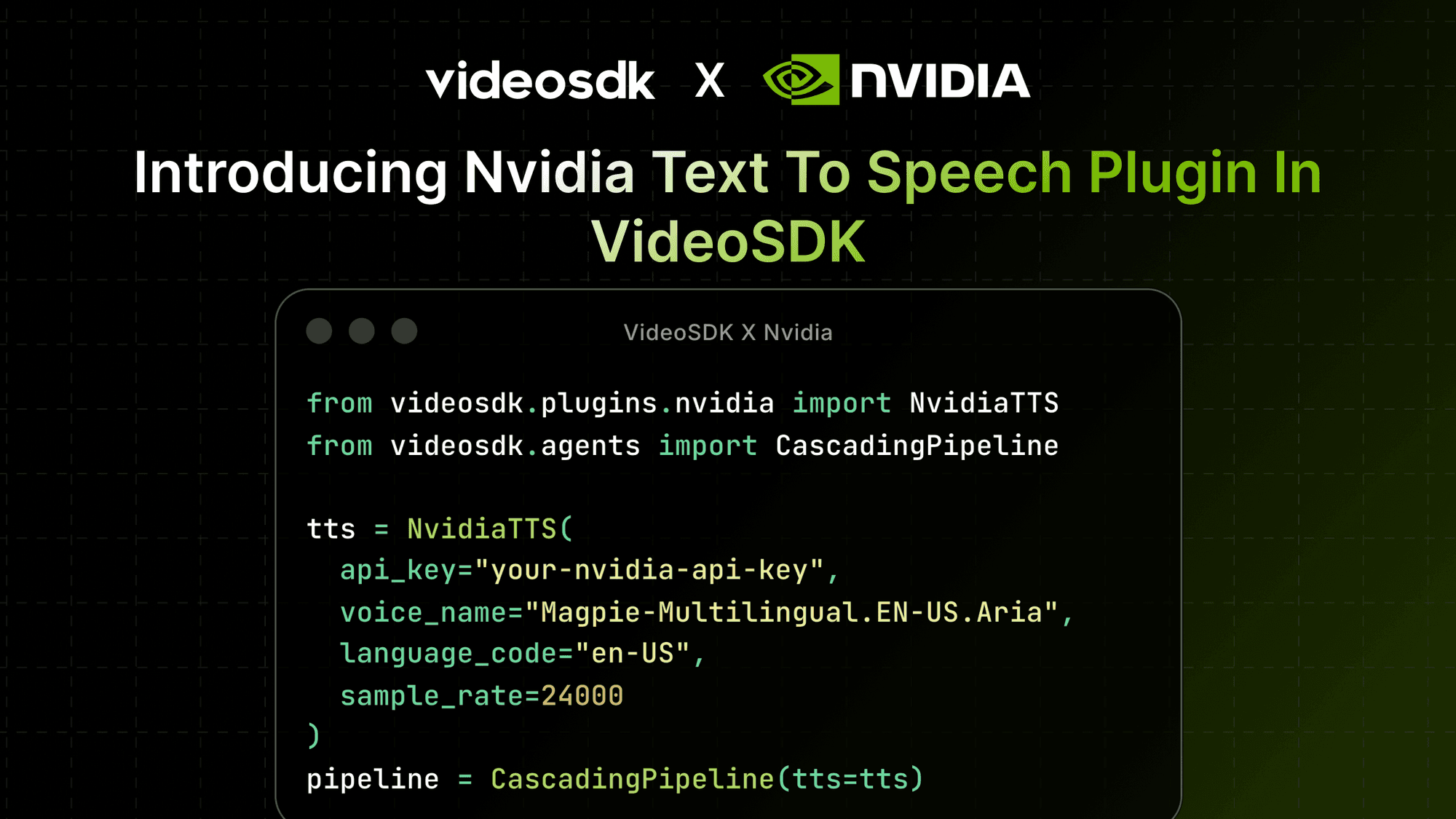
from videosdk.plugins.nvidia import NvidiaTTS
from videosdk.agents import CascadingPipeline

# Initialize the Nvidia TTS model

tts = NvidiaTTS(
    api_key="your-nvidia-api-key",
    voice_name="Magpie-Multilingual.EN-US.Aria",
    language_code="en-US",
    sample_rate=24000
)

#  Add tts to cascading pipeline
pipeline = CascadingPipeline(tts=tts)
Configuration Options
Nvidia STT exposes several configuration options so you can fine-tune transcription behavior:
api_key: Your Nvidia API key (required, can also be set via environment variable)server: The Nvidia Riva server address (default:"grpc.nvcf.nvidia.com:443")function_id: The specific function ID for the service (default:"877104f7-e885-42b9-8de8-f6e4c6303969")voice_name: (str) The voice to use (default:"Magpie-Multilingual.EN-US.Aria")language_code: (str) Language code for synthesis (default:"en-US")sample_rate: (int) Audio sample rate in Hz (default:24000)use_ssl: (bool) Enable SSL connection (default:True)
These options make it easy to adapt Nvidia TTS to different real-world voice scenarios.
Conclusion
Nvidia TTS fits naturally into real-time AI agents where fast, reliable speech output is critical. By combining Riva’s optimized speech models with VideoSDK’s agent pipeline, you get precise control over voice output without adding complexity to your system. Whether you’re prototyping a voice assistant or running production-grade agents, having a predictable and testable TTS layer helps you build conversations that sound responsive, stable, and human.
Resources and Next Steps
- Explore more : Read docs on Nvidia TTS Plugin
- Learn how to deploy your AI Agents
- Read more information on Nvidia Riva TTS
- Check out full code implementation on github
- 👉 Share your thoughts, roadblocks, or success stories in the comments or join our Discord community ↗. We’re excited to learn from your journey and help you build even better AI-powered communication tools!