


The best Mux alternative depends on whether your audience only watches or also participates. VideoSDK ranks first for interactive live streaming with real-time role switching. Amazon IVS suits AWS-native managed broadcast, while FastPix is closest to a Mux-style RTMPS or SRT to LL-HLS workflow. Keep Mux when passive HLS, automatic live-to-VOD, and playback analytics already fit your product.
A useful Mux alternative should solve the live video problem your product actually has. Some teams need reliable one-to-many HLS delivery. Others need viewers to become speakers, shoppers, instructors, or guests without leaving the session.
That distinction drives this ranking. We evaluated live streaming APIs only, not general video hosts, digital asset managers, or image CDNs. The result is a practical shortlist for developers comparing latency, interaction, deployment, pricing, and migration effort in 2026.
What Is a Mux Alternative for Live Streaming?
A Mux alternative for live streaming is an API or platform that can ingest a live feed, process it, and deliver it to viewers. A valid alternative may use RTMPS, SRT, WebRTC, WHIP, HLS, or a combination of these protocols.
The phrase does not describe one product category. It covers two different architectures:
- Broadcast streaming: One or a few publishers send video to a large, mostly passive audience. RTMPS or SRT ingest and HLS playback are common.
- Interactive live streaming: Hosts and selected viewers exchange media in real time. WebRTC commonly powers the stage, while HLS or receive-only WebRTC may serve the wider audience.
Mux's Live Streaming API is strongest in the first category. A Mux Live Stream accepts RTMP, RTMPS, or SRT ingest and produces HLS playback through a playback ID. Mux also supports automatic live-to-VOD recording and low-latency playback modes. However, Mux states that its Live Streaming API is not intended for two-way video communication.
This article therefore asks a more useful question than "Which vendor also handles video?": which platform best matches your live audience, interaction model, infrastructure preference, and cost unit?
How We Ranked Each Mux Alternative
We reviewed official product pages, documentation, and public pricing on July 27, 2026. The ranking uses five criteria:
- Live interaction and latency, 30%: Can viewers become participants? Is the product built around WebRTC, low-latency HLS, or standard HLS?
- API and developer experience, 25%: Are the core workflows documented clearly? Are SDKs, webhooks, roles, and sample applications available?
- Live workflow completeness, 20%: Does the platform cover ingest, playback, recording, restreaming, analytics, moderation, and role changes where relevant?
- Deployment flexibility, 15%: Is the service fully managed, self-hosted, or available in both models?
- Pricing clarity, 10%: Can a team identify the billing unit and estimate the main cost drivers before contacting sales?
Latency figures in this article are vendor-documented targets or ranges, not results from a shared network laboratory. Real performance depends on geography, device, network conditions, player configuration, audience size, and the selected protocol.
The ranking favors interactive live applications because that is the largest functional gap between Mux Live and many products searching for a replacement. If your product is a passive broadcast or live-to-VOD service, FastPix, Cloudflare Stream, api.video, or Mux itself may be a better fit than the overall ranking suggests.
Mux Alternative Comparison at a Glance
| Rank | Platform | Best for | Primary live path | Audience interaction | Deployment |
|---|---|---|---|---|---|
| 1 | VideoSDK | Interactive stages with role switching | WebRTC, HLS, RTMP output | Strong | Managed |
| 2 | Amazon IVS | AWS-native broadcast and real-time stages | RTMPS, SRT, WebRTC, HLS | Strong with Stages | Managed |
| 3 | Agora | Global mobile-first real-time engagement | WebRTC and CDN delivery | Strong | Managed |
| 4 | LiveKit | Open-source WebRTC infrastructure | WebRTC, RTMP, WHIP, SRT, HLS | Strong | Cloud or self-hosted |
| 5 | FastPix | Mux-like live video API workflows | RTMPS, SRT, LL-HLS | Limited | Managed |
| 6 | Cloudflare Stream | Simple video delivery on Cloudflare | RTMPS, SRT, HLS, DASH | WebRTC beta is separate | Managed |
| 7 | Wowza Video | Broad protocol support and broadcast control | RTMP, RTSP, SRT, WebRTC, HLS | Product dependent | Managed or self-managed |
| 8 | api.video | Straightforward live API and embeds | RTMPS, SRT, LL-HLS | Limited | Managed |
| 9 | 100ms | Role-based live rooms and hybrid audiences | WebRTC and HLS | Strong | Managed |
| 10 | Ant Media Server | Self-hosted, edge, and private deployments | WebRTC, WHIP, WHEP, RTMP, SRT, HLS | Strong | Cloud or self-hosted |
Mux Live Streaming Baseline in 2026
Before replacing Mux, document what it already does for your application.
A typical Mux live streaming workflow looks like this:
- Create a Live Stream object.
- Send a source through RTMP, RTMPS, or SRT using the generated stream key.
- Play the output through HLS using a playback ID.
- Optionally retain the session as an on-demand asset.
- Use webhooks and playback data to track stream state and viewer experience.
Mux documents three HLS latency tiers. Standard latency is typically 25 to 30 seconds, reduced latency is commonly 12 to 20 seconds, and low latency can be as low as about 5 seconds. These ranges can be appropriate for sports, events, creator broadcasts, and live channels where viewers do not need to speak back.
Mux remains a strong option when:
- Your audience primarily watches.
- HLS playback across devices matters more than two-way interaction.
- You want live sessions to become VOD assets automatically.
- Playback analytics and video quality monitoring are central to the product.
- Your existing ingest, webhooks, player, and playback IDs already work reliably.
You should evaluate a replacement when:
- Viewers need to join the stage with audio or video.
- Auctions, classes, interviews, support, or live shopping require faster feedback loops.
- You need open-source or self-hosted infrastructure.
- Your team wants a different billing unit or a simpler cost model.
- You need protocols or deployment controls that do not fit the Mux Live workflow.
Top 10 Mux Alternatives for Live Streaming APIs
1. VideoSDK
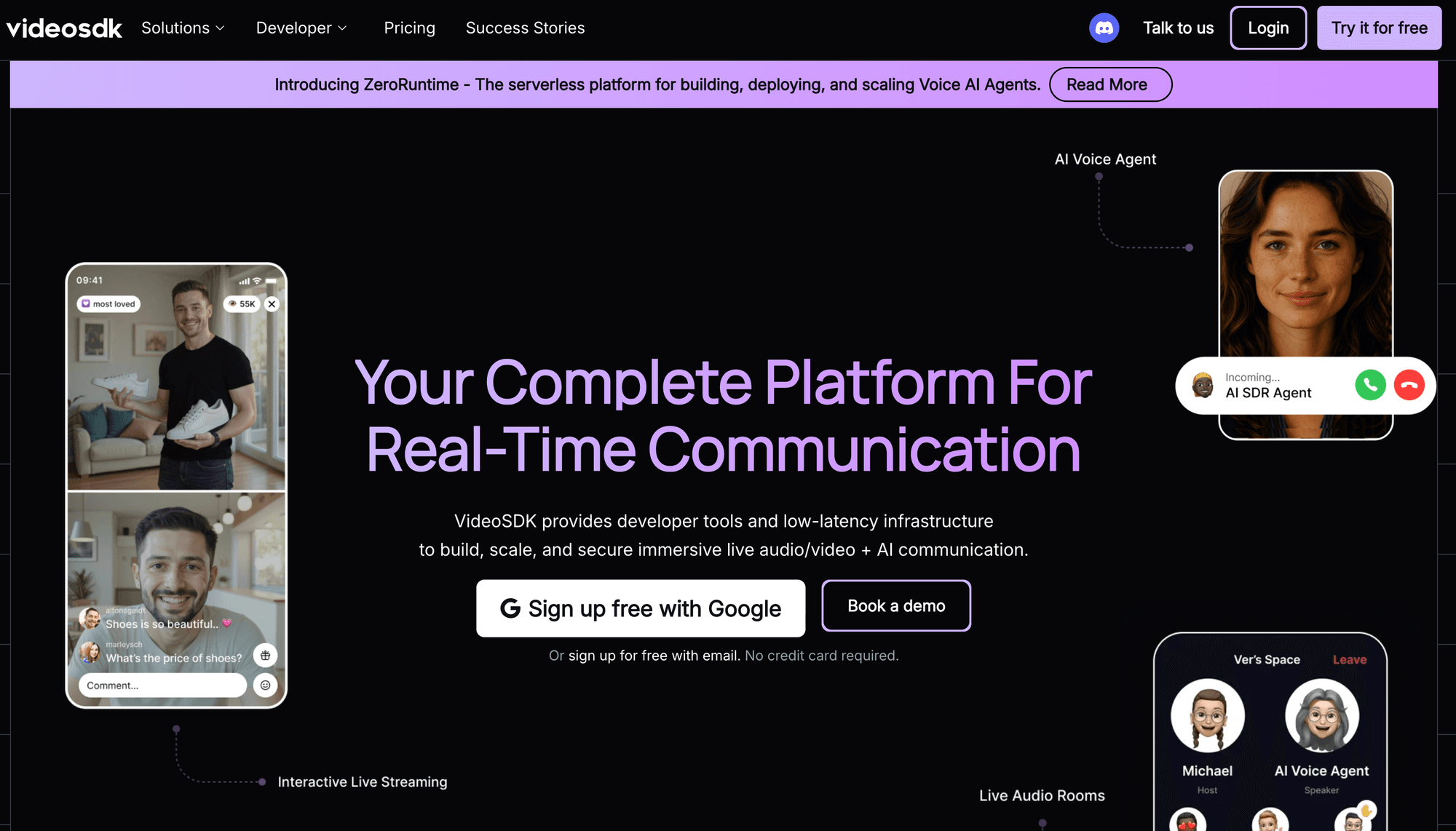
Best for: Interactive live streaming where audience members can become speakers, guests, buyers, students, or co-hosts.
VideoSDK ranks first because it gives developers an explicit role model for interactive stages. Its Interactive Live Streaming documentation separates participants into two modes. Hosts and co-hosts use SEND_AND_RECV, while audience members use RECV_ONLY. That makes the participation model visible in application code instead of hiding it behind a generic "viewer" concept.
This architecture is useful for town halls, expert sessions, live commerce, auctions, classrooms, and creator events. A viewer can request access to the stage, a host can approve the request, and the application can change the participant's mode without creating a separate meeting flow. VideoSDK also supports RTMP outputs, so a real-time stage can be restreamed to a broadcast destination.
VideoSDK ranks first here because it addresses the key reason many teams outgrow a passive HLS pipeline: the audience needs to participate. The API surface also covers meetings, recording, HLS, and RTMP livestream outputs, which reduces the need to combine unrelated vendors for the stage and distribution.
Where Mux is stronger: Mux provides a mature, focused workflow for ingesting a broadcast, delivering it over HLS, creating an on-demand asset, and analyzing playback. If your viewers never publish media, moving to a WebRTC-first product may add concepts you do not need.
Pricing: VideoSDK uses pay-as-you-go billing as $0.002 per viewer-minute for live streaming, $0.001 per participant-minute for audio calls, $0.004 per participant-minute for video calls and provides a $20 one-time free balance. Interactive streaming charges vary by participant role and media quality. HLS encoding and RTMP restreaming are separate cost units, so model the exact architecture rather than comparing a single headline rate.
2. Amazon Interactive Video Service
Best for: Teams already operating on AWS that want managed broadcast channels, real-time stages, or both.
Amazon Interactive Video Service ranks second because it provides separate managed products for broadcast delivery and real-time participation. Low-Latency Streaming uses channels and HLS playback for one-to-many broadcasting, while Real-Time Streaming uses stages for interactive participants. AWS documents latency of under five seconds for low-latency channels and under 300 milliseconds for real-time stages under normal conditions.
This separation is practical. A sports app may use a channel for the main feed and a stage for commentators or fan participation. An ecommerce product may use the broadcast path for scale, then bring selected shoppers into a stage. Amazon IVS supports RTMP, RTMPS, and SRT input for channels, while the stage product handles WebRTC-based interaction.
IVS ranks second because it covers both sides of the live architecture without requiring a team to operate the media network. It is especially compelling when identity, storage, serverless functions, monitoring, and billing already live in AWS.
Where Mux is stronger: Mux presents a more video-focused product surface. Teams that do not want to design around AWS services may find its live-to-VOD and playback analytics workflow easier to reason about.
Pricing: Amazon IVS pricing separates channel input, viewer output, and real-time participant hours. Rates vary by region, resolution, and delivery destination. Include CloudWatch, recording, data transfer, and adjacent AWS services in the final estimate where applicable.
3. Agora
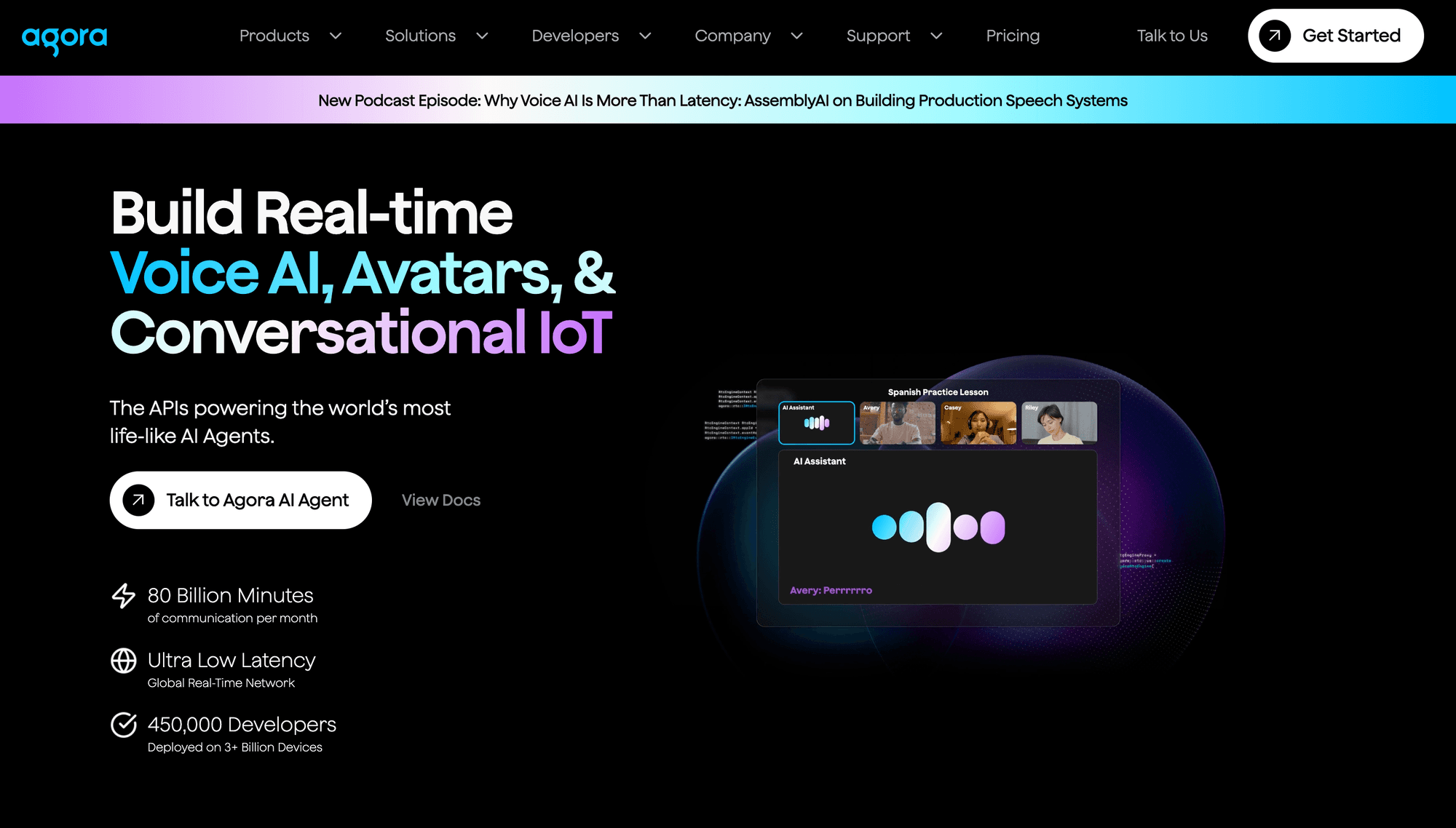
Best for: Mobile-first applications that need real-time audio, video, chat, and audience participation across regions.
Agora ranks third because its interactive live product combines real-time voice, video, chat, and audience promotion. Hosts can invite audience members to become co-hosts. Agora also provides SDKs, UI kits, and an app-building layer, so teams can choose between lower-level control and faster implementation.
Agora is a strong Mux alternative when the live stream behaves more like a shared room than a television channel. Common examples include creator co-streams, social audio and video, live tutoring, fan engagement, and shopping sessions with on-camera guests.
The platform ranks below Amazon IVS in this list because AWS offers a particularly clear managed split between large-scale HLS channels and real-time stages. Agora is still one of the strongest choices when global real-time communication is the core product.
Where Mux is stronger: Mux is more focused on HTTP video delivery, video assets, and playback quality data. A media library that combines live and on-demand playback may map more naturally to Mux than to a real-time engagement stack.
Pricing: Agora bills interactive live streaming primarily by participant minutes, with pricing that changes by media type and quality. Features such as recording, transcription, or advanced extensions can add separate charges. Agora currently advertises 10,000 free minutes for evaluation.
4. LiveKit
Best for: Engineering teams that want open-source WebRTC infrastructure with a managed cloud option.
LiveKit ranks fourth because it combines an open-source real-time media server and SDKs with a managed cloud option. Its room model works well for interactive stages, while ingress and egress services connect the room to broadcast protocols and files. LiveKit Ingress accepts RTMP, WHIP, HTTP media, and SRT, while egress can produce recordings, HLS segments, and RTMP or SRT outputs.
This makes LiveKit unusually flexible. A team can bring an OBS feed into a room, let remote guests participate through WebRTC, record a composite layout, and send the program feed to an external platform.
LiveKit ranks fourth because it offers both source access and a managed path. That is valuable for teams with data residency, network control, or customization requirements. The tradeoff is operational complexity. A self-hosted deployment with ingress, egress, storage, TURN, monitoring, and scaling is not the same as running one media server.
Where Mux is stronger: Mux packages ingest, HLS delivery, video assets, and playback analytics into a simpler managed video workflow. It is the easier choice when infrastructure ownership is not a requirement.
Pricing: LiveKit Cloud pricing is usage based and should be modeled against room activity, bandwidth, ingress, egress, recording, and any additional services used. Self-hosting removes the managed service bill but adds compute, bandwidth, storage, observability, and engineering costs.
5. FastPix
Best for: Teams seeking the closest API-style replacement for Mux's broadcast streaming and live-to-VOD workflow.
FastPix ranks fifth because it offers the closest Mux-style workflow in this list for managed broadcast streaming. It accepts RTMP, RTMPS, and SRT ingest, delivers live video through low-latency HLS, and supports DVR, clipping, simulcast, and automatic live-to-VOD. Its official product page documents a target of under eight seconds for its low-latency workflow.
The product resembles Mux more closely than the WebRTC-first platforms above it. Developers create live streams, use stream keys, receive state changes, and play an HTTP stream. That makes FastPix worth shortlisting when the migration goal is commercial or operational rather than architectural.
FastPix ranks fifth because this article gives substantial weight to two-way participation. For passive broadcast use cases, it can move much higher. Its WebRTC capability is listed as a roadmap item rather than the foundation of the current live product, so teams needing an interactive stage should evaluate another platform or a hybrid architecture.
Where Mux is stronger: Mux has a longer track record, a mature playback analytics product, and a well-established live plus VOD developer workflow. Compare observability, ecosystem integrations, and regional delivery for your exact audience before switching.
Pricing: FastPix publicly lists live encoding from $0.0324 per minute and delivery from $0.001 per viewer-minute. Confirm resolution tiers, storage, clipping, and volume pricing on the current FastPix product and pricing pages before procurement.
6. Cloudflare Stream
Best for: Teams that want a simple managed video service attached to Cloudflare's network and billing model.
Cloudflare Stream ranks sixth because it offers a simple managed broadcast workflow on Cloudflare's network. Stream Live accepts RTMPS or SRT input, records the stream automatically, and delivers HLS or DASH. Its player can request low-latency HLS through the preferLowLatency option, which Cloudflare currently labels beta.
Cloudflare also offers a separate WebRTC beta using WHIP and WHEP. The important limitation is architectural: the beta WebRTC path must use WHIP ingest with WHEP playback. Cloudflare does not currently bridge RTMP or SRT ingest to WHEP playback, or WHIP ingest to HLS and DASH, and recording and analytics are not supported in that beta path.
Cloudflare Stream ranks sixth because its standard live product is easy to understand and its pricing has few line items. It is attractive for teams that already use Cloudflare and need broadcast delivery more than participant interaction.
Where Mux is stronger: Mux offers a more mature live video workflow, deeper playback analytics, and clearer integration between live streams and on-demand assets. Cloudflare's WebRTC path is still beta and separate from the standard live pipeline.
Pricing: Cloudflare Stream charges $5 per 1,000 stored minutes and $1 per 1,000 delivered minutes. Ingress, encoding, and bandwidth are included in those units. That simplicity can make early cost estimates easier, although viewer behavior and retained recordings still determine the total.
7. Wowza Video
Best for: Broadcast teams that need broad protocol support, detailed stream control, and hybrid deployment choices.
Wowza Video ranks seventh because it supports a broad range of streaming protocols and gives broadcast teams detailed control over live workflows. Its published technical specifications cover inputs such as RTMP, RTSP/RTP, SRT, UDP, and WebRTC, with outputs including HLS. The Wowza Video REST API controls live streams, transcoders, sources, and targets.
That breadth matters when a workflow includes encoders, cameras, contribution feeds, regional origins, or unusual protocol requirements. Wowza can fit established broadcast operations better than a narrow API product.
The platform ranks seventh because flexibility comes with more configuration. Teams should distinguish between Wowza's managed video service, its streaming engine, and its real-time products before comparing features or prices. The right choice depends heavily on who will operate the pipeline.
Where Mux is stronger: Mux usually offers a simpler developer path for standard RTMP or SRT ingest, HLS playback, automatic recording, and playback analytics. A small product team may prefer that narrower surface.
Pricing: Wowza Video pay-as-you-go pricing currently starts with streaming-hour and viewer-hour units. Wowza lists $2.50 per streaming hour and $0.10 per viewer hour for the pay-as-you-go plan, while real-time streaming and larger commitments use separate offers.
8. api.video
Best for: Developers who want a straightforward live streaming API, hosted player, recording, and low-latency HLS.
api.video ranks eighth because it packages live ingest, playback, recording, and analytics behind a focused developer API. It supports RTMPS and SRT ingest, low-latency HLS playback, and a one-hour DVR window. The company publishes an ideal latency target of about three seconds for its live workflow.
The product has a focused API-led experience. It suits webinars, events, publishers, and embedded live video where participants do not need to exchange media in real time. Recording a stream into an on-demand asset also makes it a plausible Mux alternative for teams that want a familiar live-to-VOD pattern.
api.video ranks eighth because it does not solve the interactive stage problem that drives the top of this list. For a conventional broadcast, however, its simplicity may matter more than rank.
Where Mux is stronger: Mux offers a more established video data and playback quality ecosystem, plus a broad set of tooling around delivery and assets. Compare analytics depth and player requirements, not only ingest and playback.
Pricing: api.video pricing uses storage and delivery units, with live encoding included. Public rates currently show storage from $0.00285 per minute and delivery from $0.0017 per minute, subject to region, volume, and product terms.
9. 100ms
Best for: Role-based live experiences that combine an interactive stage with WebRTC or HLS audiences.
100ms Ranks ninth because its rooms, roles, and templates give developers a structured way to control who can publish, subscribe, or moderate. Its live streaming documentation describes three audience paths: a full-duplex WebRTC stage, receive-only WebRTC viewers, and off-stage HLS viewers. A role change can move a participant from the audience to the stage.
That model fits webinars, live classes, fan experiences, auctions, and creator events. It also makes the scale and latency tradeoff explicit: use WebRTC where interaction matters, and HLS where audience reach matters more.
100ms ranks ninth, but it is not a weak product. The ordering reflects this article's weighting of API fit, ecosystem, deployment choice, and price transparency for teams starting from Mux. Product teams already aligned with 100ms roles and templates may reasonably rank it above several broadcast-first services.
Where Mux is stronger: Mux is more focused on passive video delivery, live-to-VOD assets, and playback analytics. If no viewer ever becomes a publisher, the room and role model may be unnecessary.
Pricing: 100ms pricing currently includes 10,000 streaming minutes per month, followed by viewer-minute billing that starts at $0.0012 for the listed streaming tier. Interactive conferencing, recording, transcription, and other features use additional units.
10. Ant Media Server
Best for: Teams that need self-hosting, private infrastructure, edge deployment, or a broad protocol gateway.
Ant Media Server ranks tenth because it combines self-hosted deployment with support for WebRTC, WHIP, WHEP, RTMP, RTSP, SRT, HLS, LL-HLS, DASH, and CMAF. Its WebRTC publishing documentation describes approximately 0.5-second real-time streaming under suitable conditions.
The platform can run in a team's own environment or through marketplace and managed options. That control is valuable for regulated workloads, private networks, custom edge topologies, and teams that need to combine broadcast and real-time protocols.
Ant Media ranks tenth because self-managed media infrastructure carries operational responsibility. High availability, autoscaling, TURN, certificates, monitoring, storage, upgrades, and incident response must all be assigned to someone. For teams that need this control, those responsibilities may be acceptable.
Where Mux is stronger: Mux removes most media infrastructure operations and provides a cohesive managed workflow. It is a better fit when the team wants an API outcome rather than ownership of the streaming stack.
Pricing: Ant Media pricing lists usage-based and monthly self-hosted licence options, including $0.24 per hour and $109 per month on the current page. Infrastructure, bandwidth, storage, support, and marketplace charges may be separate.
Live Streaming API Pricing Compared
Pricing pages rarely use the same unit. One vendor charges per input minute, another per viewer-minute, another per participant hour, and another bundles encoding into delivery. The correct comparison is the estimated cost of one complete event.
The following figures were reviewed on July 27, 2026. Treat them as a starting point and verify them again before publishing a budget or signing a contract.
| Platform | Main public billing model | Useful public reference | Cost often missed |
|---|---|---|---|
| Mux | Live input, delivery, storage, and other usage | $20 monthly usage credit; delivery base from $0.0008 per minute; Plus live input starts at $0.025 per minute at 720p | Resolution, recordings, storage, and delivery volume |
| VideoSDK | Participant minutes by role and quality; separate HLS and RTMP units | $20 one-time balance; HD ILS listed at $0.004 per speaker-minute and $0.002 per viewer-minute | HLS encoding, recording, transcription, and restreaming |
| Amazon IVS | Channel input, viewer output, or real-time participant hours | Regional and resolution-based rates | Recording, monitoring, data transfer, and adjacent AWS services |
| Agora | Participant minutes by media quality | 10,000 evaluation minutes currently advertised | Recording, transcription, extensions, and quality tiers |
| LiveKit | Managed usage or self-hosted infrastructure | Architecture-specific | Egress, recording, bandwidth, storage, and operations |
| FastPix | Live encoding and viewer delivery | $0.0324 per encoding minute; $0.001 per viewer-minute | Storage, DVR, clipping, and volume tiers |
| Cloudflare Stream | Stored minutes and delivered minutes | $5 per 1,000 stored minutes; $1 per 1,000 delivered minutes | Long recording retention and high watch time |
| Wowza Video | Streaming hours and viewer hours | $2.50 per streaming hour; $0.10 per viewer hour on pay as you go | Transcoding, recording, support, and product edition |
| api.video | Storage and delivery | From $0.00285 per stored minute and $0.0017 per delivered minute | Geography, retained recordings, and volume |
| 100ms | Streaming viewer-minutes plus feature units | 10,000 included minutes; then from $0.0012 per viewer-minute | Interactive minutes, recording, and transcription |
| Ant Media Server | Usage-based or self-hosted licence | $0.24 per hour or $109 per month on listed options | Compute, bandwidth, storage, scaling, and operations |
For a realistic estimate, calculate at least these five inputs:
- Publisher minutes by resolution.
- Average and peak concurrent viewers.
- Average watch time, not only event duration.
- Recording, storage, and retention.
- Restreaming, transcription, analytics, and support.
A platform with a higher media rate can still be cheaper if it replaces a second service or reduces engineering work. A low delivery price can still become expensive when every viewer watches for a long time. Compare the whole system.
What Is the Best Mux Alternative for Live Streaming?
The best Mux alternative depends on the interaction model:
- Choose VideoSDK when viewers need to become hosts or co-hosts and the application needs explicit real-time roles.
- Choose Amazon IVS when your stack is already on AWS and you want both managed HLS channels and real-time stages.
- Choose Agora when global mobile real-time engagement is the primary product.
- Choose LiveKit when open-source infrastructure or self-hosting is a firm requirement.
- Choose FastPix when you want the closest Mux-like API pattern for RTMPS or SRT ingest, LL-HLS playback, DVR, and live-to-VOD.
- Choose Cloudflare Stream when simple delivery pricing and the Cloudflare network matter more than an integrated interactive stage.
- Choose Wowza when protocol breadth and broadcast control outweigh implementation simplicity.
- Choose api.video when a focused live API, player, recording, and LL-HLS cover the requirement.
- Choose 100ms when a role-based WebRTC stage and hybrid audience architecture fit your product model.
- Choose Ant Media Server when deployment control, private infrastructure, or edge operation is non-negotiable.
- Keep Mux when passive HLS, automatic recording, video asset workflows, and playback analytics already solve the problem.
The closest feature-for-feature substitute is not always the best business choice. A team leaving Mux because viewers need to speak should compare interactive architectures. A team leaving because of cost should first model its actual input, delivery, storage, and watch-time pattern.
How to Migrate to a Mux Alternative Safely
Do not begin migration by replacing every API call. Begin by mapping the product responsibilities.
| Current Mux concept | Broadcast-oriented replacement | Interactive replacement |
|---|---|---|
| Live Stream object | Live stream or channel | Room, stage, or session |
| Stream key | Stream key or ingest token | Participant token or publish permission |
| RTMPS or SRT ingest | RTMPS, SRT, or protocol-specific ingest | WebRTC SDK, WHIP, or bridged RTMP ingress |
| Playback ID | HLS or DASH playback URL | Room ID, subscriber token, or audience playback URL |
| Live recording | Automatic live-to-VOD asset | Composite or participant recording |
| Webhooks | Stream lifecycle webhooks | Room, participant, role, and recording events |
| Playback analytics | Player and QoE analytics | Session, participant, and media quality telemetry |
Use an eight-step migration:
- Inventory the current workflow. Record ingest protocols, resolutions, latency settings, signed playback, recordings, webhooks, analytics, players, and downstream jobs.
- Define the required audience behavior. Separate passive viewers, receive-only real-time viewers, stage participants, moderators, and external restream destinations.
- Build a cost model. Use real event duration, average watch time, peak concurrency, retention, and feature usage.
- Create a compatibility layer. Keep vendor-specific identifiers behind your own service interface where practical. This reduces application-wide changes.
- Run the new path in parallel. Send the same source to both providers where contracts and architecture allow, or mirror representative test events.
- Test failure conditions. Cover publisher disconnects, reconnect windows, token expiry, region failure, player fallback, recording failure, and webhook retries.
- Move a small audience first. Use feature flags or traffic allocation to compare startup time, buffering, latency, error rates, and support volume.
- Keep rollback available. Preserve the Mux path until the new provider has passed production events and all recordings and downstream workflows reconcile.
If your target is interactive, migration is an architecture change, not a vendor swap. RTMP plus HLS identifiers do not map one-to-one to rooms, participant tokens, publish permissions, and role changes. Plan product and security work accordingly.
Live Streaming Definitions
WebRTC: A W3C standard and related protocol stack for real-time audio, video, and data between endpoints. It is commonly used for interactive stages and calls. See the W3C WebRTC Recommendation.
HLS: HTTP Live Streaming, an adaptive bitrate streaming protocol that divides media into HTTP-delivered playlists and segments. The base protocol is defined in RFC 8216.
LL-HLS: Low-Latency HLS, an extension of HLS that reduces delay through partial segments, blocking playlist reloads, and related delivery techniques. Apple documents the workflow in its LL-HLS guidance.
RTMP and RTMPS: Common contribution protocols used by encoders to publish a live feed. RTMPS adds TLS encryption.
SRT: Secure Reliable Transport, a contribution protocol designed for reliable low-latency transport over unpredictable networks.
WHIP and WHEP: HTTP-based signaling protocols used for WebRTC ingest and WebRTC egress. WHIP publishes a feed; WHEP receives one.
Viewer-minute: One viewer watching for one minute. A 60-minute event with 1,000 average viewers creates 60,000 viewer-minutes.
Interactive live streaming: A live architecture in which selected audience members can publish audio or video, often through role changes and a WebRTC stage.
Key Takeaways
- There is no universal best Mux alternative. The correct choice depends on whether the audience watches, participates, or does both.
- VideoSDK is the strongest fit in this ranking for an interactive stage with explicit host, co-host, and audience modes.
- FastPix is the closest Mux-style alternative for a managed RTMPS or SRT to LL-HLS and live-to-VOD workflow.
- Amazon IVS provides a useful managed split between low-latency channels and real-time stages.
- LiveKit and Ant Media are the main options here when open-source or self-hosted control matters.
- Cloudflare Stream has a WebRTC beta, but it is currently separate from its standard RTMPS or SRT to HLS pipeline.
- Pricing must be modeled per event because vendors bill different units.
- Staying with Mux is rational when passive HLS, automatic live-to-VOD, and playback analytics already meet the requirement.
Conclusion
Choosing a Mux alternative begins with one decision: does your live audience only watch, or must some viewers become participants?
For passive broadcast, compare FastPix, Cloudflare Stream, api.video, Wowza, and Mux on delivery, recording, analytics, and total event cost. For real-time participation, compare VideoSDK, Amazon IVS Stages, Agora, LiveKit, 100ms, and Ant Media on role control, SDK fit, moderation, scale, and operational responsibility.
VideoSDK ranks first for the interactive use case because its live model makes stage participation explicit and supports a practical path from viewer to speaker. You can review the current React ILS quickstart or create a VideoSDK account to test the role flow with the one-time free balance.
Do not migrate because a comparison table has more checkmarks. Run a production-shaped pilot, measure the metrics your users feel, and keep a rollback path until the new workflow proves itself.
Frequently Asked Questions
What is the best Mux alternative in 2026?
VideoSDK is the best Mux alternative in this ranking when the application needs interactive live streaming and real-time role changes. Amazon IVS is a strong AWS-native option, while FastPix is the closest fit for a Mux-like RTMPS or SRT to LL-HLS workflow. Mux may remain best for passive HLS and live-to-VOD.
Is there a cheaper alternative to Mux?
Possibly, but "cheaper" depends on your traffic pattern. Cloudflare Stream has simple stored-minute and delivered-minute pricing. FastPix and api.video publish low delivery rates. Interactive products charge by participant role or quality. Model publishers, average viewers, watch time, recording, storage, and add-ons before deciding.
Is there a free or open-source Mux alternative?
LiveKit provides an open-source real-time media stack, and Ant Media Server offers self-hosted deployment options. Self-hosting does not make streaming free. You still pay for compute, bandwidth, storage, TURN, monitoring, maintenance, and engineering time.
Which Mux alternative has the lowest latency?
WebRTC-based products such as VideoSDK, Amazon IVS Real-Time Streaming, Agora, LiveKit, 100ms, and Ant Media are designed for real-time or sub-second interaction. LL-HLS products usually trade more delay for simpler large-scale playback. Vendor latency claims are not directly comparable without testing the same regions, devices, and network conditions.
Can Mux and VideoSDK be used together?
Yes. A team can use VideoSDK for the interactive WebRTC stage and send a composed program feed through VideoSDK's RTMP livestream output to a Mux RTMPS ingest endpoint. Mux can then handle HLS delivery, recording, and playback analytics for the broadcast audience.
When should I keep Mux instead of switching?
Keep Mux when your audience is passive, HLS latency is acceptable, automatic live-to-VOD matters, and the existing playback analytics and operational workflow are reliable. Replacing a working pipeline creates migration risk, so switch only when a specific requirement or cost model justifies it.
How can I migrate from Mux without downtime?
Run both providers in parallel for representative events, keep vendor identifiers behind a compatibility layer, move a small share of traffic first, and preserve the Mux path as rollback. Validate playback, webhooks, recordings, security, analytics, and downstream jobs before completing the cutover.