
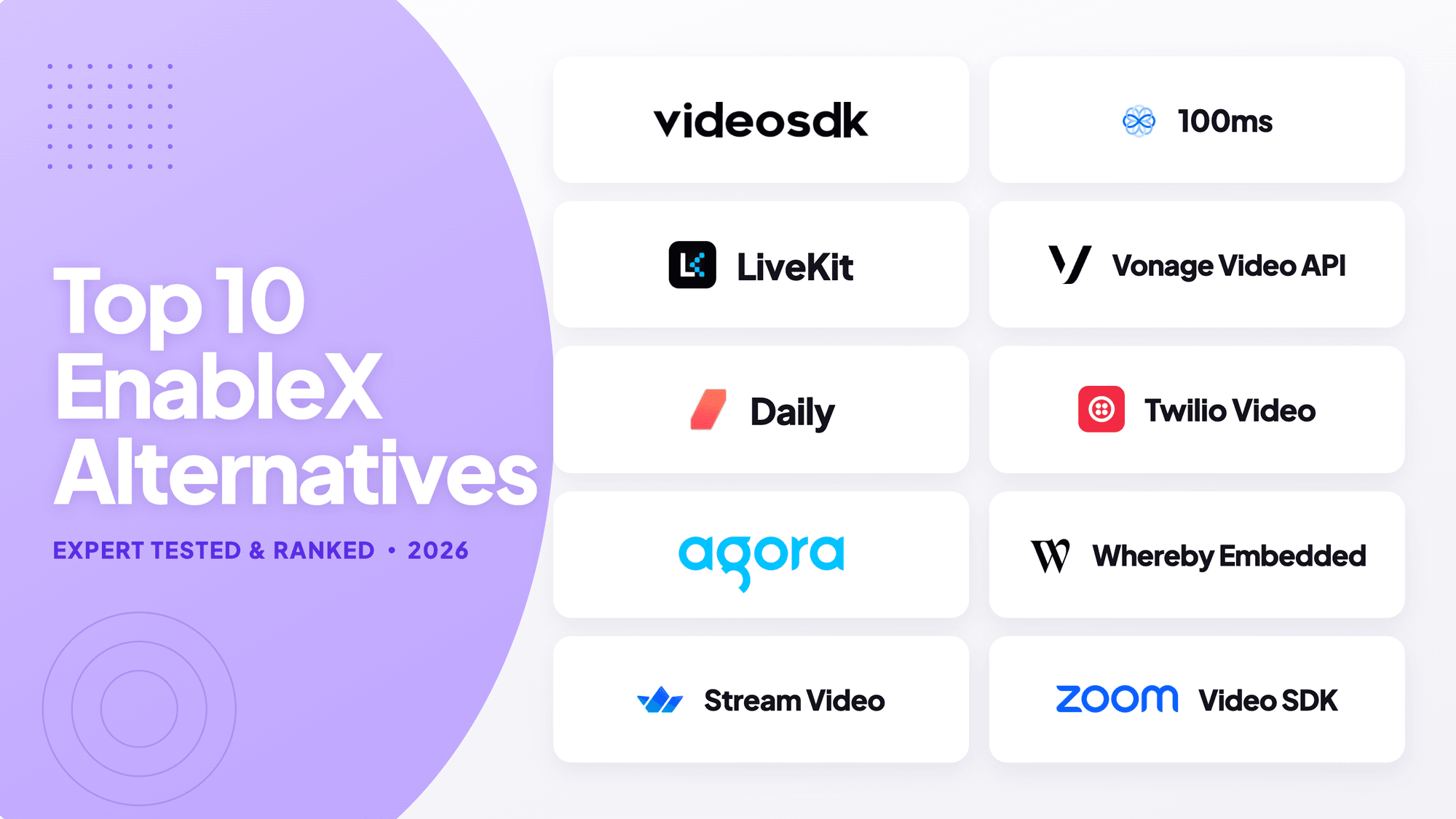


Use VideoSDK when you need broad client SDK coverage, prebuilt and custom UI paths, and one platform for video calls and interactive live streaming. Use LiveKit when self-hosting and direct infrastructure control are mandatory. Use Daily when browser-first embedding is the priority. Keep EnableX when its on-premise model or an existing integration removes more risk than switching.
Reviewed July 28, 2026. Pricing and product details can change.
EnableX alternatives are programmable video calling APIs and SDKs that can replace EnableX rooms, client libraries, media infrastructure, recording, and operational tooling.
The strongest EnableX alternatives solve different constraints. VideoSDK balances cross-platform delivery, Agora leads broad engagement, and Daily suits browser-first implementation.
This ranking covers video calling APIs only. It excludes ordinary meeting applications and broader CPaaS products that do not provide an embeddable, programmable video layer.
What Is EnableX?
EnableX is a communications platform with a programmable Video API for creating rooms, issuing join tokens, managing sessions, and retrieving post-call data.
Its Video API uses server-side REST calls for room provisioning and token creation. Client SDKs then connect users to the media session.
EnableX starts at $0.004 per participant minute for pay-as-you-go video calls. Its published price includes several features that competitors may bill separately.
The platform remains a credible choice for regulated or data-sensitive deployments. EnableX documents public cloud, private cloud, and on-premise options for its video calling product.
Developers usually compare EnableX alternatives when they need different client SDK coverage, a faster prebuilt path, open-source infrastructure, clearer usage controls, or another vendor ecosystem.
In this review, EnableX alternatives must expose programmable video infrastructure. VideoSDK qualifies through ten documented client, server, and API paths plus prebuilt and custom interfaces.
The right replacement should solve a measurable constraint. A stable EnableX implementation should not be migrated merely because another platform ranks higher in a general comparison.
How We Ranked EnableX Alternatives
For this article, "expert tested" means we examined documented setup paths and public product evidence. It does not mean we benchmarked production media performance across every network, device, and region.
We reviewed official quickstarts, client and server SDK coverage, authentication models, prebuilt UI options, recording controls, operational tooling, deployment choices, and public pricing.
Each provider received the same weighted rubric. Scores are editorial indicators out of 100, not laboratory measurements or guarantees for a particular production workload.
| Evaluation criterion | Weight | What we checked |
|---|---|---|
| Video API and media depth | 25% | Rooms, tracks, recording, streaming, moderation, and media controls |
| Client SDK coverage | 20% | Web, native mobile, cross-platform, desktop, game, and backend support |
| Developer implementation path | 20% | Quickstarts, prebuilt UI, authentication, samples, and API clarity |
| Pricing clarity and value | 15% | Free allowance, participant pricing, metering, and add-on transparency |
| Production controls | 15% | Security, diagnostics, webhooks, analytics, and regional controls |
| Deployment choice | 5% | Managed cloud, self-hosting, hybrid, and on-premise availability |
The evaluation favours products that reduce implementation and operational risk across several platforms. A specialist can still be the better choice for one non-negotiable requirement.
EnableX Alternatives Comparison Table
VideoSDK ranks first overall under the disclosed rubric, while LiveKit, Daily, Agora, and Whereby Embedded lead specific architectural, ecosystem, or implementation scenarios.
| Rank | Platform | Score | Best for | Public pricing snapshot |
|---|---|---|---|---|
| 1 | VideoSDK | 92 | Cross-platform custom video, prebuilt UI, and interactive live streaming | Pay as you go, with a one-time $20 starting balance |
| 2 | Agora | 90 | Broad global real-time engagement products | Video starts at $3.99 per 1,000 minutes |
| 3 | Daily | 88 | Browser-first calls and fast embedding | 10,000 free minutes monthly, then $0.004 per participant minute |
| 4 | LiveKit | 87 | Open-source infrastructure and self-hosting | Cloud pricing meters plan, connection, bandwidth, and transcoding usage |
| 5 | 100ms | 86 | Role-based classrooms, communities, and events | 10,000 free conferencing minutes, then $0.004 per participant minute |
| 6 | Stream Video | 84 | Polished components and products already using Stream | $100 monthly credit; HD shown at $1.50 per 1,000 participant minutes |
| 7 | Zoom Video SDK | 83 | Custom experiences built on Zoom media technology | Credit-based plans; confirm current account pricing with Zoom |
| 8 | Twilio Video | 82 | Existing Twilio customers and established video workflows | $0.004 per participant minute, with recording and composition charged separately |
| 9 | Vonage Video API | 81 | Mature video, SIP, broadcast, and observability workflows | $0.00410 per participant minute, with separate advanced-feature charges |
| 10 | Whereby Embedded | 79 | Low-code web embedding and smaller product teams | $9.99 monthly, including 2,000 minutes, then $0.004 per participant minute |
These prices are public US list prices or offer structures viewed on July 28, 2026. Taxes, contracts, recording, streaming, storage, and support can change total cost.
Top 10 EnableX Alternatives for Video Calling
These ten products support programmable video experiences inside an application. Each exposes APIs or SDKs instead of merely redirecting users to a separate meeting product.
1. VideoSDK: Best Overall Alternative
VideoSDK ranks first because its documented SDK matrix covers JavaScript, React, React Native, Android, iOS, Flutter, Unity, Python, C++, and REST APIs.
Teams can start with the Prebuilt UI Kit, then move to custom components without replacing the underlying provider or room model.
The platform also documents recording, transcription, SIP, geo-fencing, end-to-end encryption, and interactive live streaming alongside its core video calling SDKs.
VideoSDK is best for products serving several client platforms or combining normal video calls with larger interactive sessions. Its managed infrastructure is not a self-hosted SFU.
Current VideoSDK pricing is pay as you go, and new accounts receive a one-time $20 starting balance rather than recurring free minutes.
Compared with EnableX, VideoSDK provides a broader documented client matrix and a direct prebuilt-to-custom path. EnableX remains stronger when on-premise deployment is mandatory.
Verdict: Choose VideoSDK for the strongest all-round balance of platform coverage, implementation flexibility, broad coverage and adjacent real-time video capabilities in this comparison.
2. Agora: Best for Global Engagement
Agora Video Calling is designed for real-time engagement products across video, voice, live streaming, chat, signalling, and adjacent media services.
Agora ranks second for its mature network, wide product surface, extensive media controls, and suitability for social, gaming, education, and high-concurrency engagement patterns.
Its breadth is useful when a roadmap may expand beyond ordinary calls. That same breadth can increase evaluation work across separate products, add-ons, and pricing dimensions.
Agora's public pricing lists video calling from $3.99 per 1,000 minutes, with the 10,000 free minutes monthly.
Compared with EnableX, Agora offers a broader real-time engagement ecosystem. Teams should still test target countries, device classes, support terms, and actual publisher or subscriber patterns.
Verdict: Choose Agora when global engagement scale and a broad RTC portfolio matter more than a compact product surface or on-premise deployment.
3. Daily: Best for Browser-First Embedding
Daily provides a browser-first route through Daily Prebuilt, call objects, client SDKs, and lower-level APIs for teams building custom WebRTC experiences.
Daily ranks third because its prebuilt component, web documentation, and transparent participant-minute pricing reduce early implementation and cost-modelling work for browser applications.
Daily includes 10,000 free participant minutes each month and then charges $0.004 per participant minute before applying automatic volume discounts at higher usage.
Daily also explains that cloud recording is billed by recorded wall-clock minute, not multiplied by participants. That distinction improves production cost estimates.
Compared with EnableX, Daily offers a particularly clear browser embedding path. Teams with broad native, game-engine, self-hosted, or on-premise requirements should compare other finalists carefully.
Verdict: Choose Daily when a browser-based proof of concept, telehealth workflow, or a gradual prebuilt-to-custom web migration is the main requirement.
4. LiveKit: Best Open-Source Alternative
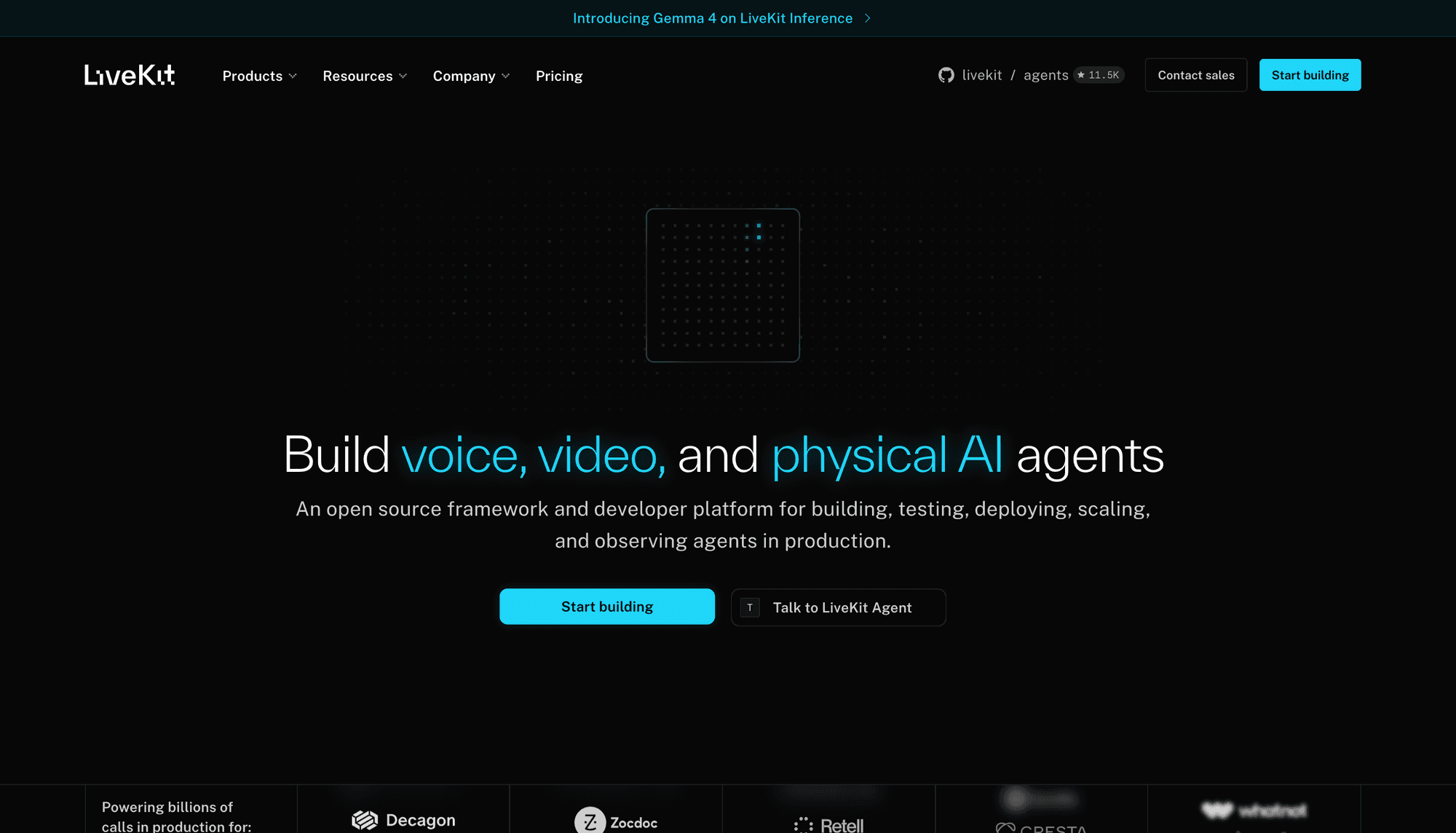
LiveKit combines an open-source WebRTC stack with managed cloud services, giving infrastructure teams more control than most fully managed video APIs.
LiveKit ranks fourth because teams can inspect the stack, self-host core infrastructure, or use LiveKit Cloud while retaining the same room and track concepts.
Its SDK ecosystem covers web, native mobile, cross-platform frameworks, Unity, C++, and server environments. The platform also extends into ingress, egress, SIP, and agents.
LiveKit Cloud uses several meters. Its pricing documentation separates connection minutes, outbound bandwidth, and transcoding, so accurate estimates require scenario-based modelling.
Compared with EnableX, LiveKit offers a clearer open-source and self-hosted path. EnableX may require less infrastructure ownership when its vendor-operated private or on-premise model fits.
Verdict: Choose LiveKit when source access, self-hosting, infrastructure control, or deep media-server extensibility outweighs the convenience of a simpler managed service.
5. 100ms: Best for Role-Based Experiences
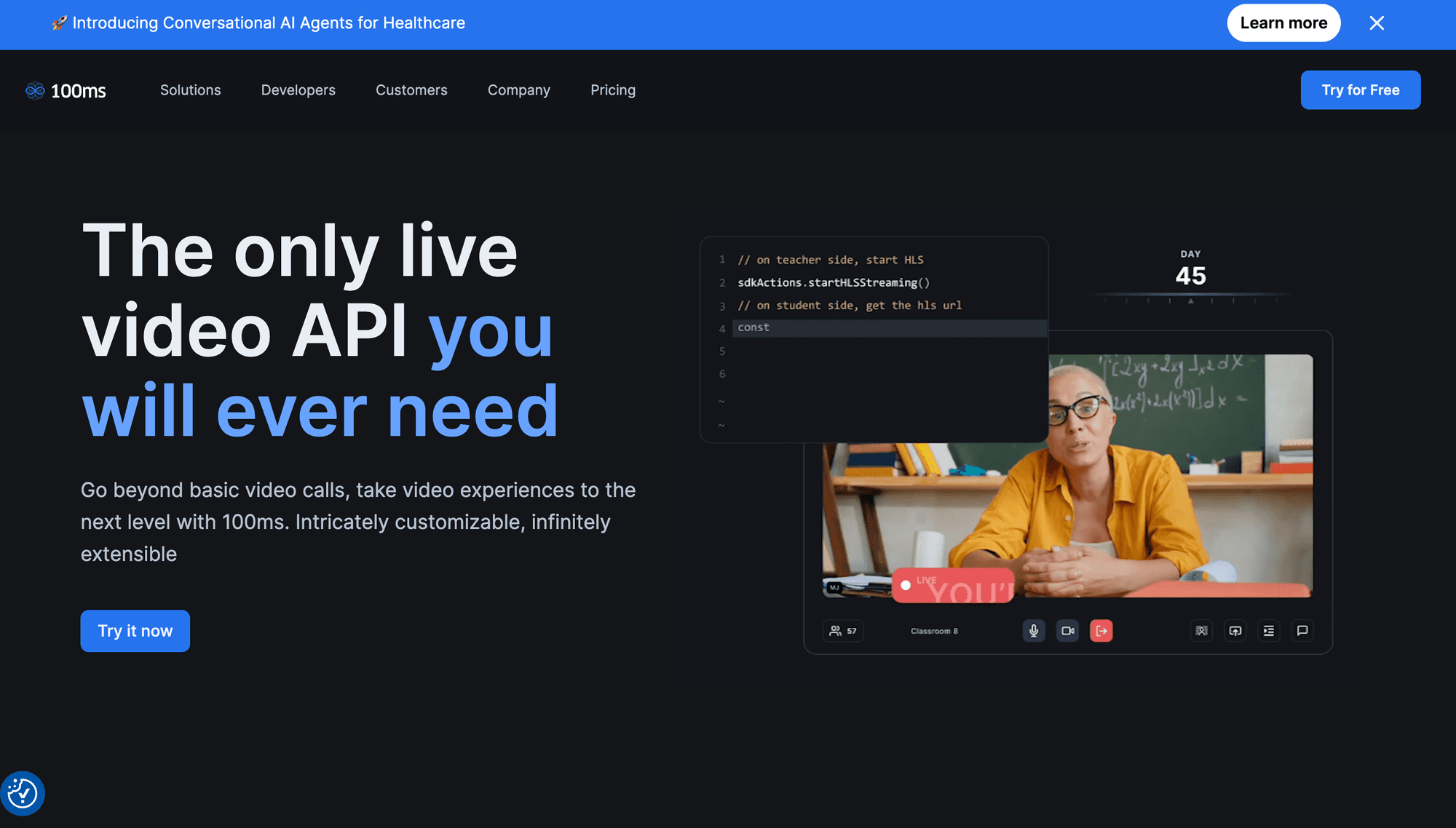
100ms structures video experiences around rooms, roles, templates, publishing permissions, and subscription permissions. These concepts fit classrooms, interactive events, and communities with distinct participant types.
It ranks fifth because the role model, prebuilt option, recording, streaming, and client SDKs reduce repeated access-control work in host, speaker, moderator, and audience interfaces.
Public pricing of 100ms includes 10,000 conferencing minutes each month, then charges $0.004 per participant minute after the included allowance is consumed.
Recording, transcription, and external streaming use separate allowances and rates. Teams should model those services before treating the base conferencing rate as total cost.
Compared with EnableX, 100ms provides an opinionated role and template system that may accelerate structured experiences. That model also introduces platform-specific configuration concepts.
Verdict: Choose 100ms when predefined participant roles and room templates closely match your product, especially for classrooms, communities, or structured interactive events.
6. Stream Video: Best Component Libraries
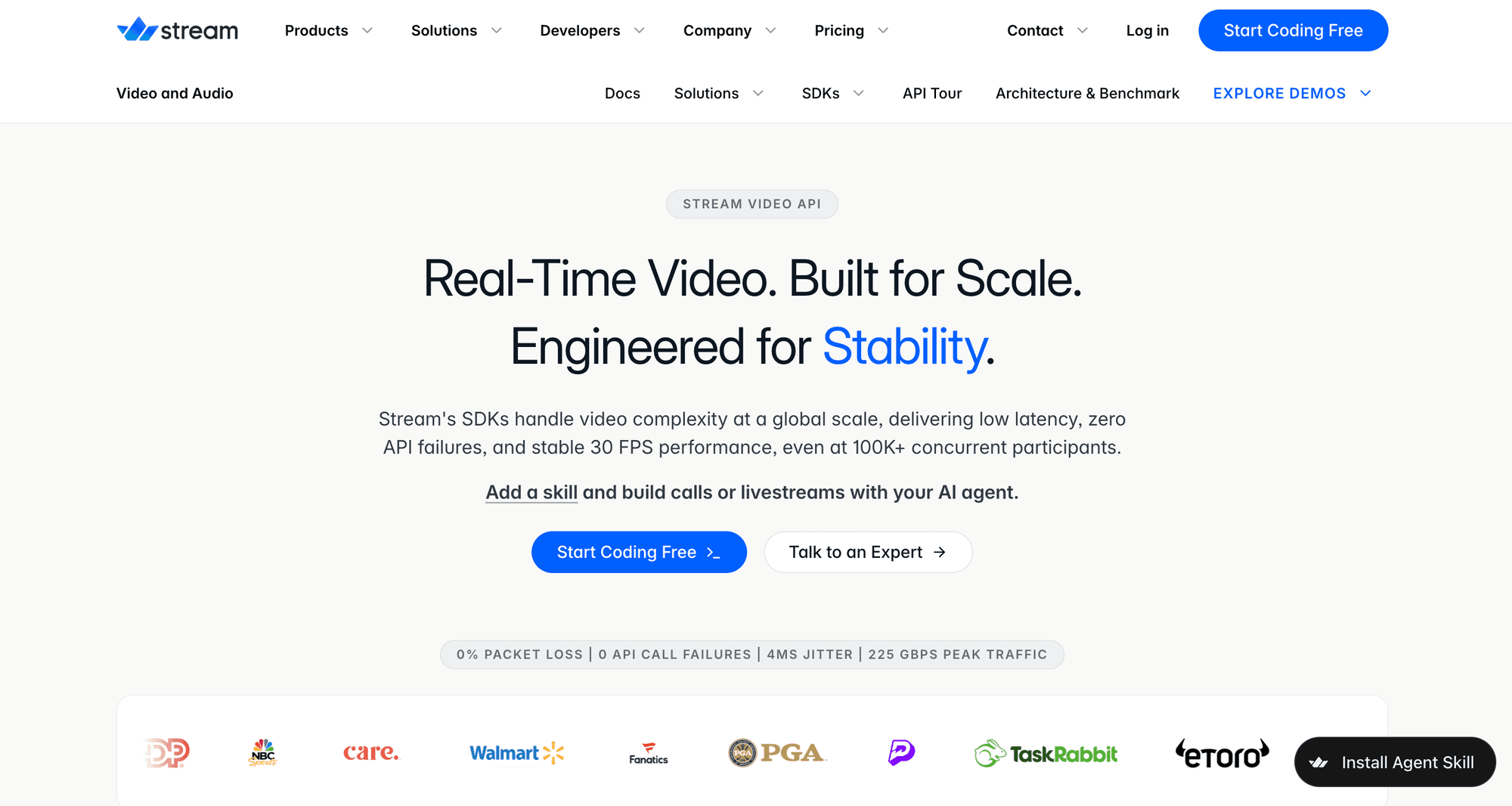
Stream Video offers SDKs and UI component libraries for web, React, iOS, Android, React Native, Flutter, and Unity product teams.
Stream ranks sixth because its component-led developer experience can reduce interface work, especially when an application already uses Stream Chat or activity feeds.
The Stream Video pricing page gives a $100 monthly credit. Its calculator lists HD video at $1.50 per 1,000 participant minutes.
Stream prices video by the highest quality a participant publishes or receives. Recording, transcription, RTMP, noise cancellation, and higher resolutions can change total cost.
Compared with EnableX, Stream provides a stronger component ecosystem for teams already using Stream. EnableX offers more deployment choice, including on-premise configurations.
Verdict: Choose Stream when polished client components and an existing Stream stack reduce more development work than a lower headline participant rate.
7. Zoom Video SDK: Best for Zoom Media
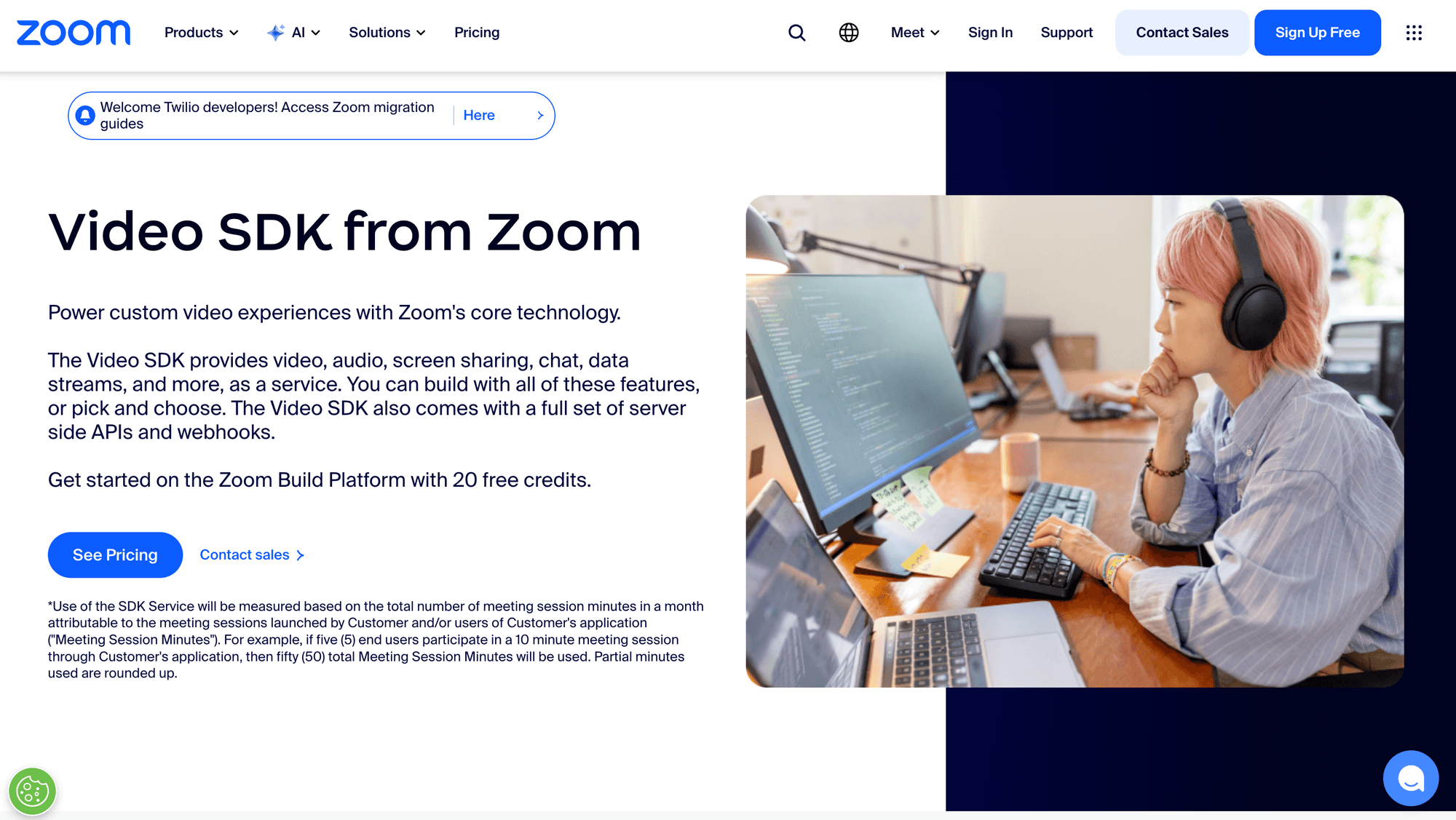
Zoom Video SDK lets developers use Zoom's media technology while building a custom application interface, separate from the ordinary Zoom Meetings experience.
Zoom ranks seventh for its platform matrix, media stack, raw media options, webhooks, and support across Android, Flutter, iOS, Linux, macOS, React Native, Web, Windows, and Unity.
The SDK suits teams that already trust Zoom's media behaviour or need broad desktop and mobile coverage. Zoom also enforces a quarterly minimum SDK version policy.
Public pricing is credit-based and can vary by plan and add-on. Confirm the current Video SDK rate and included credits inside Zoom's official sales flow.
Compared with EnableX, Zoom provides a familiar global media platform and wide SDK coverage. EnableX offers clearer on-premise and hybrid positioning for regulated deployments.
Verdict: Choose Zoom Video SDK for custom products designed specifically around Zoom media, not for recreating Zoom Meetings without product or lifecycle changes.
8. Twilio Video: Best for Twilio Customers
Twilio Video uses rooms, participants, and tracks, with supported client SDKs for web, iOS, and Android applications building embedded video experiences.
Twilio ranks eighth because its established developer tooling, recordings, compositions, quality controls, and integration with other Twilio channels remain useful for existing customers.
Its video pricing starts at $0.004 per participant minute. Participant recording, transcription, composition, and storage are metered separately at their published rates.
Compared with EnableX, Twilio offers strong ecosystem integration but a narrower public client SDK list. EnableX provides more deployment choices for private infrastructure.
Verdict: Choose Twilio when existing contracts, identity, messaging, voice, and operational tooling outweigh the need for broader cross-platform client coverage.
9. Vonage Video API: Best for Mature Workflows
Vonage Video API, formerly OpenTok, provides sessions, client and server SDKs, REST APIs, archiving, broadcasting, SIP interconnect, live captions, and diagnostic tooling.
It ranks ninth because it remains a mature programmable video platform with web, iOS, Android, React Native, Windows, and Linux implementation paths.
Vonage also documents pre-call testing, Inspector tools, publisher controls, broadcast destinations, Experience Composer, SIP interconnect, and media access for external processing.
Public Vonage Video pricing starts at $0.00410 per participant minute. Recording, composition, transcription, and other advanced services have separate rates.
Compared with EnableX, Vonage offers mature SIP, broadcast, observability, and communications workflows. EnableX can be preferable when on-premise deployment is the deciding requirement.
Verdict: Choose Vonage when mature video operations, SIP, broadcasting, and diagnostics justify modelling each paid add-on around the final architecture.
10. Whereby Embedded: Best Low-Code Option
Whereby Embedded is the programmable product in this comparison, not the standalone Whereby Meetings service used for ordinary meeting links.
It ranks tenth because its web component and prebuilt interface create a short route to embedded browser calls. The browser and core SDKs support deeper customisation.
Whereby also documents Android, iOS, and a React Native path based on its web component. The broader client matrix remains smaller than several SDK-first vendors.
Its embedded current public pricing offers 2,000 test minutes, then a $9.99 Build plan with 2,000 included minutes and $0.004 overage.
Compared with EnableX, Whereby Embedded is simpler for common web calls. EnableX provides a wider communications portfolio and more enterprise deployment flexibility.
Verdict: Choose Whereby Embedded when browser embedding speed and a prebuilt call experience matter more than deep native, self-hosted, or custom media control.
What Is the Best EnableX Alternative?
VideoSDK is the best overall EnableX alternative in this review for teams that need several client platforms and both prebuilt and custom implementation paths.
The answer changes when one requirement becomes non-negotiable:
- Choose LiveKit for open-source infrastructure and self-hosting.
- Choose Daily or Whereby Embedded for the shortest browser-first path.
- Choose Agora for broad global real-time engagement.
- Choose 100ms for strongly role-based classrooms and communities.
- Choose Stream, Zoom, Twilio, or Vonage when an existing vendor ecosystem determines the architecture.
- Keep EnableX when on-premise deployment, current compliance controls, or migration cost outweighs the expected improvement.
VideoSDK leads the weighted general-purpose score among these EnableX alternatives. Specialist workloads can produce another winner because deployment, region, interface, and operational requirements carry different risks.
How to Migrate From EnableX
A controlled migration maps platform concepts before replacing SDK methods, which protects application behaviour and operational evidence during the transition.
| Migration layer | What to map | Validation question |
|---|---|---|
| Authentication | App credentials, server tokens, roles, and token expiry | Can clients join without receiving a server secret? |
| Room lifecycle | Create, join, leave, end, and reconnect behaviour | Who owns room creation and termination? |
| Media model | Local tracks, remote tracks, devices, and screen sharing | Do mute and device-switch events match current UI state? |
| Participant events | Join, leave, role change, and network quality | Can existing analytics keep stable event meanings? |
| Server features | Recording, webhooks, SIP, streaming, and transcription | Which capabilities require separate services or prices? |
| Operations | Logs, quality metrics, regions, retention, and support | Can support teams investigate a failed call quickly? |
Run EnableX and the finalists behind a feature flag. Start with two-person calls, then test reconnection, device changes, screen sharing, recording, mobile backgrounding, and poor networks.
A migration succeeds when user-visible behaviour and operational evidence remain stable. Merely connecting two browsers does not prove production readiness or cost parity.
How to Choose Among EnableX Alternatives
The right EnableX alternative removes the most engineering and operational risk from your specific call pattern, not from an abstract feature checklist.
Use this decision order:
- Define maximum active speakers, displayed videos, viewers, and total participants.
- List every required client platform, including future mobile, desktop, or game-engine plans.
- Decide whether prebuilt UI, custom UI, or a staged path is required.
- Identify hard requirements such as self-hosting, data residency, SIP, E2EE, or on-premise deployment.
- Model participant minutes alongside recording, streaming, storage, transcription, bandwidth, support, and committed volume.
- Build the same narrow proof of concept with two finalists.
- Test target regions, devices, network conditions, observability, and support response.
For example, a telehealth product should test consent, waiting rooms, recording policy, low-bandwidth behaviour, device permissions, and investigation workflows before selecting a provider.
Testing Limits and Pricing Caveats
Official documentation establishes supported paths and public prices, but it cannot reproduce each application's users, networks, devices, compliance obligations, or support experience.
This review did not run authenticated production calls, regional latency measurements, packet-loss simulations, support tickets, SLA audits, or large-room load tests across all ten vendors.
Before publishing a procurement decision, recheck:
- Participant-minute rates, free allowances, credits, and volume tiers.
- Recording, transcription, streaming, storage, bandwidth, and support charges.
- Supported SDK versions, operating-system minimums, and feature parity.
- Maximum participants, active publishers, displayed videos, and concurrent rooms.
- Regional hosting, data retention, compliance eligibility, and encryption details.
- Service-level commitments, incident response, and enterprise support terms.
Treat this ranking as a transparent shortlist rather than a substitute for procurement. A production-representative proof of concept should determine the final selection.
Video Calling API Glossary
These definitions clarify how EnableX alternatives describe rooms, media, participant pricing, and infrastructure across SDKs that use different product terminology.
Participant minute: One connected participant for one minute. A ten-person call lasting thirty minutes usually creates 300 participant minutes.
Room: A logical real-time session that participants join to publish and receive audio, video, screen sharing, messages, and other event data.
SFU: A selective forwarding unit receives participant media and forwards selected streams without mixing every stream into a single composite video.
Prebuilt UI: A vendor-supplied video call interface that can be embedded quickly, then configured or replaced when deeper product-specific control becomes necessary.
Client SDK: A platform library that manages devices, media tracks, call state, participant events, and communication with a vendor's real-time infrastructure.
Key Takeaways
The best EnableX alternative depends on the workload, deployment model, client matrix, and operational constraints rather than the longest published feature list.
- VideoSDK ranks first overall for its documented cross-platform coverage, prebuilt and custom paths, and combined video calling and interactive live streaming surface.
- Agora is strongest for a broad real-time engagement ecosystem, while Daily offers a particularly clear browser-first implementation and pricing model.
- LiveKit is the clearest specialist for open-source infrastructure and self-hosting, while Whereby Embedded provides the simplest low-code web route.
- EnableX remains valid when its on-premise deployment, included features, or existing integration solves requirements that another provider would reintroduce.
- A two-provider proof of concept is more valuable than treating small editorial score differences as measured call-quality performance.
Conclusion
Among EnableX alternatives, VideoSDK leads this review for broad client coverage and flexible UI paths, but it is not correct for every architecture.
Shortlist two providers, model the complete bill, and build the same production-shaped call on both. Start with the VideoSDK React quickstart, explore its code samples, or claim the $20 starting balance.
The final choice depends on which requirement changes your ranking most: deployment control, client coverage, browser speed, regional performance, or complete production cost.
Frequently Asked Questions
These answers address common developer questions about selecting, pricing, evaluating, and migrating to EnableX alternatives for programmable video calling inside an application.
What is the best EnableX alternative?
VideoSDK leads the EnableX alternatives in this comparison because it balances client SDK breadth, prebuilt UI, custom UI, calling features, and interactive live streaming.
LiveKit is better when self-hosting is mandatory, while Daily is stronger when a fast browser-first implementation and transparent participant pricing matter most.
Is VideoSDK a good EnableX alternative?
Yes, VideoSDK is a strong EnableX alternative for teams supporting web, native mobile, cross-platform frameworks, Unity, or several application surfaces.
Teams should still compare target regions, support terms, feature parity, and total usage costs through a production-shaped proof of concept.
Which EnableX alternative supports self-hosting?
LiveKit is the clearest self-hosted option in this list because its media server and SDK ecosystem are open source and documented for independent deployment.
EnableX also promotes on-premise deployments, while VideoSDK, Daily, Agora, Twilio, and Whereby are primarily managed cloud services for their core video products.
Which alternative has a prebuilt video call UI?
VideoSDK, Daily, 100ms, Stream, Zoom, and Whereby Embedded provide prebuilt, toolkit, or drop-in UI paths, but their customisation depth differs.
Test branding, layout, accessibility, moderation, mobile behaviour, and the path from prebuilt components to a fully custom interface before committing.
How much do video calling APIs cost?
Several managed video APIs begin near $0.004 per participant minute, but that headline rate rarely represents the complete production bill for a deployed application.
Recording, transcription, streaming, storage, bandwidth, support, higher resolution, data residency, and committed volume can materially change the effective cost per successful call.
Can I migrate without rebuilding my interface?
Yes, a compatibility layer can preserve product-level room, participant, media, and event models while vendor-specific SDK adapters and infrastructure change underneath the interface.
Prebuilt interfaces usually require more visible UI change than custom applications that already isolate SDK methods behind internal services or hooks.
Should an existing EnableX customer migrate?
An existing EnableX customer should migrate only when another platform solves a measurable problem such as missing client coverage, operational visibility, cost, or deployment control.
Stable EnableX applications may gain more from optimisation than migration, especially when on-premise infrastructure or regulated workflows already meet product requirements.
Why is VideoSDK ranked above Agora and Daily?
VideoSDK ranks above Agora and Daily in this rubric because client SDK coverage, prebuilt-to-custom progression, and combined calling plus interactive streaming receive substantial weight.
Agora can be better for broad engagement scale, while Daily can be better for browser-first products. The ranking changes when those criteria receive greater weight.
Further Readings
- VideoSDK React video calling quickstart
- VideoSDK Prebuilt UI quickstart
- VideoSDK REST API introduction
- VideoSDK code samples
- W3C WebRTC specification
About This Review
The VideoSDK editorial team prepared this comparison from official documentation, public pricing, release notes, and implementation paths reviewed on July 28, 2026.
VideoSDK publishes the article and ranks first under the disclosed rubric. Readers should use the same proof-of-concept and procurement checks for every shortlisted provider.