
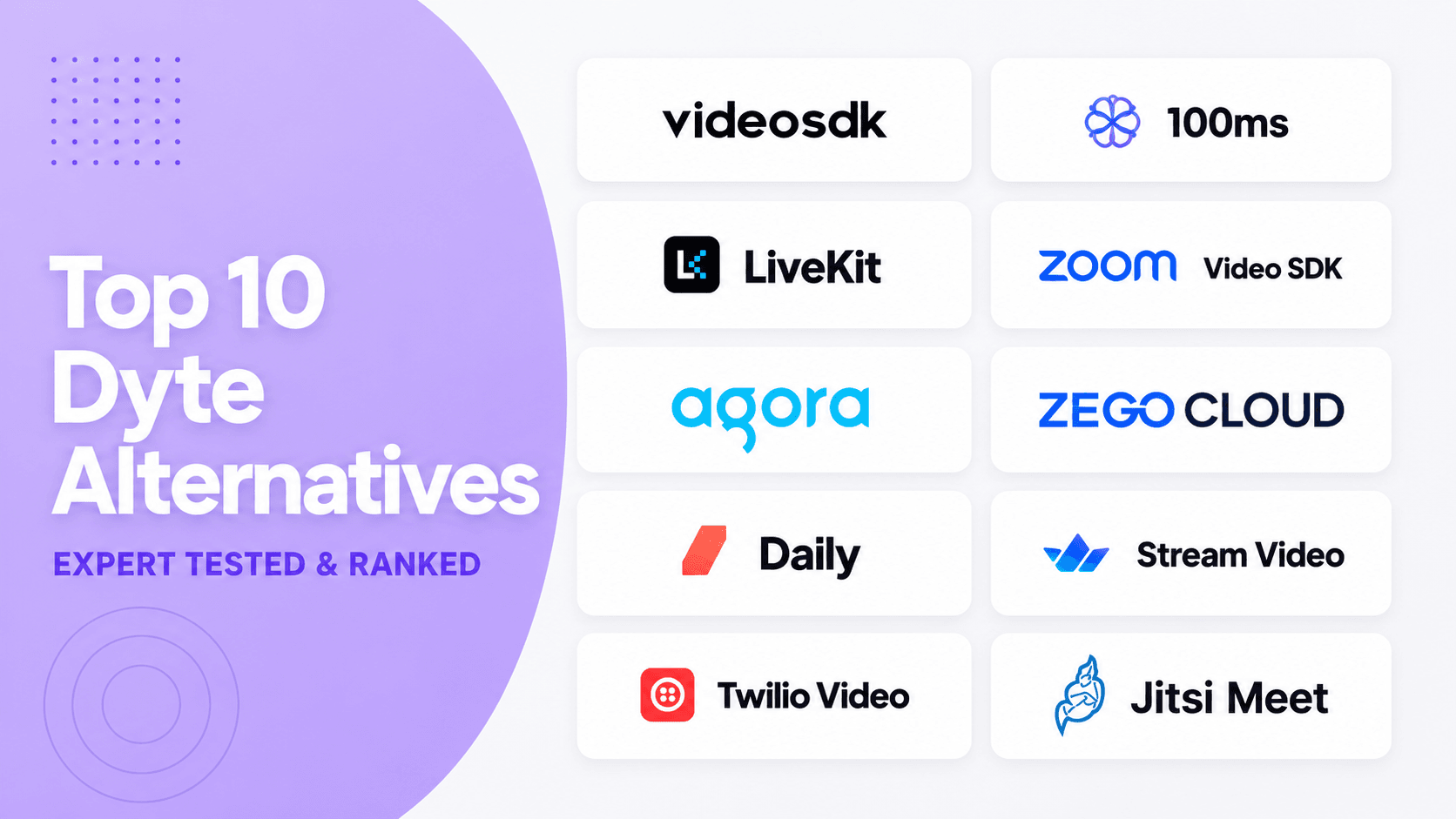


The leading Dyte alternatives for video calling APIs in 2026 are VideoSDK, LiveKit, and Agora. VideoSDK is the strongest managed all-rounder for custom SDKs, prebuilt UI, and interactive streaming. LiveKit suits self-hosting, while Agora suits specialised social and live applications. Compare Cloudflare RealtimeKit first if you already use Dyte.
Choosing a Dyte replacement is no longer a routine feature comparison. Dyte's team joined Cloudflare, legacy Dyte SDKs entered maintenance mode, and Cloudflare RealtimeKit became the official successor.
This guide ranks ten Dyte alternatives by migration fit, developer experience, SDK coverage, deployment choice, current pricing, and product health. Video calling remains the primary scope. Voice, live streaming, and AI capabilities serve only as secondary decision factors.
You may also like: Dyte vs VideoSDK in-depth feature and pricing comparison
What are Dyte alternatives?
Dyte alternatives replace Dyte's embedded video calling, participant management, media controls, recording, streaming, and user-interface capabilities.
Dyte is a developer platform for adding video and audio calls to web and mobile applications through core SDKs and UI kits. The team behind Dyte joined Cloudflare to help develop RealtimeKit. As of 30 July 2026, the official migration guide says legacy Dyte SDKs are in maintenance mode and “will no longer receive feature updates or bug fixes.” This product transition is why many teams are reassessing their video infrastructure.
Dyte alternatives are managed APIs, programmable SDKs, prebuilt interfaces, or open-source media platforms that handle signalling, media routing, device state, network adaptation, recording, and streaming.
Cloudflare RealtimeKit is not included in this ranking because it is Dyte's direct successor, not an independent replacement. Its official migration guide maps Dyte packages to RealtimeKit equivalents across web, React, Angular, React Native, Android, and iOS.
In short, a true Dyte alternative gives your team a different product roadmap, operating model, pricing structure, or level of infrastructure control.
Why compare Dyte alternatives in 2026?
The main reason to compare Dyte alternatives in 2026 is product lifecycle risk, not one missing feature.
Maintenance mode changes the long-term calculation for an existing application. A legacy SDK may continue working, but future browser changes, operating-system updates, security requirements, and product bugs can create growing migration pressure.
Cloudflare RealtimeKit deserves the first evaluation because it offers the shortest conceptual migration. Cloudflare's current documentation describes RealtimeKit as a WebRTC product with Core SDKs, UI Kit components, REST APIs, webhooks, recording, and webinar controls.
As of 29 July 2026, RealtimeKit pricing states that the product remains in beta and is free during this period. Cloudflare lists future general-availability pricing at $0.002 per audio/video participant minute, with exports such as recording, RTMP, or HLS priced separately.
A forced migration is also an architecture checkpoint. Your team can reconsider managed versus self-hosted media, prebuilt versus custom UI, supported platforms, participant roles, observability, and the total cost of recordings and streaming.
The practical question is not whether another provider has more features. It is whether that provider can preserve your application's important behaviours without creating a larger operational problem.
How we ranked these Dyte alternatives
This ranking measures replacement fit through documented evidence, not brand popularity, sponsorship, or unsupported performance claims.
For this article, “expert tested” means a structured technical review of first-party documentation, public quickstarts, sample repositories, pricing pages, deployment options, SDK coverage, migration concepts, and current product status.
We traced the standard developer path for each shortlisted platform: authentication, room or session creation, joining, participant state, media controls, recording, and live-output options. We also checked whether a prebuilt interface and self-hosting path exist.
We did not run a controlled global latency, packet-loss, or video-quality benchmark. Network performance depends on participant geography, device capability, codec choice, call topology, firewall conditions, and the commercial plan being tested.
| Evaluation factor | Weight | What we reviewed |
|---|---|---|
| Dyte migration fit | 25% | Rooms, participants, roles, events, media, recording, and streaming parity |
| Developer experience | 20% | Quickstarts, SDK design, samples, UI options, and documentation clarity |
| Video calling capability | 20% | Custom calls, device controls, screen share, network handling, and recordings |
| Deployment and operations | 15% | Managed cloud, self-hosting, scaling responsibility, analytics, and support |
| Pricing clarity | 10% | Free allowance, billing unit, add-ons, minimums, and cost predictability |
| Current product health | 10% | Maintained documentation, recent releases, and clear lifecycle status |
This method favours platforms that can replace a production video calling API, not products that mainly provide webinars, video hosting, or consumer meeting software.
Dyte alternatives comparison table
The best Dyte alternative matches your interface needs, deployment model, target platforms, traffic shape, and engineering capacity.
| Rank and platform | Best for | Deployment | Fast UI path | Public pricing signal* |
|---|---|---|---|---|
| 1. VideoSDK | Balanced managed replacement | Managed | Prebuilt UI | Pay as you go, with $20 starting balance |
| 2. LiveKit | Open-source control | Managed or self-hosted | Components and starter apps | Build $0; paid plans plus usage |
| 3. Agora | Social and interactive live apps | Managed | UI Kits | 10,000 standard minutes; HD $3.99/1,000 |
| 4. Daily | Browser-first video products | Managed | Daily Prebuilt | 10,000 free monthly; then $0.004/min |
| 5. 100ms | Role-based classes and events | Managed | Prebuilt | 10,000 free monthly; then $0.004/min |
| 6. Zoom Video SDK | Large custom video sessions | Managed | UI Toolkit | Minute-based Zoom Build pricing |
| 7. ZEGOCLOUD | Social, gaming, and mini apps | Managed | 20+ UI Kits | 10,000 free; video $3.99/1,000 |
| 8. Stream Video | Existing Stream product stacks | Managed | SDK UI components | $100 monthly credit; HD $1.50/1,000 |
| 9. Twilio Video | Existing Twilio stacks | Managed | Custom SDK | $0.004 per participant minute |
| 10. Jitsi Meet | Open-source meeting stack | Self-hosted or JaaS | Complete meeting UI | No licence fee; infrastructure costs apply |
Pricing was checked on 29 July 2026. Rates exclude taxes, storage, recording, transcription, support, regional charges, and negotiated discounts. Verify every pricing page before purchase or publication.
The table shows why one headline rate cannot decide the ranking. LiveKit and Jitsi move more operational work to your team, while managed providers charge separately for different media services.
Top 10 Dyte alternatives for video calling
These ten Dyte alternatives cover managed video APIs, self-hosted media, prebuilt meeting UI, custom SDKs, recording, and interactive streaming.
1. VideoSDK: Best-Managed Replacement
Best for: Teams that want one managed platform for custom video calling, prebuilt meetings, broad client coverage, recording, and interactive live streaming.
VideoSDK ranks first for a specific condition: you need a managed Dyte replacement that supports both a quick prebuilt path and a programmable custom interface.
VideoSDK provides 24/7 migration support for teams replacing Dyte, helping them map existing workflows, resolve integration issues, validate feature parity, and manage production cutover with less risk.
VideoSDK's React video calling quickstart uses MeetingProvider, useMeeting, and useParticipant to separate meeting state, controls, and participant media. That structure gives Dyte teams clear migration boundaries.
VideoSDK also documents quickstarts for JavaScript, React Native, Android, iOS, Flutter, Unity, Python, and C++. Teams can prototype with VideoSDK Prebuilt, then move to lower-level SDKs when they need custom layouts or behaviour.
VideoSDK's main trade-off is deployment control. It is a managed platform, so teams requiring their own media server should evaluate LiveKit or Jitsi before committing.
Pricing: The current VideoSDK pricing page uses pay-as-you-go billing and advertises a one-time $20 starting balance. The pricing is $0.001 per participant-minute for audio calls, $0.004 per participant-minute for video calls, and $0.002 per viewer-minute for live streaming. Model recording, streaming, transcription, and storage separately.
Verdict: Choose VideoSDK when managed operations, prebuilt and custom UI paths, and multi-platform video calling matter more than self-hosting.
2. LiveKit: Best Open-Source Option
Best for: Teams that need an open-source WebRTC SFU, self-hosting, managed cloud, or deeper control over media infrastructure and backend participants.
LiveKit combines an Apache 2.0 media server with client SDKs, JWT authentication, ingress, egress, SIP, and LiveKit Cloud. Its open-source repository documents deployment through a single binary, Docker, or Kubernetes.
The room and participant model maps cleanly to many Dyte concepts. LiveKit also provides modern client SDKs and starter components, but a polished meeting product usually needs more application assembly than a highly opinionated prebuilt UI.
Self-hosting is not free operations. Your team owns TURN configuration, certificates, multi-region scaling, Redis, observability, upgrades, abuse controls, capacity testing, and recording infrastructure.
Pricing: LiveKit Cloud pricing currently offers a $0 Build plan, Ship from $50 monthly, and Scale from $500 monthly. WebRTC minutes, downstream data transfer, and egress have plan allowances and overage rates.
Verdict: Choose LiveKit when infrastructure control and open-source deployment justify the operational work. Choose a managed alternative when media operations are outside your team's core expertise.
3. Agora: Best for Social Live Apps
Best for: Consumer social, creator, gaming, and interactive live applications that need broad SDK coverage and several real-time engagement products.
Agora provides programmable voice, video, interactive live streaming, chat, and cloud recording. Its product breadth is useful when a Dyte replacement must support both multi-party calls and audience-oriented live experiences.
That breadth creates the main evaluation challenge. Recording, analytics, cloud proxy, moderation, messaging, and support can have different billing rules, so the headline media rate does not represent total cost.
Dyte teams should map every required feature before estimating spend. Check participant roles, stream subscriptions, event names, recording layouts, RTMP output, firewall handling, and regional requirements.
Pricing: Agora's interactive live streaming pricing lists 10,000 standard minutes, voice at $0.99 per 1,000 participant minutes, and HD video at $3.99 per 1,000.
Verdict: Choose Agora when social and interactive live use cases dominate the product. For a simpler managed meeting replacement, compare VideoSDK, Daily, and 100ms first.
4. Daily: Best for Browser-First Products
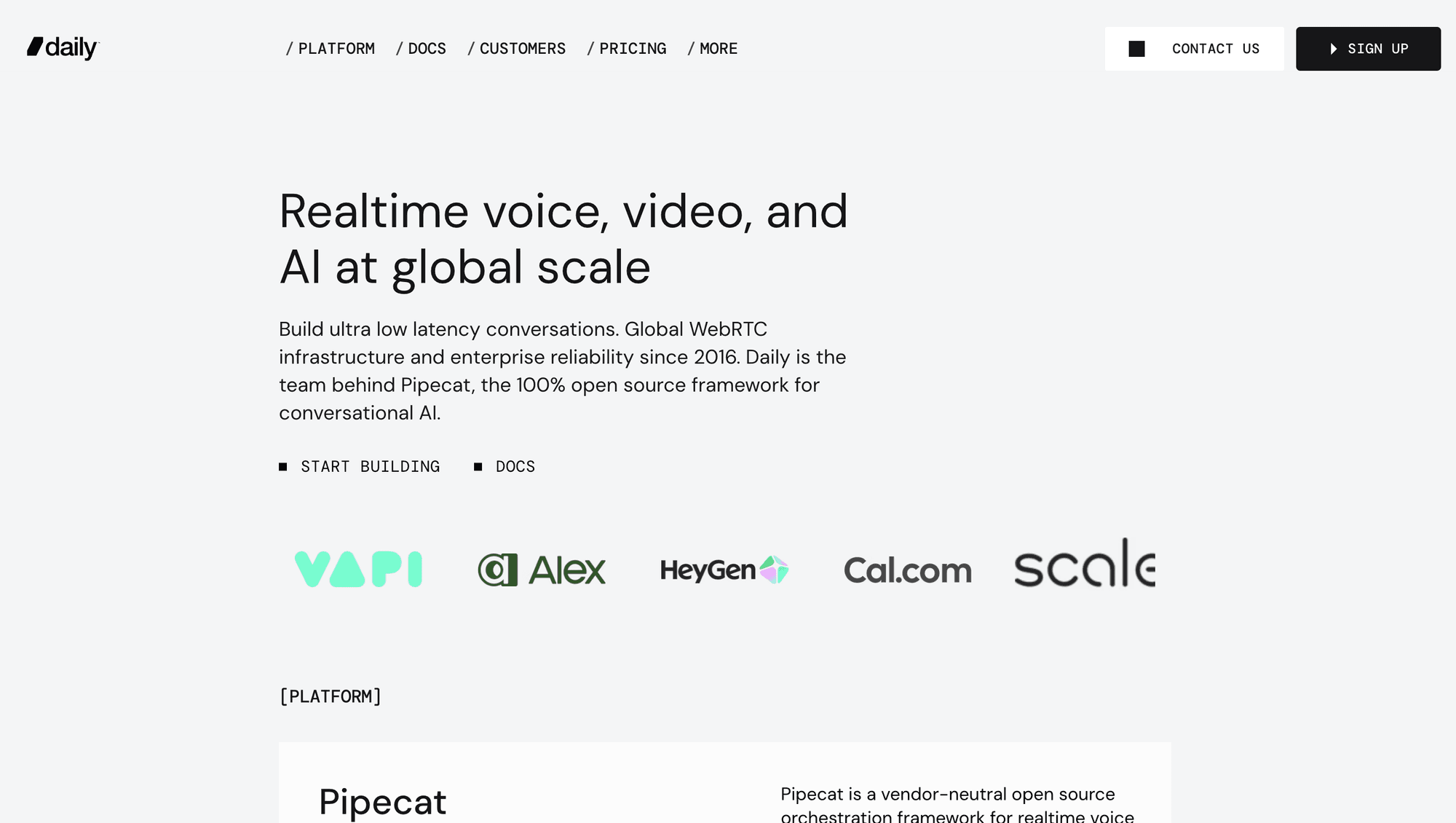
Best for: Teams building browser-based calls with a quick prebuilt embed, a custom call object, recording, streaming, telephony, or Pipecat-based voice applications.
Daily offers Daily Prebuilt alongside lower-level client SDKs. Its pricing FAQ describes Prebuilt as a full video call component embedded through a Daily room URL.
For Dyte migrations, the managed media layer reduces infrastructure work. Teams still need to validate permissions, active-speaker behaviour, reconnection, recording output, webhooks, and any custom layout assumptions.
Daily's secondary AI advantage comes from Pipecat, its open-source framework for real-time voice and multimodal agents. That capability should not outweigh video calling fit unless voice agents are on your roadmap.
Pricing: Daily includes 10,000 free participant minutes each month, then charges $0.004 per video participant minute. Recording, RTMP, HLS, telephony, support, and compliance options have separate rates.
Verdict: Choose Daily for a browser-first video product with flexible prebuilt and custom paths. Test the complete add-on cost before comparing it with a lower headline rate.
5. 100ms: Best for Role-Based Events
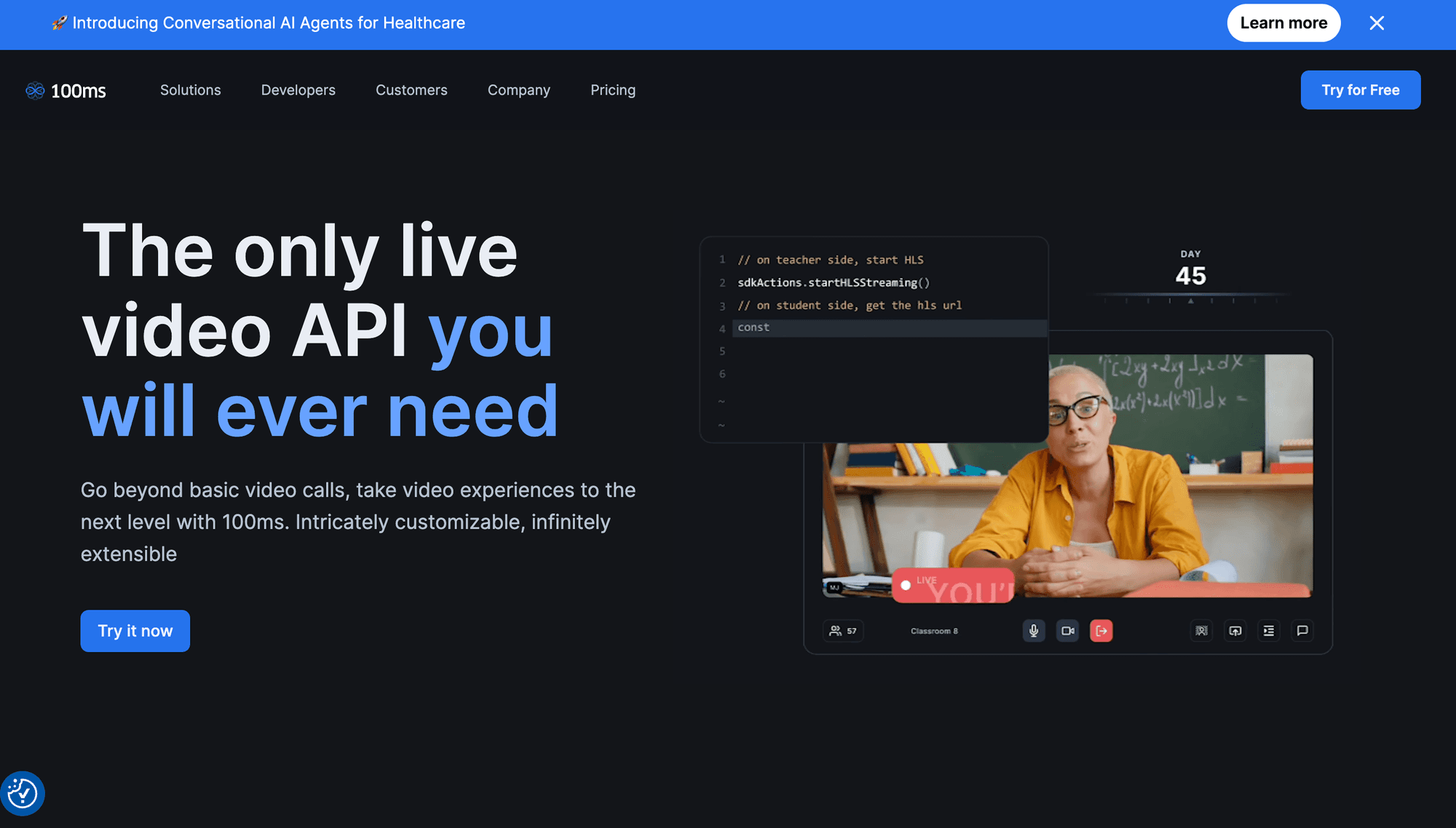
Best for: Online classrooms, webinars, audio rooms, and live events where hosts, teachers, speakers, moderators, and viewers need distinct permissions.
100ms organises video products around rooms, roles, templates, conferencing, and live streaming. This model maps well to Dyte applications with structured participation rather than identical permissions for every user.
Its SDKs and prebuilt option let teams choose between faster delivery and deeper interface control. The migration still requires careful testing of role definitions, templates, event semantics, and recording formats.
The main trade-off is cost composition. Conferencing minutes are only one part of the bill when production also requires recording, transcription, encoding, RTMP output, or large viewer audiences.
Pricing: 100ms includes 10,000 monthly conferencing minutes and 10,000 streaming minutes. Conferencing then costs $0.004 per participant minute, with separate viewer and encoding rates.
Verdict: Choose 100ms when role design and event workflows drive the application. For general custom video calls, compare its total workflow cost with VideoSDK and Daily.
6. Zoom Video SDK: Best for Large Sessions
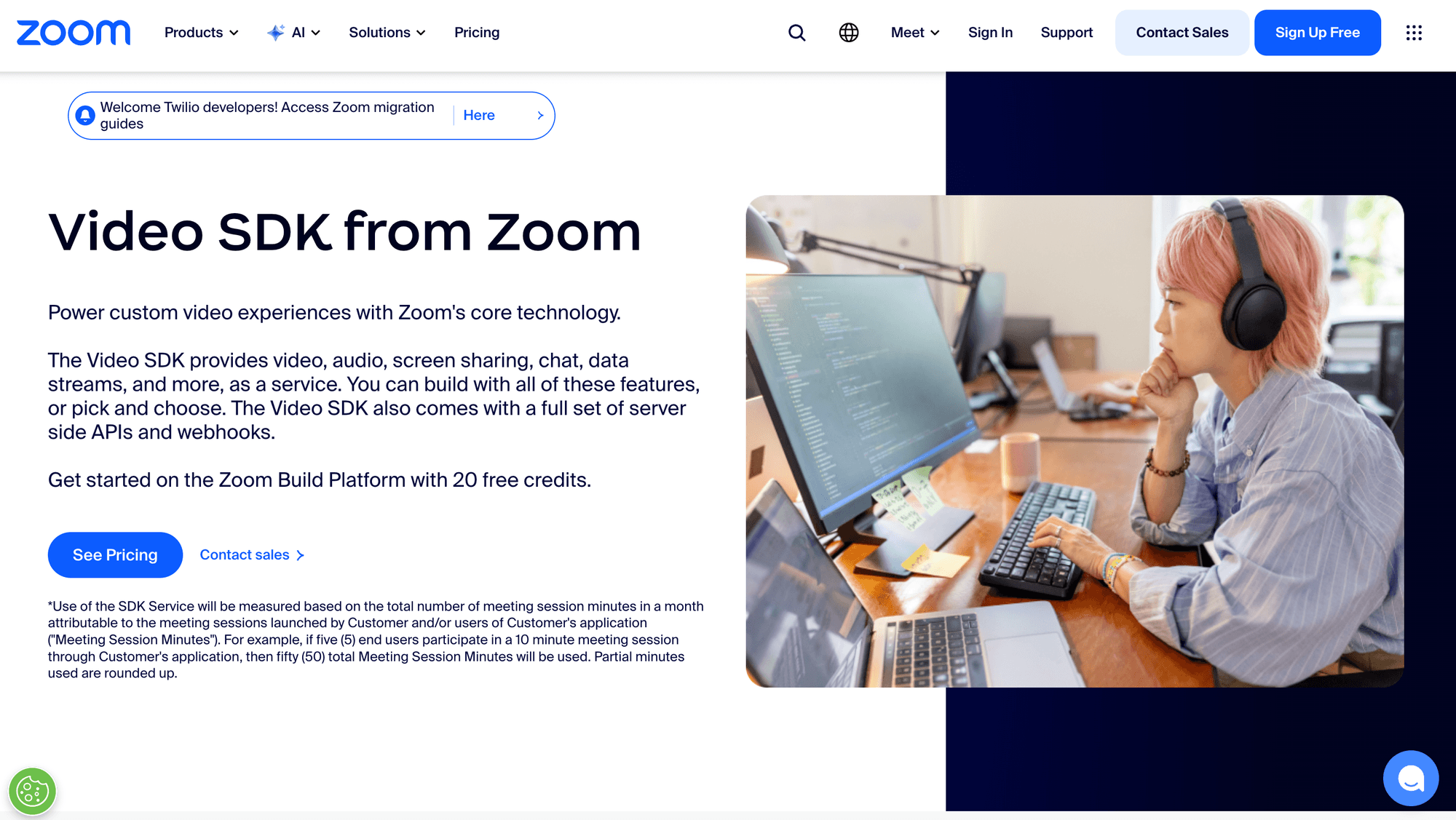
Best for: Teams that want Zoom's media infrastructure inside a custom application without placing users inside standard Zoom Meetings or Webinars.
The Zoom Video SDK provides video, audio, screen sharing, chat, data streams, cloud recording, live streaming, server APIs, webhooks, and raw media access on supported native platforms.
Zoom documents SDK support for iOS, Android, macOS, Windows, web, React Native, Linux, Flutter, and Unity. It also states that one Video SDK session can support up to 5,000 users.
The product boundary matters. Zoom's pricing page confirms that a Video SDK session cannot join a Zoom Meeting, so existing meeting licences and workflows do not automatically transfer.
Pricing: Zoom currently bills the Video SDK through minute-based Zoom Build Platform pricing. Confirm the applicable credit package and service rates inside the current account or sales flow.
Verdict: Choose Zoom Video SDK for large custom sessions or raw-media workflows. Do not choose it merely because your organisation already uses Zoom Meetings.
7. ZEGOCLOUD: Best for Social Experiences
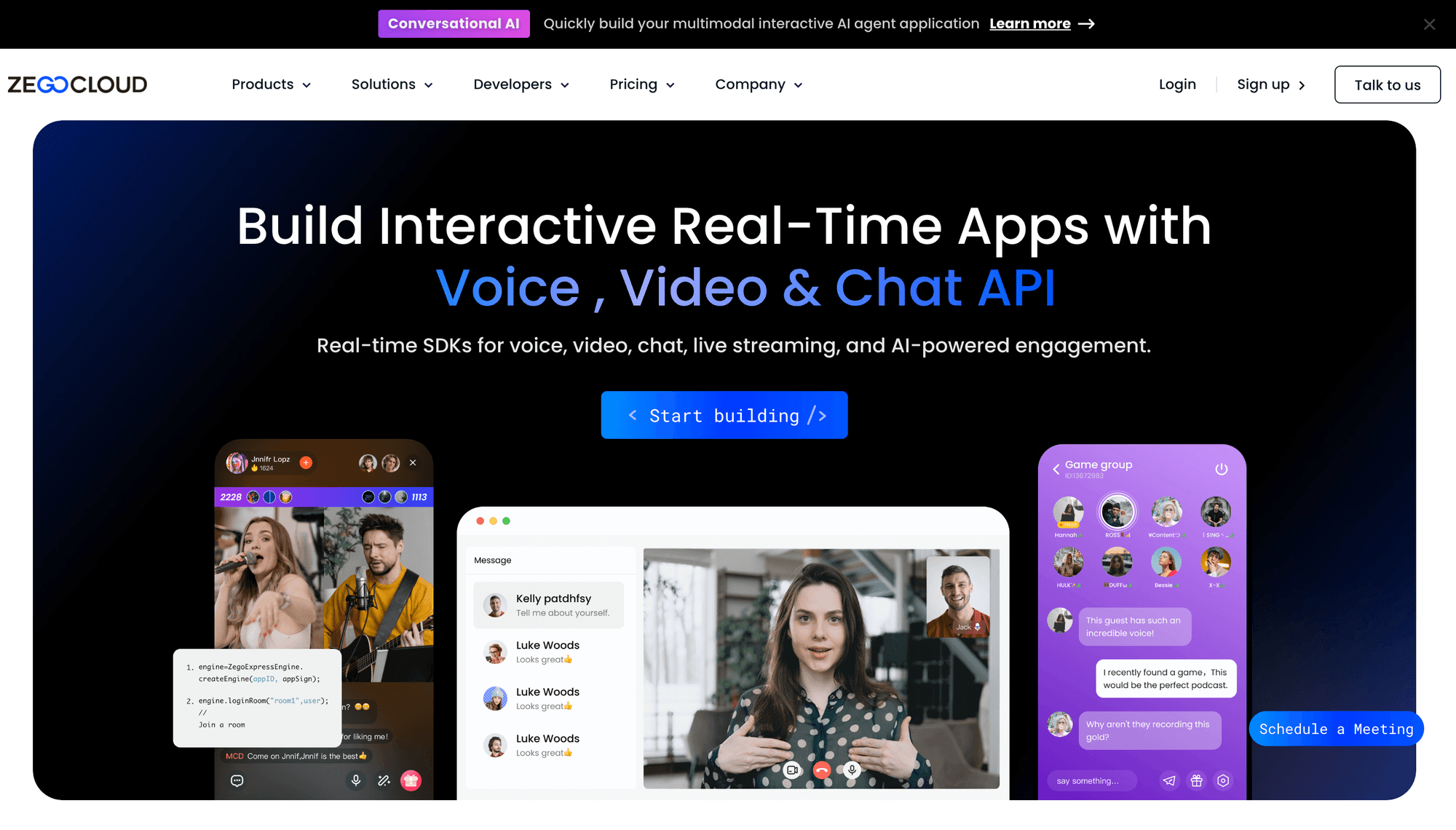
Best for: Social, dating, gaming, creator, and mini-app products that need video calls, live streaming, chat, effects, and many ready-made interface patterns.
ZEGOCLOUD separates video calling, voice, live streaming, chat, cloud recording, effects, and collaborative products. Its pricing page also advertises more than 20 prebuilt UI Kits.
This catalogue can shorten delivery for familiar social formats. It can also increase evaluation complexity because the correct SDK, UI Kit, quality tier, and add-ons depend on the exact experience.
Dyte teams should validate platform coverage, token design, stream-based billing, room limits, event semantics, recording modes, moderation, and regional availability before committing.
Pricing: ZEGOCLOUD pricing calculator lists 10,000 free minutes, video calls at $3.99 per 1,000 participant minutes, and separate rates for live streaming and cloud recording.
Verdict: Choose ZEGOCLOUD when social engagement formats and unusual client environments shape the product. A narrower video application may benefit from a simpler service map.
8. Stream Video: Best for Stream Stacks
Best for: Product teams already using Stream Chat, activity feeds, or moderation and wanting video, audio rooms, or live streaming in the same developer ecosystem.
Stream Video provides lower-level APIs and ready-made UI components. Existing Stream customers can reduce vendor boundaries across video, chat, feeds, and moderation, which may simplify identity and application state.
Its pricing model needs careful reading. Stream bills video according to participant minutes and the aggregate resolution each participant receives, rather than one flat video rate for every call.
That model can be efficient when automatic quality selection keeps small tiles at lower resolutions. Screen sharing and several visible high-resolution tracks can move usage into higher pricing bands.
Pricing: Stream Video pricing page lists $100 in monthly credit. Current rates include $1.50 per 1,000 participant minutes for HD and $3.00 for Full HD.
Verdict: Choose Stream Video when it completes an existing Stream product stack. Model realistic layouts before assuming the published HD rate covers every participant view.
9. Twilio Video: Best for Twilio Stacks
Best for: Organisations already using Twilio Voice, Messaging, phone numbers, Flex, security controls, procurement, and billing across customer communication products.
Twilio Programmable Video remains an active standalone product. Twilio reversed its earlier retirement decision in October 2024 and states that new and existing customers can continue using it.
Twilio Video supports group rooms, participant recordings, compositions, transcription, voice interoperability, and network quality controls. Existing commercial relationships can reduce organisational adoption work.
The main limitation is scope. Twilio's current pricing page lists up to 50 participants per room, while the separate Twilio Live product reached end of life.
Pricing: Twilio video pricing starts at $0.004 per participant minute. Recordings, transcription, compositions, storage, voice interoperability, and enterprise editions add separate costs.
Verdict: Choose Twilio Video when your communication stack already centres on Twilio and 50-participant rooms meet the requirement. Look elsewhere for a combined conferencing and large-audience replacement.
10. Jitsi Meet: Best Complete Open Source Stack
Best for: Teams that prefer a complete open-source meeting experience, infrastructure control, web and native SDKs, and no software licence charge.
Jitsi Meet is an Apache 2.0 project with browser and mobile applications, web and native SDKs, HD media, screen sharing, chat, polls, reactions, and virtual backgrounds.
The Jitsi Meet repository documents self-hosting through Debian packages or Docker. Jitsi as a Service is available for teams wanting managed monitoring, scaling, and updates.
Self-hosting transfers responsibility for servers, networking, TLS, monitoring, upgrades, security, abuse prevention, recording, and telephony. Jibri and Jigasi introduce additional components for some workflows.
Pricing: The open-source software has no licence fee. Infrastructure, bandwidth, storage, operations, recording, support, and any managed JaaS plan form the actual production cost.
Verdict: Choose Jitsi when a complete open-source meeting stack matters more than managed analytics and a smaller operational footprint.
The top ten cover different constraints, which is why the ranking should guide a prototype rather than replace one.
Which Dyte alternative should you choose?
Choose the Dyte alternative that removes your largest constraint without transferring unacceptable cost or operational risk elsewhere.
- Choose VideoSDK when you need managed video calling, prebuilt and custom UI paths, multi-platform SDKs, recording, and interactive live streaming.
- Choose LiveKit when an open-source SFU, self-hosting, and backend media control are mandatory requirements.
- Choose Agora when social, gaming, or interactive live experiences dominate your traffic and feature roadmap.
- Choose Daily when browser-first delivery and a flexible prebuilt component matter most.
- Choose 100ms when roles, room templates, classrooms, webinars, and viewer workflows define the product.
- Choose Zoom Video SDK when you need large custom sessions or native raw-media access on Zoom's infrastructure.
- Choose ZEGOCLOUD when social UI Kits, effects, chat, and non-standard client environments drive the decision.
- Choose Stream Video when video must fit an existing Stream Chat, feed, or moderation stack.
- Choose Twilio Video when your communication architecture already uses Twilio and the room limit is acceptable.
- Choose Jitsi Meet when infrastructure control and open-source licensing outweigh managed operations.
The best decision comes from a representative proof of concept, not a feature matrix viewed without your application's traffic and failure conditions.
How to migrate from Dyte safely
A safe Dyte migration preserves behaviour through a measured dual run, not a direct package substitution performed under deadline pressure.
- Evaluate RealtimeKit first. Compare Cloudflare's official package mappings with independent alternatives before accepting the cost and risk of a wider application rewrite.
- Inventory your current contract. Record authentication, rooms, participants, roles, permissions, device controls, events, webhooks, recording, streaming, analytics, and failure handling.
- Build a translation matrix. Map each Dyte object and event to the candidate platform, noting changed defaults, missing capabilities, and new server-side responsibilities.
- Create the thinnest vertical slice. Implement token generation, room creation, joining, camera and microphone controls, participant rendering, leaving, and one reconnection path.
- Test representative conditions. Cover mobile handoffs, restrictive firewalls, weak bandwidth, packet loss, device switching, backgrounding, reconnection, and bursts of participant joins.
- Run both paths temporarily. Send internal sessions and a small production cohort through the new stack while keeping rollback, comparable telemetry, and support escalation ready.
- Validate total cost. Include participant minutes, bandwidth, recording, storage, composition, RTMP or HLS, transcription, support, compliance, and self-hosted engineering time.
| Dyte area | Migration question | Acceptance evidence |
|---|---|---|
| Authentication | Can tokens preserve room and role restrictions? | Expiry, reuse, and negative tests pass |
| Participant state | Are join, leave, mute, metadata, and reconnect events equivalent? | Event traces match expected flows |
| Media controls | Do devices, screen share, permissions, and quality policies behave correctly? | Cross-browser and mobile tests pass |
| Recording and streaming | Are layouts, formats, latency, and callbacks acceptable? | Output and webhook tests pass |
| Operations | Can support diagnose quality, failures, and regional issues? | Dashboards and incident runbooks are ready |
Migration is complete only when the replacement preserves user behaviour, failure recovery, observability, and cost boundaries under production conditions.
Glossary
Participant minute: One participant connected for one minute. Ten people connected for a 30-minute call usually create 300 participant minutes.
Prebuilt UI: A ready-made meeting interface that speeds up delivery but may expose fewer visual and behavioural controls than lower-level SDKs.
SFU: A selective forwarding unit routes selected media streams between participants without combining every stream into one server-generated video.
Meeting token: A credential that authorises a participant to join a room. Production tokens should be generated and scoped on a trusted server.
Interactive live streaming: A low-latency format separating active hosts or speakers from viewers, often with stage promotion and external RTMP or HLS output.
Clear definitions prevent billing and architecture terms from hiding important differences between providers.
Key takeaways
Dyte's lifecycle change makes migration quality, product health, and operating model more important than a simple feature count.
- VideoSDK is the strongest general managed replacement when custom SDKs, prebuilt UI, broad platform support, and interactive streaming must coexist.
- LiveKit is the stronger choice when self-hosting and infrastructure control outweigh the convenience of fully managed media.
- Agora, Daily, and 100ms fit specialised social live, browser-first, and role-based event requirements respectively.
- Public media rates are not total cost because recording, storage, data transfer, transcription, proxy, support, and compliance can price separately.
- Existing Dyte teams should compare Cloudflare RealtimeKit first, then prototype one complete call flow before selecting an independent provider.
The safest shortlist contains two or three platforms whose operating models fit your team before any detailed feature scoring begins.
Conclusion
The leading Dyte alternatives solve different constraints, so the right choice starts with your application's video workflow, deployment model, and real operating cost.
VideoSDK is the strongest managed all-rounder, LiveKit leads for open-source control, and Agora suits specialised social and live products. Compare RealtimeKit first, then test difficult networks and full billing paths. You can create a VideoSDK account and prototype the managed route.
What are you building with VideoSDK?
Frequently asked questions
What is the best Dyte alternative?
VideoSDK is the best general managed Dyte alternative when a team needs custom video SDKs, prebuilt UI, multiple client platforms, recording, and interactive live streaming.
LiveKit is stronger when self-hosting is mandatory. Agora can be stronger for specialised social and high-volume interactive live experiences.
Is Dyte discontinued?
Legacy Dyte SDKs are in maintenance mode, according to the official Dyte migration guide. They will not receive feature updates or bug fixes.
Cloudflare RealtimeKit is the direct successor. Existing Dyte applications should plan a migration even when their current integration continues functioning.
Is Cloudflare RealtimeKit a Dyte alternative?
Cloudflare RealtimeKit is better described as Dyte's successor than as an independent alternative. Cloudflare provides direct package mappings from legacy Dyte SDKs.
Teams should evaluate RealtimeKit first for migration distance, then compare independent providers when deployment, pricing, support, UI, or platform requirements justify a wider switch.
Can VideoSDK replace Dyte UI Kit?
VideoSDK Prebuilt can replace many standard meeting-interface requirements, while VideoSDK's custom SDKs support deeper layout and behaviour control.
No UI migration is automatically identical. Validate every required control, event, permission, plugin, recording layout, and accessibility behaviour in a representative room.
What is the best open-source Dyte alternative?
LiveKit is the strongest modular open-source Dyte alternative for teams wanting an SFU, broad SDK ecosystem, managed-cloud option, and self-hosting.
Jitsi Meet is stronger when the requirement is a complete open-source meeting application. Both options transfer more operational responsibility than a managed video API.
Which Dyte alternative is cheapest?
No provider is cheapest for every workload because billing units and add-ons differ. A low participant-minute rate may exclude data transfer, recording, transcription, or support.
Price a real workload with call size, duration, quality, recording, storage, streaming, geography, and support requirements before comparing totals.
Which alternative is best for live streaming?
Agora, VideoSDK, 100ms, and ZEGOCLOUD are credible choices when interactive live streaming accompanies video calling.
Test host and viewer roles, stage promotion, stream fan-out, RTMP or HLS output, recording, reconnection, analytics, and billing with a representative event.
The FAQ answers support quick comparison, but the production proof of concept remains the final decision tool.
Related VideoSDK resources
These VideoSDK resources help a Dyte migration team test one complete managed-video path before making a platform commitment.
- Build a React video call with VideoSDK
- Launch a meeting with VideoSDK Prebuilt
- Review VideoSDK backend token and room examples
- Browse VideoSDK client code samples
- Check current VideoSDK pricing
Use these resources to build a small vertical slice covering authentication, room creation, joining, participant rendering, media controls, and leaving.