


Choose VideoSDK when you need a managed interactive Live Streaming API with dynamic host and viewer roles and no media-server operations. Choose Red5 Pro, Wowza Streaming Engine, or OvenMediaEngine when self-hosting and protocol control are mandatory. Choose Mux for one-way HLS broadcasts. The common mistake is comparing these architectures as though they were interchangeable.
The best Ant Media alternative depends on one architectural decision:
Do you want to operate a media server, or consume a managed Live Streaming API? VideoSDK ranks first in this guide for managed interactive streams, not as a drop-in server binary.
This comparison evaluates 10 products only for live streaming. Video conferencing, surveillance, IP-camera management, and Ant Media's other verticals are excluded unless a capability directly supports one-to-many or interactive broadcasting.
Evaluation disclosure: Every capability and public price in this article was checked against official product pages or documentation on July 24, 2026. The ranking is a documentation-based expert evaluation, not a synthetic or hands-on performance benchmark.
What Is an Ant Media Alternative?
An Ant Media alternative is defined as a Live Streaming API, SDK, or media server that can replace Ant Media's ingest, real-time delivery, broadcast, recording, or stream-management functions.
An Ant Media alternative works by receiving live audio and video, routing or transcoding that media, and delivering it through WebRTC, HLS, LL-HLS, or another playback path.
Ant Media itself supports WebRTC, RTMP, SRT, RTSP, WHIP, HLS, LL-HLS, CMAF, and DASH. Its pricing page lists self-hosted Enterprise licenses alongside public-cloud marketplace deployment.
Ant Media's documentation describes about 0.5-second WebRTC delivery under standard conditions. Its latency FAQ also documents higher latency when HLS replaces WebRTC for audience playback.
VideoSDK addresses the managed side of this requirement. Its Interactive Live Streaming documentation separates real-time host and promoted-guest participation from HLS delivery for larger receive-only audiences.
That distinction prevents an expensive category mistake. A managed API removes server operations, while a self-hosted server provides infrastructure control but leaves capacity, updates, observability, and incident response with your team.
Why Look for an Ant Media Alternative?
Teams usually replace Ant Media because their preferred operating model, audience path, or cost structure has changed.
Common reasons include:
- Reducing media-server operations: A managed API can remove cluster provisioning, upgrades, autoscaling, TURN capacity, monitoring, and incident response from the application team's workload.
- Adding in-app interaction faster: Products such as VideoSDK, Agora, 100ms, and ZEGOCLOUD provide SDK-level roles, stage promotion, chat, and event primitives.
- Changing audience economics: A WebRTC stage plus an HLS audience can be more practical than routing every passive viewer through the same real-time path.
- Keeping stronger infrastructure control: Red5 Pro, Wowza Streaming Engine, LiveKit, and OvenMediaEngine fit teams that need private networking, custom deployment, or source-level control.
- Improving broadcast tooling: Mux, Wowza, Amazon IVS, and Dolby OptiView can be stronger when encoder ingest, playback analytics, large receive-only audiences, or broadcast workflows dominate.
An alternative is therefore not automatically “better” than Ant Media. It is better only when its deployment model and media path match the workload you are actually building.
How We Ranked These Ant Media Alternatives
This ranking scores Live Streaming API fit, not each vendor's wider communication or video portfolio.
Each product received a weighted editorial score from current documentation. No vendor received points for an unverified latency claim, an unrelated conferencing feature, or a sales-page superlative.
| Evaluation criterion | Weight | What earned a higher score |
|---|---|---|
| Live latency and interaction | 25% | WebRTC or comparable real-time delivery, role changes, and audience participation |
| API and SDK experience | 20% | Clear quickstarts, maintained SDKs, server APIs, webhooks, and sample applications |
| Deployment and data control | 15% | Managed availability, self-hosting choice, regional controls, or offline deployment |
| Streaming workflow coverage | 15% | Useful ingest, playback, recording, restreaming, and adaptive delivery options |
| Scale and operations | 10% | Published limits, monitoring, network adaptation, and production support |
| Pricing clarity | 10% | Public rates or understandable billing units with practical trial access |
| Migration suitability | 5% | A credible path from Ant Media's rooms, streams, protocols, and APIs |
The score is a selection aid, not laboratory data. Before signing a contract, run the same encoded source through shortlisted providers and measure latency, first-frame time, freeze rate, and cost.
Pricing snapshots use public US-dollar rates available on July 24, 2026. Regional delivery, resolution, recording, support, storage, transcoding, and committed-use charges can change the final bill.
Ant Media Alternatives Comparison
The strongest shortlist contains different product types because no managed API, commercial server, or open-source project wins every Ant Media migration.
| Rank | Ant Media alternative | Delivery and deployment | Best for | Editorial score |
|---|---|---|---|---|
| 1 | VideoSDK | Managed WebRTC ILS plus HLS and RTMP workflows | Developer-led interactive streaming | 89/100 |
| 2 | Agora | Managed real-time network and broadcast extensions | Global social and commerce apps | 87/100 |
| 3 | LiveKit | Open-source SFU or managed cloud, with ingress and egress | Portability and custom media products | 84/100 |
| 4 | Amazon IVS | Managed real-time stages and low-latency channels | AWS-native interactive events | 82/100 |
| 5 | Red5 Pro | Commercial self-hosted WebRTC media server | Direct server replacement and protocol control | 80/100 |
| 6 | 100ms | Managed WebRTC stage plus HLS audience delivery | Webinars, classes, and hybrid audiences | 79/100 |
| 7 | ZEGOCLOUD | Managed interactive and CDN live modes | Social live, gifting, and co-hosting | 78/100 |
| 8 | Wowza | Managed cloud or private streaming engine | Broadcast operations and mixed inputs | 77/100 |
| 9 | Mux | Managed RTMP ingest and HLS delivery | API-first one-way broadcasts and analytics | 74/100 |
| 10 | OvenMediaEngine | Open-source self-hosted WebRTC and LL-HLS server | Infrastructure teams avoiding commercial server fees | 73/100 |
VideoSDK leads for a managed, in-app interactive experience. Red5 Pro or OvenMediaEngine is a closer architectural match when your requirement is an installable server under your operational control.
The table also exposes two different latency markets. WebRTC products prioritize interaction, while HLS products prioritize economical, device-compatible distribution to a larger receive-only audience.
Ant Media vs. Alternatives: Pricing Comparison
Ant Media pricing is instance-based, while most managed alternatives meter participants, viewers, stream hours, delivery minutes, or bandwidth.
| Platform | Public pricing snapshot checked July 24, 2026 | Primary billing model | Cost factor teams often miss |
|---|---|---|---|
| Ant Media Server | Enterprise: $109 per instance/month on monthly billing, $89 per instance/month on annual billing, $0.24 per instance-hour, or $2,799 perpetual | Server license plus infrastructure | Compute, bandwidth, database, load balancing, monitoring, support, and engineering operations |
| VideoSDK | VideoSDK's pay-as-you-go pricing is $0.001 per participant-minute for audio calls, $0.004 per participant-minute for video calls, and $0.002 per viewer-minute for live streaming and a $20 free credit for new accounts. | Usage-based managed API | Real-time participants, passive audience delivery, recording, transcription, and restreaming may use different units |
| Agora | First 10,000 monthly minutes free; audio starts at $0.99 and HD video at $3.99 per 1,000 participant minutes | Participant minutes plus add-ons | Recording, analytics, Media Push, and forced cloud proxy can add separate charges |
| LiveKit Cloud | Build includes 5,000 WebRTC minutes and 50 GB downstream; Ship starts at $50/month and includes 150,000 WebRTC minutes | Connection minutes, downstream transfer, ingress, and egress | Self-hosting the SFU does not make ingress, egress, recording, global routing, or operations free |
| Amazon IVS | Real-Time Streaming is billed by connected participant hours; Low-Latency Streaming bills input and viewer output by resolution and region | Participant hours or channel input/output | Composition, chat, recording, data transfer, and regional viewer mix |
| Red5 Pro | Developer Pro $29.99/month, Startup $119/month, Growth Pro $299/month; enterprise plans are higher | Software license per deployment tier | Cloud infrastructure, bandwidth, support, operations, and some mobile SDK costs |
| 100ms | 10,000 monthly streaming minutes and 1,000 encoding minutes included; additional SD streaming starts at $0.0012 per viewer minute | Viewer, participant, encoding, recording, and output minutes | HLS encoding, recording, transcription, and RTMP output are separately metered |
| ZEGOCLOUD | Live Streaming headline rate starts at $0.39 per 1,000 minutes | Host, co-host, and viewer usage with feature-specific billing | Interactive mode, recording, messaging, and regional configuration can change the total |
| Wowza | Wowza Video: $2.50 per stream hour and $0.10 per viewer hour; Streaming Engine Basic Monthly: $195 for the first instance | Cloud usage or self-hosted server license | Real-time streaming at scale, premium support, CDN, storage, and additional instances |
| Mux | 100,000 delivery minutes included monthly; live input starts at $0.025/minute for 720p Plus quality, with delivery from $0.0008/minute after included usage | Input, storage, delivery, and workflow add-ons | Simulcasting, DRM, live captions, storage, resolution, and preloaded-but-unwatched segments |
| OvenMediaEngine | AGPL-3.0 community software; commercial licensing available on request | Open-source software plus infrastructure | Engineering time, bandwidth, compute, monitoring, security, and on-call ownership |
Do not compare these headline rates directly. Normalize each platform against the same event:
monthly_cost =
  host_or_participant_usage
  + passive_viewer_delivery
  + encoding_or_composition
  + recording_and_storage
  + restreaming_and_transcription
  + support
  + infrastructure_and_egress
  + estimated_operations_cost
For example, price one 60-minute event with one host, five co-hosts, 5,000 viewers, 720p playback, recording, captions, and one RTMP destination. That model exposes whether a low headline rate is actually relevant to your architecture.
10 Best Ant Media Alternatives in 2026
These ten Ant Media alternatives cover managed interaction, broadcast-scale delivery, commercial self-hosting, and open-source infrastructure.
1. VideoSDK: Best Overall Managed ILS API
VideoSDK is the leading choice when developers want embedded interactive live streaming without operating Ant Media clusters, load balancers, databases, and media nodes.
VideoSDK Interactive Live Streaming uses room-based WebRTC media with host and receive-only participant permissions. Viewers can be promoted, while chat, polls, reactions, recording, captions, and RTMP restreaming can stay inside one product surface.
The React documentation identifies SEND_AND_RECV for hosts and RECV_ONLY for audiences. Its current ILS quickstart also shows changeMode() for switching participant roles.
Why it ranks first: VideoSDK combines a managed media layer, client SDKs, interaction primitives, HLS delivery, and RTMP output without requiring teams to administer a streaming server.
Best for: Live shopping, auctions, webinars, social broadcasts, interactive classrooms, expert sessions, and products where selected viewers may join the stage.
Pricing: VideoSDK currently provides a prepaid wallet and a $20 starting balance. VideoSDK's pay-as-you-go pricing is $0.001 per participant-minute for audio calls, $0.004 per participant-minute for video calls, and $0.002 per viewer-minute for live streaming.
Watch out for: VideoSDK is not an on-premises Ant Media binary replacement. Teams requiring air-gapped deployment, arbitrary server modules, or direct infrastructure tuning should shortlist Red5 Pro, Wowza Streaming Engine, or OvenMediaEngine.
Migration note: Replace Ant Media broadcast IDs with VideoSDK room IDs, then map publishers to SEND_AND_RECV and passive WebRTC viewers to RECV_ONLY. Validate HLS audience economics separately.
Use the VideoSDK authentication guide to generate tokens server-side. The snippet demonstrates the developer surface without pretending a complete production application fits in one block.
2. Agora: Best for Global RTC Programs
Agora is a strong Ant Media alternative when a global application needs mature real-time SDKs, network routing, audience role changes, and optional CDN broadcast.
Agora's Interactive Live Streaming product supports multiple hosts, audience promotion, chat, reactions, gifting, extensions, and quality monitoring across its managed real-time network.
Why it ranks second: Agora offers broad platform coverage and mature global real-time infrastructure. Its Media Push, Media Pull, recording, analytics, and proxy options cover demanding streaming programs.
Best for: International social live apps, creator platforms, live commerce, gaming communities, and organizations already standardized on Agora's RTC and messaging services.
Pricing: The interactive live streaming pricing lists 10,000 free monthly minutes, with audio from $0.99 and HD video from $3.99 per 1,000 participant minutes.
Watch out for: Add-ons such as recording, advanced analytics, Media Push, and forced cloud proxy carry separate charges. Model a complete stream rather than comparing one headline rate.
Migration note: Map Ant Media publishers and players to Agora host and audience roles. If passive audience scale requires a CDN, test Agora Media Push and include its added delay and cost.
Agora scores below VideoSDK here because the VideoSDK path is more focused for a developer seeking a managed ILS replacement with fewer adjacent services to price separately.
3. LiveKit: Best for Open-Source Portability
LiveKit fits teams wanting one open-source WebRTC foundation that can run independently or move to a managed cloud without redesigning every client.
LiveKit's Ingress service accepts sources such as RTMP, WHIP, and SRT. Its Egress service records rooms or sends composed output to RTMP destinations and HLS storage.
Why it ranks third: Open-source availability reduces platform lock-in, while LiveKit Cloud provides global media routing, analytics, managed ingress, and managed egress for teams avoiding SFU operations.
Best for: Products needing source-code access, custom media processing, cloud-to-self-hosted portability, or one WebRTC platform shared by streaming and real-time application features.
Pricing: LiveKit Cloud pricing page meters WebRTC connection minutes, downstream transfer, ingress, and egress. The Build plan includes 5,000 WebRTC minutes and 50 GB of downstream transfer; the Ship plan starts at $50 per month and includes 150,000 WebRTC minutes.
Watch out for: Self-hosting the core SFU does not automatically provide managed ingress, egress, recording, global routing, or support. Those services require separate deployment and capacity planning.
Migration note: Ant Media's ingest and restreaming functions map to separate LiveKit Ingress and Egress components. Treat that split as an architecture change, not an endpoint swap.
LiveKit ranks above other self-hostable choices because its open-source core and managed cloud create a practical staged migration path for engineering teams.
4. Amazon IVS: Best for AWS-Native Events
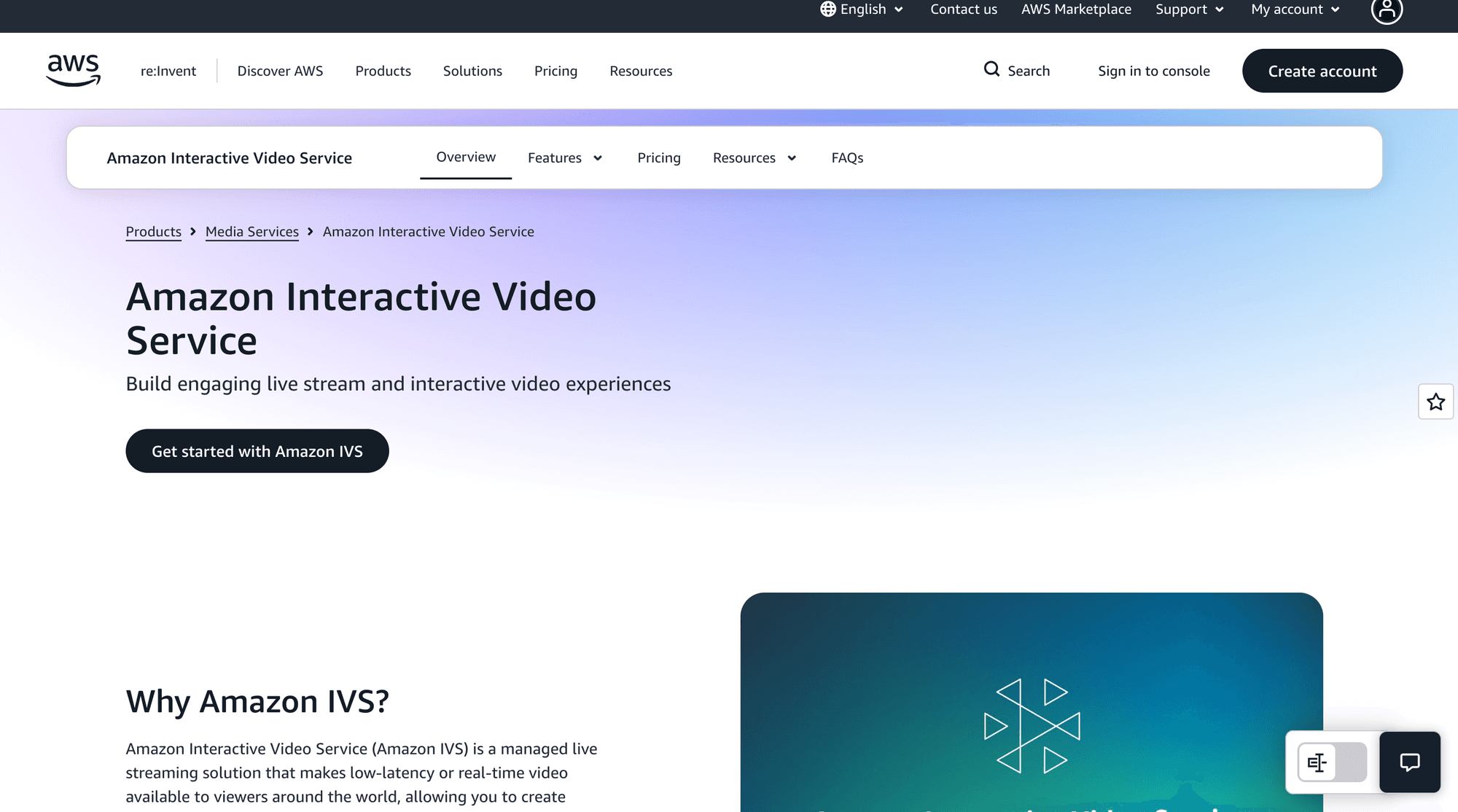
Amazon Interactive Video Service is the strongest fit when streaming must integrate with AWS identity, storage, monitoring, networking, and event-driven application services.
Amazon IVS offers two paths. Real-Time Streaming stages target under 300 milliseconds, while Low-Latency Streaming channels target under five seconds and distribute to broader audiences.
The Amazon IVS overview documents RTMP, RTMPS, and SRT channel ingest. Real-time stages support SDK publishing plus WHIP and RTMP ingest.
Amazon's documentation states that IVS stages can deliver video with latency under 300 milliseconds. Treat that figure as a vendor-documented target until your own network tests confirm it.
Why it ranks fourth: IVS combines managed media, AWS operational tooling, participant recording, server-side composition, chat, private ingest, redundant ingest, and detailed service quotas.
Best for: AWS-based live events, sports companion experiences, commerce, watch parties, creator broadcasts, and workloads that already send recordings and events to S3, Lambda, and CloudWatch.
Pricing: Amazon IVS official pricing charges Real-Time Streaming by connected participant hours. Low-Latency Streaming bills video input and viewer output by channel, resolution, and delivery region.
Watch out for: Real-time stages currently document a 720p participant publishing limit, 12 stage publishers, and regional quotas. Broader broadcasts may need composition into an IVS channel.
Migration note: Map interactive Ant Media sessions to stages and large passive audiences to channels. This two-tier design can improve unit economics, but it increases orchestration complexity.
Amazon IVS ranks below LiveKit because AWS integration is its largest advantage, while teams outside AWS may find the regional model and multi-part billing harder to justify.
5. Red5 Pro: Best Direct Server Replacement
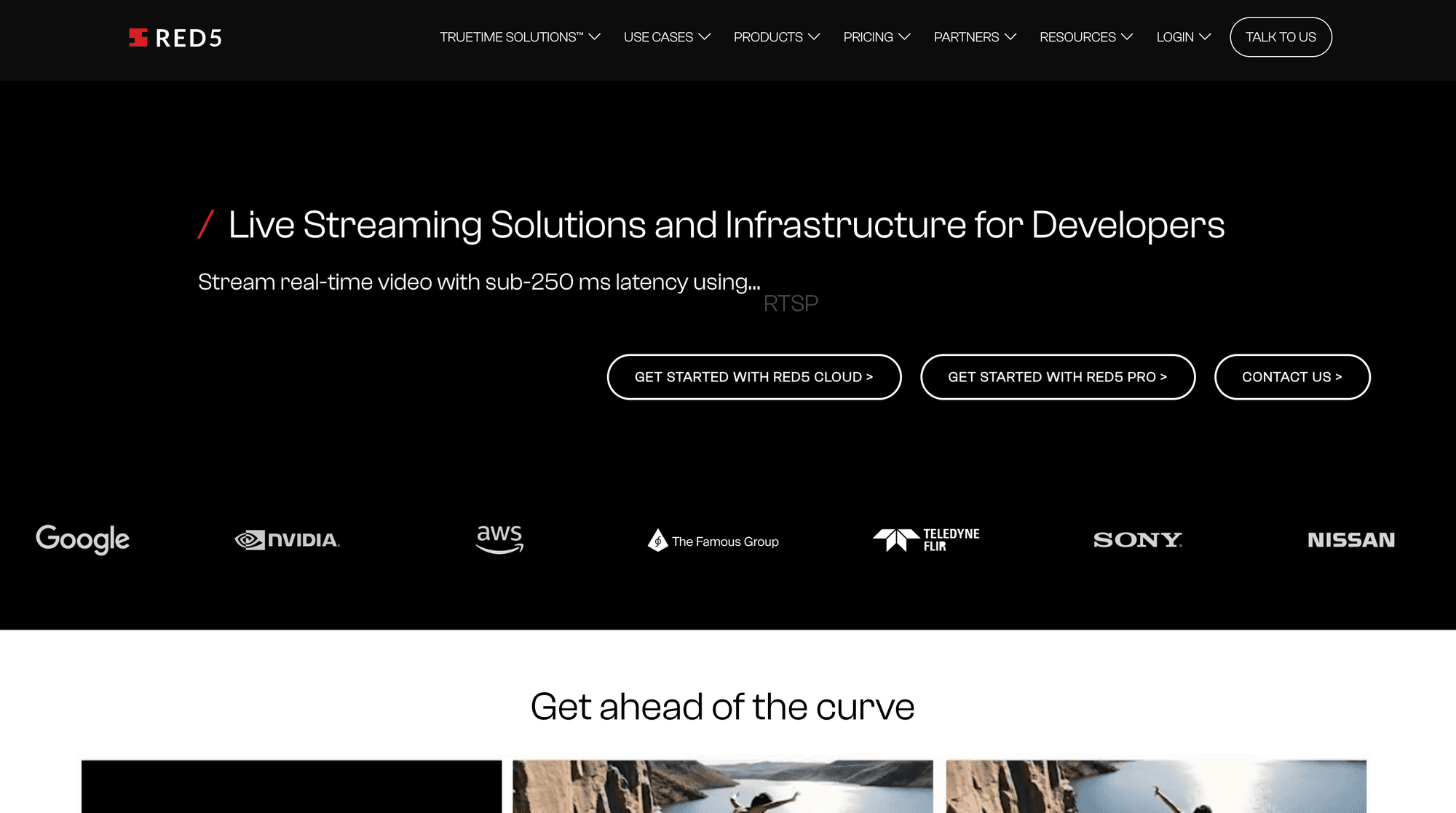
Red5 Pro is the closest commercial Ant Media alternative for teams retaining self-hosted WebRTC infrastructure, multi-protocol ingest, autoscaling, and server-level deployment control.
Red5 Pro supports WebRTC, RTMP, RTSP, HLS, recording, VOD, adaptive bitrate, and multiple cloud deployment targets. Its WebRTC SDK documentation also includes WHIP and WHEP client examples.
Why it ranks fifth: Red5 Pro resembles Ant Media operationally. Your team licenses server software, supplies infrastructure, controls deployment, and can build around browser and mobile SDKs.
Best for: Regulated or private-cloud workloads, IP-camera and broadcast inputs, low-latency self-hosting, and migration projects that cannot adopt a fully managed media API.
Pricing: The official pricing page lists Developer Pro at $29.99 monthly for 100 connections, Startup at $119 monthly, and Growth Pro at $299 monthly.
Watch out for: Infrastructure, bandwidth, operational staffing, and some mobile SDK costs sit outside the base license. Enterprise offline deployment starts far above developer pricing.
Migration note: Protocol and deployment similarity can reduce media-workflow changes. REST endpoints, authentication, autoscaling, monitoring, and application code still require explicit remapping and load testing.
Red5 Pro ranks below managed services for developer speed, but it outranks them when retaining self-hosted control is a non-negotiable requirement.
6. 100ms: Best for Hybrid WebRTC and HLS
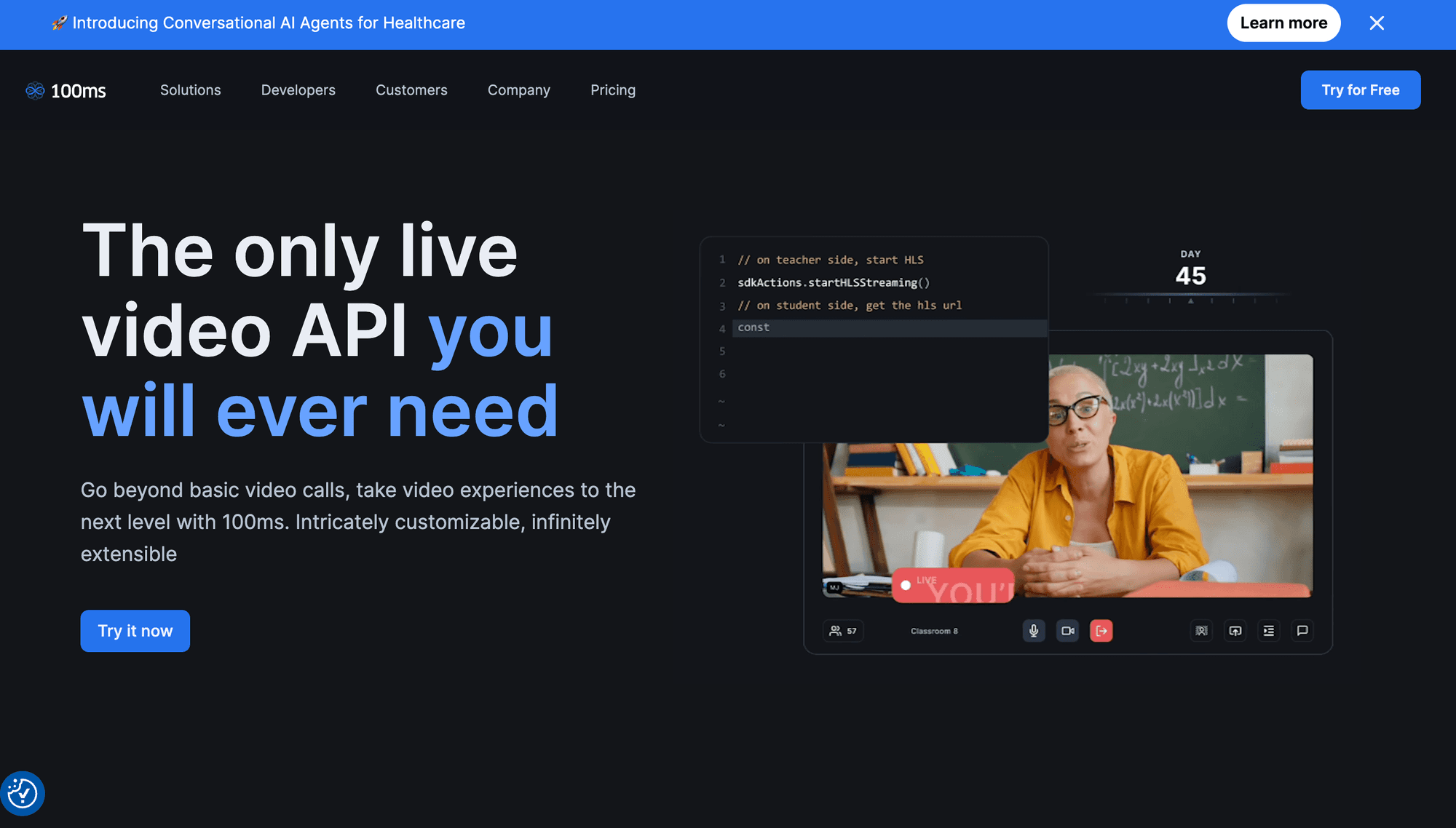
100ms suits events where speakers need WebRTC interaction while a larger receive-only audience watches a composed HLS stream.
The 100ms live-streaming guide defines on-stage WebRTC, off-stage WebRTC, and off-stage HLS roles. It documents sub-second WebRTC and HLS delivery below ten seconds.
Why it ranks sixth: Roles, Prebuilt UI, chat, recordings, webhooks, static HLS playback URLs, and viewer promotion make 100ms practical for structured events.
Best for: Webinars, virtual classrooms, fitness sessions, community events, town halls, and products that need predictable stage-to-audience role movement.
Pricing: The 100ms pricing page currently includes 10,000 monthly HLS viewer minutes and 1,000 encoding minutes. Additional SD viewing starts at $0.0012 per viewer minute.
Watch out for: HLS viewers receive more delay than WebRTC viewers. Encoding, recording, transcription, and external RTMP output use separate metered units.
Migration note: Ant Media publishers map to broadcaster or co-broadcaster roles. Choose WebRTC or HLS viewer roles by interaction need, and retest moderation and playback behavior.
100ms ranks below Red5 Pro because it changes the operating model completely, but it is a faster product path for teams comfortable with managed infrastructure.
7. ZEGOCLOUD: Best for Social Live Features
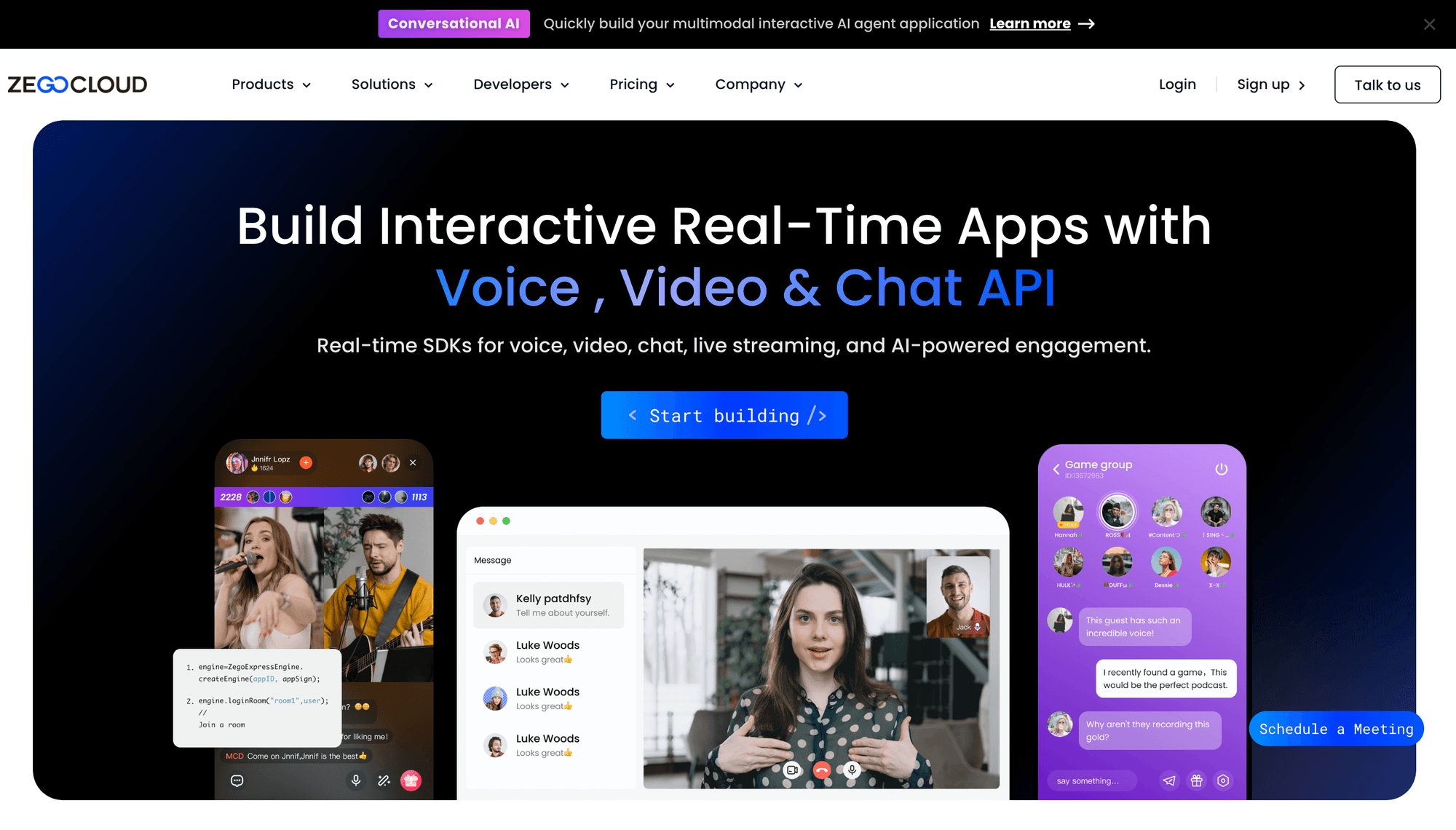
ZEGOCLOUD is built for social live experiences where co-hosting, gifts, chat, cross-room interaction, and prebuilt interfaces matter alongside low-latency video.
Its Live Streaming product page separates standard CDN-style streaming from interactive delivery and advertises sub-second interaction for supported modes.
Why it ranks seventh: ZEGOCLOUD packages live video with UIKits and social engagement primitives, reducing the application work needed for creator and community products.
Best for: Social live, live shopping, multi-guest shows, gaming streams, fitness, classes, virtual gifting, and applications prioritizing fast UI delivery.
Pricing: The public pricing page displays Live Streaming from $0.39 per 1,000 minutes. Host, co-host, viewer, recording, and add-on billing can alter the total.
Watch out for: The low-latency feature may require account activation. Confirm regional availability, precise concurrency, feature access, and the correct billing mode during evaluation.
Migration note: Map Ant Media data-channel interactions to ZEGOCLOUD messaging or application events. Validate whether UIKits provide sufficient customization before committing to them.
ZEGOCLOUD ranks behind 100ms because some technical and commercial details require support confirmation, although it may rank higher for a social entertainment product.
8. Wowza: Best for Broadcast Workflow Breadth
Wowza remains relevant when the replacement must support encoder-led broadcasting, managed cloud delivery, private streaming software, and a detailed REST control plane.
The Wowza Video REST API controls live streams, transcoders, sources, targets, and playback. Wowza Video 2.0 also documents WebRTC live-stream creation through API calls.
Why it ranks eighth: Wowza has mature broadcast workflow coverage, mixed encoder support, cloud transcoding, an integrated player, analytics, recording, and private deployment options.
Best for: Broadcasters, continuous channels, mixed camera and encoder fleets, enterprise event teams, and organizations already familiar with Wowza Streaming Engine.
Pricing: Wowza Streaming Engine lists a Basic Monthly plan at $195 for the first instance. Real-Time Streaming at Scale uses custom pricing.
Watch out for: The public pay-as-you-go rates target general cloud streaming. Sub-500-millisecond real-time scale, 24-hour streaming, support, and private Engine deployment need separate commercial evaluation.
Migration note: Wowza offers a familiar server and broadcast vocabulary, but its application configuration, Java extensions, REST resources, and scaling design differ from Ant Media.
Wowza ranks lower for interactive application development, yet it can outrank every managed RTC platform when legacy encoders and broadcast operations dominate the requirement.
9. Mux: Best for API-First One-Way Broadcast
Mux is an excellent live video API for one-way broadcasts, but it is not a real-time WebRTC replacement for Ant Media's interactive delivery.
Mux uses RTMP or RTMPS ingest and HLS delivery. Its official live-streaming FAQ states that low-latency mode can reach about five seconds and direct WebRTC ingest is unavailable.
Why it ranks ninth: Mux provides concise APIs, webhooks, test streams, automatic live-to-VOD assets, simulcast targets, playback security, player tooling, and detailed quality-of-experience analytics.
Best for: Sports streams, concerts, media events, fitness broadcasts, user-generated live video, and products where five-second latency is acceptable.
Pricing: Mux pricing documentation separates live input, storage, and delivery. Current public pricing includes 100,000 monthly delivery minutes; 720p Plus live input starts at $0.025 per minute, and delivery starts at $0.0008 per minute after included usage.
Watch out for: Mux is unsuitable when viewers must speak on stage with near-instant audio and video. You need a separate real-time system for that interaction.
Migration note: Keep an RTMP encoder workflow, replace stream-creation and playback APIs, then redesign Ant Media WebRTC interaction outside Mux rather than forcing HLS into a real-time role.
Mux ranks below the WebRTC products only because this article prioritizes Ant Media's low-latency interactive use case. For one-way API broadcasts, it can rank near the top.
10. OvenMediaEngine: Best Open-Source Self-Hosting
OvenMediaEngine is the strongest open-source option here for teams willing to build and operate their own sub-second WebRTC and LL-HLS streaming stack.
The OvenMediaEngine repository documents WebRTC, LL-HLS, RTMP, SRT, monitoring, access control, recording, restreaming, and origin-edge clustering. A REST API manages applications and streams.
Why it ranks tenth: It offers source access and no commercial license fee while covering many protocols that motivate an Ant Media deployment.
Best for: Infrastructure teams, private deployments, high-control streaming products, engineering-led prototypes, and organizations able to own networking, upgrades, capacity, security, and support.
Pricing: OvenMediaEngine's community project uses the AGPL-3.0 license, while commercial licenses are also available. Compute, bandwidth, storage, monitoring, engineering, and incident response form the actual cost.
Watch out for: Review AGPL obligations with counsel. The REST API documentation also notes stream disruption when certain application settings restart.
Migration note: Protocol similarity helps, but Ant Media application configuration and REST resources do not map directly. Rebuild access control, scaling, dashboards, and operational automation deliberately.
OvenMediaEngine ranks tenth overall because operational burden reduces its general fit. It ranks first for a narrower requirement: open-source, self-managed live infrastructure with protocol-level control.
Bonus: Dolby OptiView Real-Time Streaming (Formerly Millicast)
Dolby OptiView is a credible bonus alternative for broadcast-quality WebRTC delivery where sub-second playback matters more than stage-style participant collaboration.
The product previously known as Dolby.io Real-Time Streaming or Millicast is now branded Dolby OptiView Real-Time Streaming. Its documentation describes globally distributed WebRTC streaming, native mobile SDKs, broadcast-oriented publishing, multi-view experiences, and sub-second delivery.
Best for: Sports betting, auctions, remote production, interactive sports, synchronized metadata, and large audiences that need broadcast quality with real-time playback.
Pricing: Current Dolby OptiView plans use custom pricing.
Watch out for: Dolby OptiView is not a direct replacement for Ant Media's full self-hosted server model, and its public pricing is less transparent than the ranked products. It is included as a bonus because it is technically relevant, but the lack of self-service price detail makes normalized buying comparisons harder.
Migration note: Treat Ant Media WebRTC broadcasts as publish-and-subscribe streams, then rebuild authentication, metadata, recording, audience interaction, and operational workflows around the OptiView APIs.
Which Ant Media Alternative Should You Choose?
Choose the Ant Media alternative that matches your latency, deployment, and audience architecture before comparing feature counts.
- Choose VideoSDK when you want a managed interactive Live Streaming API, viewer promotion, application SDKs, HLS audience delivery, and RTMP restreaming.
- Choose Agora when a global, mature RTC network and a large catalog of media extensions justify more complex product and add-on pricing.
- Choose LiveKit when open-source portability, custom media applications, and a credible managed-cloud path matter more than a single bundled streaming product.
- Choose Amazon IVS when your backend, identity, storage, events, monitoring, and commercial commitments already center on AWS.
- Choose Red5 Pro or Wowza when self-hosting, broadcast protocol breadth, offline deployment, or direct server administration is a hard requirement.
- Choose 100ms or ZEGOCLOUD when structured stage roles, prebuilt interfaces, and audience engagement features will accelerate a social or event product.
- Choose Mux when the application is a one-way live broadcast and about five seconds of low-latency HLS is acceptable.
- Choose OvenMediaEngine when source access and avoiding a commercial server license outweigh the cost of running the full streaming platform yourself.
- Shortlist Dolby OptiView when broadcast-grade, sub-second WebRTC distribution is the priority and custom enterprise pricing is acceptable.
The practical answer is conditional. VideoSDK is the best overall managed choice in this ranking, while Red5 Pro offers the closest commercial self-hosted replacement.
How to Migrate From Ant Media
A safe Ant Media migration starts with media-path inventory, not with replacing REST endpoint names.
- Record every ingest path. List WebRTC, WHIP, RTMP, RTSP, SRT, camera, and encoder sources, including codecs, bitrates, keyframe intervals, and authentication.
- Separate interactive and passive audiences. Keep speakers and promoted viewers on WebRTC, then evaluate HLS or LL-HLS for receive-only scale and lower delivery cost.
- Map identity and permissions. Translate Ant Media broadcast, room, token, publisher, and player rules into the target provider's room, stage, role, or stream model.
- Rebuild server-side control. Replace broadcast creation, recording, webhooks, analytics, stream health, and deletion endpoints with an explicit target API map.
- Test outputs and archives. Validate recordings, VOD availability, captions, thumbnails, simulcast destinations, retention, and storage ownership before moving live traffic.
- Run a shadow stream. Send the same encoder output to both platforms, then measure first-frame time, latency, freezes, bitrate changes, recovery, and viewer synchronization.
- Cut over gradually. Move internal events first, then low-risk customers, and finally high-value production streams with rollback keys and dashboards ready.
This sequence avoids treating protocol support as product equivalence. Two vendors may accept RTMP while producing different latency, quality ladders, recordings, analytics, and failure behavior.
A Practical Ant Media Migration Example
A fictional live-shopping product shows why workload mapping matters more than copying Ant Media configuration into another provider.
Imagine FlashCart runs one browser host, three rotating guests, 3,000 passive viewers, cloud recording, chat, and one RTMP output to YouTube. Ant Media currently handles the complete media path.
With VideoSDK, FlashCart would create one room, assign SEND_AND_RECV to the host and guests, and use RECV_ONLY or HLS for viewers according to latency and cost.
Its backend would issue short-lived VideoSDK tokens and store the new room ID beside the existing Ant Media broadcast ID. Chat and commerce events would remain application data.
The team would configure recording and an RTMP livestream destination, then shadow one internal sale across both systems. Visible timestamps would expose the actual latency difference.
FlashCart would compare join success, first-frame time, freeze duration, audio-video sync, reconnect behavior, recording availability, and total event cost before shifting customer traffic.
If FlashCart required offline deployment inside a private facility, this design would fail the deployment requirement. Red5 Pro, Wowza, or OvenMediaEngine would become the more credible shortlist.
The example is fictional and contains no synthetic performance result. Its value is the repeatable mapping between participants, protocols, outputs, measurements, and a conditional platform decision.
Production Checks Most People miss
The right Live Streaming API is the one that survives your worst network, largest event, strictest security review, and most expensive traffic pattern.
Measure Glass-to-Glass Latency
Vendor latency describes a mode, not your application. Measure camera capture to rendered playback with visible timecodes across target devices, regions, browsers, and mobile networks.
Run separate tests for speakers, WebRTC viewers, HLS viewers, and restreamed social destinations. A single average hides long-tail delays that break auctions, quizzes, and commentary.
Price One Real Event
Model one host, five co-hosts, 5,000 viewers, 60 minutes, 720p delivery, recording, transcription, RTMP output, storage, and premium support. Include cloud egress for self-hosting.
Participant-minute, viewer-minute, stream-hour, delivered-minute, and bandwidth pricing are not directly comparable. Convert every vendor into the same event and monthly traffic forecast.
Validate Failure Recovery
Disconnect the publisher, rotate networks, deny UDP, expire a token, interrupt an encoder, and throttle bandwidth. Measure recovery time and whether viewers need manual refresh.
For self-hosted products, kill an origin node and an edge node. For managed products, test status webhooks, duplicate events, retry behavior, idempotency, and regional failover assumptions.
Audit Security and Data Control
Confirm server-side token generation, role scoping, signed playback, stream-key rotation, encryption, recording access, deletion, audit logs, data residency, and required compliance agreements.
Do not infer compliance from transport encryption. Your application, storage bucket, analytics export, moderation workflow, and support access can change the complete security boundary.
Check SDK and Protocol Gaps
Build a feature matrix per platform. A vendor may support live captions on Web but not Flutter, WHIP ingest but not browser SDK ingest, or recording without individual tracks.
Protocol labels also hide codec constraints. Validate H.264, VP8, AV1, AAC, Opus, B-frames, simulcast, SVC, keyframe requirements, orientation, screen share, and hardware encoders.
Ant Media Alternative Glossary
Interactive Live Streaming: A low-latency broadcast in which selected viewers can react, communicate, or become media publishers. VideoSDK models this with host and receive-only permissions inside a room.
WebRTC: A real-time browser and application media stack commonly used for sub-second interactive streaming. It needs signaling, NAT traversal, media routing, and network adaptation around the core protocol.
HLS and LL-HLS: HTTP Live Streaming delivers segmented media through HTTP infrastructure. LL-HLS reduces segment delay, but WebRTC usually remains the better fit for two-way interaction.
Ingest: The path that sends a source into the streaming platform. Common live ingest options include browser WebRTC, WHIP, RTMP, RTSP, SRT, and hardware encoders.
Egress and restreaming: The path that exports a live room or stream to recording storage, HLS, RTMP, SRT, YouTube, Twitch, Facebook, or another destination.
Room or stage: A logical live session containing hosts, co-hosts, viewers, tracks, roles, and events. VideoSDK uses rooms, while Amazon IVS uses stages for real-time participants.
Key Takeaways
- VideoSDK is the strongest overall Ant Media alternative here for managed, interactive Live Streaming API development, but it is not an on-premises server replacement.
- Agora, LiveKit, and Amazon IVS are credible managed or hybrid choices when global RTC maturity, open-source portability, or AWS integration drives the decision.
- Red5 Pro, Wowza, and OvenMediaEngine fit teams that prioritize self-hosting, protocol control, private networking, or operational ownership.
- Mux fits one-way API broadcasting better than two-way interaction because its documented low-latency mode is HLS-based and can reach about five seconds.
- Every shortlist needs a shadow-stream test and one normalized event-cost model before production traffic moves away from Ant Media.
- Dolby OptiView deserves a bonus evaluation for high-value, broadcast-grade WebRTC streams, although its custom pricing reduces self-service comparability.
Conclusion
The best Ant Media alternative is VideoSDK when your product needs a managed, developer-focused Live Streaming API with interactive roles and multiple audience paths. Choose Red5 Pro or OvenMediaEngine when infrastructure control is essential, and Mux when one-way broadcast quality matters more than real-time participation.
Start with the VideoSDK React ILS quickstart, or create an account with the $20 starting balance. What live-streaming experience are you building? Share your audience size, latency target, and deployment constraints in the comments.
Frequently Asked Questions
What Is the Best Ant Media Alternative?
The best Ant Media alternative for a managed interactive Live Streaming API is VideoSDK because it combines room-based WebRTC, host and viewer permissions, audience interaction, HLS, and RTMP workflows. Red5 Pro is a closer choice when you need a commercially supported server installed on your infrastructure.
Is VideoSDK a Direct Ant Media Replacement?
No, VideoSDK is not a direct Ant Media Server binary replacement. VideoSDK provides a managed API and SDK model, so you migrate application roles, tokens, rooms, recordings, and streams rather than replacing one self-hosted package with another.
Which Ant Media Alternative Supports Self-Hosting?
LiveKit, Red5 Pro, Wowza Streaming Engine, and OvenMediaEngine support self-managed deployment models. LiveKit and OvenMediaEngine provide open-source foundations, while Red5 Pro and Wowza use commercial products and support structures.
How Do WebRTC and HLS Streaming Differ?
The main difference is interaction latency and delivery architecture. WebRTC supports sub-second, two-way media, while HLS uses HTTP segments for economical, device-compatible delivery to larger receive-only audiences with more delay.
Is VideoSDK Suitable for Interactive Live Streaming?
Yes, VideoSDK supports interactive live streaming through send-and-receive host permissions and receive-only audience permissions. Its SDK also supports role changes, chat, polls, reactions, recording, captions, and RTMP destinations.
How Much Does an Ant Media Alternative Cost?
An Ant Media alternative can charge by server license, participant minute, viewer minute, stream hour, delivered minute, bandwidth, or transcoding. Compare vendors with one normalized event model that includes recording, storage, restreaming, support, and infrastructure.
Can I Migrate From Ant Media Without Downtime?
Yes, you can reduce migration downtime by shadow-streaming into both platforms, validating playback and recording, moving low-risk events first, and keeping rollback credentials active. Complete zero downtime still depends on your encoder, session, DNS, and client architecture.