
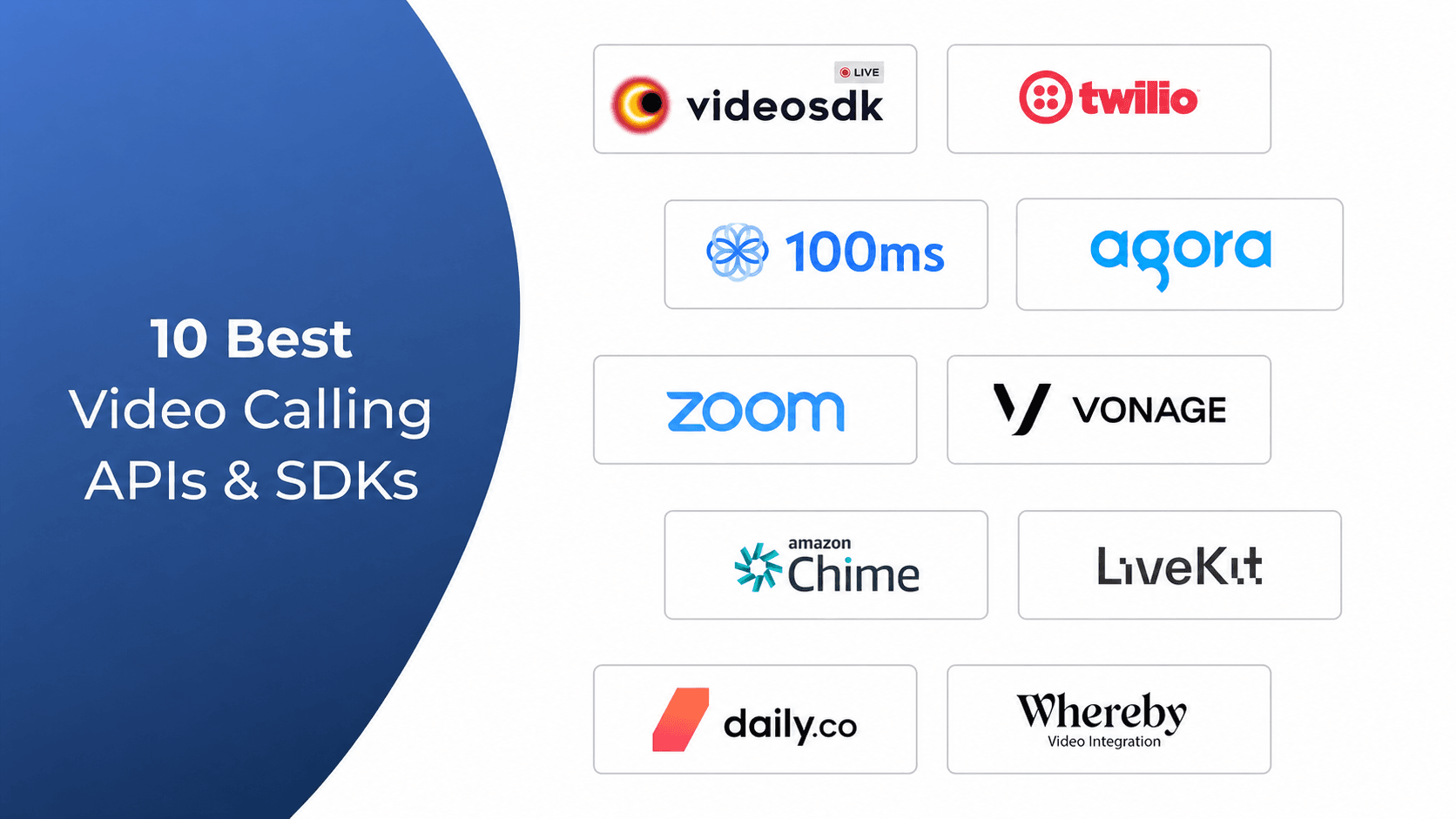


The best video calling APIs in 2026 are VideoSDK, Agora, and Daily.co, followed by Twilio Video, LiveKit, Zoom Video SDK, Vonage, 100ms, Amazon Chime SDK, and Whereby Embedded. VideoSDK ranks first for SDK coverage across 10+ platforms, a Prebuilt UI Kit, and transparent per-minute pricing. Choose based on latency targets, participant limits, compliance needs, and total cost at your projected scale.
Building video calling on raw WebRTC means months of work on signalling servers, TURN relays, and codec negotiation before your first stable call. A video calling API compresses that into an afternoon: your backend requests a room, participants join through an SDK, and the vendor runs the media infrastructure.
The hard part is picking the right provider. This guide compares the 10 best video calling APIs of 2026 on pricing, SDK coverage, latency, and compliance. You get a side-by-side comparison table, a decision framework, and a testing checklist you can run against any shortlist this week.
What Is a Video Calling API?
A video calling API lets developers embed real-time video and audio into an application without building or operating WebRTC infrastructure themselves.
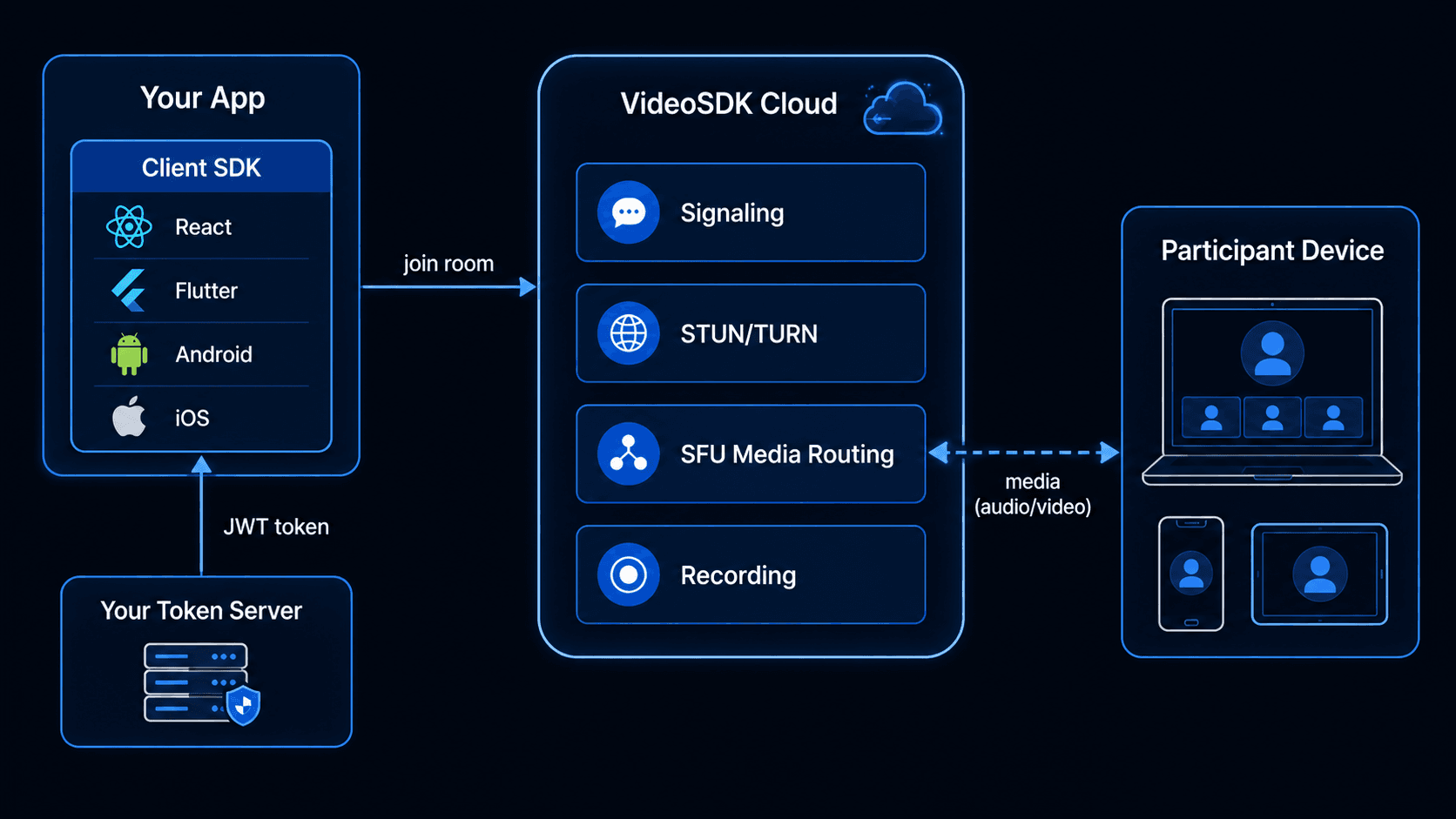
A video calling API is defined as a programmatic interface that adds two-way, real-time video and audio communication to web, mobile, and desktop applications through vendor-hosted infrastructure and client SDKs. A video calling API works by exposing REST endpoints and SDK methods for creating rooms, authenticating participants, routing media streams, and controlling recording, while the provider operates the signalling servers, STUN and TURN relays, and Selective Forwarding Unit (SFU) clusters that carry the media.
VideoSDK, for example, provides video calling APIs and SDKs for more than 10 platforms, including React, React Native, Flutter, Android, iOS, JavaScript, Unity, and IoT devices, plus a prebuilt UI kit that embeds a complete call interface with a single component. That breadth is why this category has replaced hand-rolled WebRTC stacks for most product teams.
The distinction matters when you evaluate vendors. Daily.co's engineering glossary makes the point that media engineers usually mean low-level libraries like libwebrtc when they say "video API," while application developers mean full-stack managed platforms. Every platform in this list is the second kind: managed infrastructure with SDKs on top, defined in the W3C WebRTC specification's terms but operated for you.
The market reflects that shift. According to Grand View Research, the global video conferencing market was estimated at USD 14.4 billion in 2026 and is projected to reach USD 24.6 billion by 2033, an 7.9% CAGR.
What Should You Look for in a Video Calling API?
Six criteria separate production-ready video calling APIs from demo-ware: latency, participant scale, SDK coverage, recording and compliance, pricing transparency, and support.
Latency and architecture. Interactive use cases like telehealth, tutoring, and sales calls need sub-500ms mouth-to-ear delay. Confirm the provider routes media through WebRTC SFUs rather than HTTP-based delivery, and test from the regions your users actually occupy. VideoSDK's rooms architecture targets sub-300ms latency over WebRTC.
Participant limits and room models. Some APIs cap active publishers at 25 participants; others scale past 1,000 with role-based publishing. Document your peak concurrent users per room before comparing vendors, because this number disqualifies platforms faster than price does.
SDK breadth. If your product ships on iOS, Android, React Native, Flutter, and web at once, a unified SDK surface cuts your integration and maintenance load dramatically. Stitching two vendors together to cover one missing platform is where timelines go to die.
Recording and compliance. Regulated industries need server-side recording, encrypted storage, and HIPAA Business Associate Agreements. Check whether recording is a first-class API or a bolt-on with separate billing.
Pricing transparency. Per-participant-minute billing is standard, but resolution tiers, composition charges, RTMP output, and storage fees inflate bills beyond the headline rate. Model total monthly cost at projected scale, not demo-day usage.
Support and documentation. Production incidents during live sessions need responsive support. Evaluate docs quality, sample apps, and SLA tiers before you need them. In practice, teams that evaluate on headline price alone and skip throttled-network testing report rework cycles of three to six weeks when production conditions expose SDK gaps.
The 10 Best Video Calling APIs in 2026
How we evaluated: each platform was scored on SDK breadth, published pricing, feature depth (recording, transcription, streaming), production reliability signals, and developer experience. All prices below are published pay-as-you-go rates as of August 2026 and should be re-verified before budgeting.
1. VideoSDK
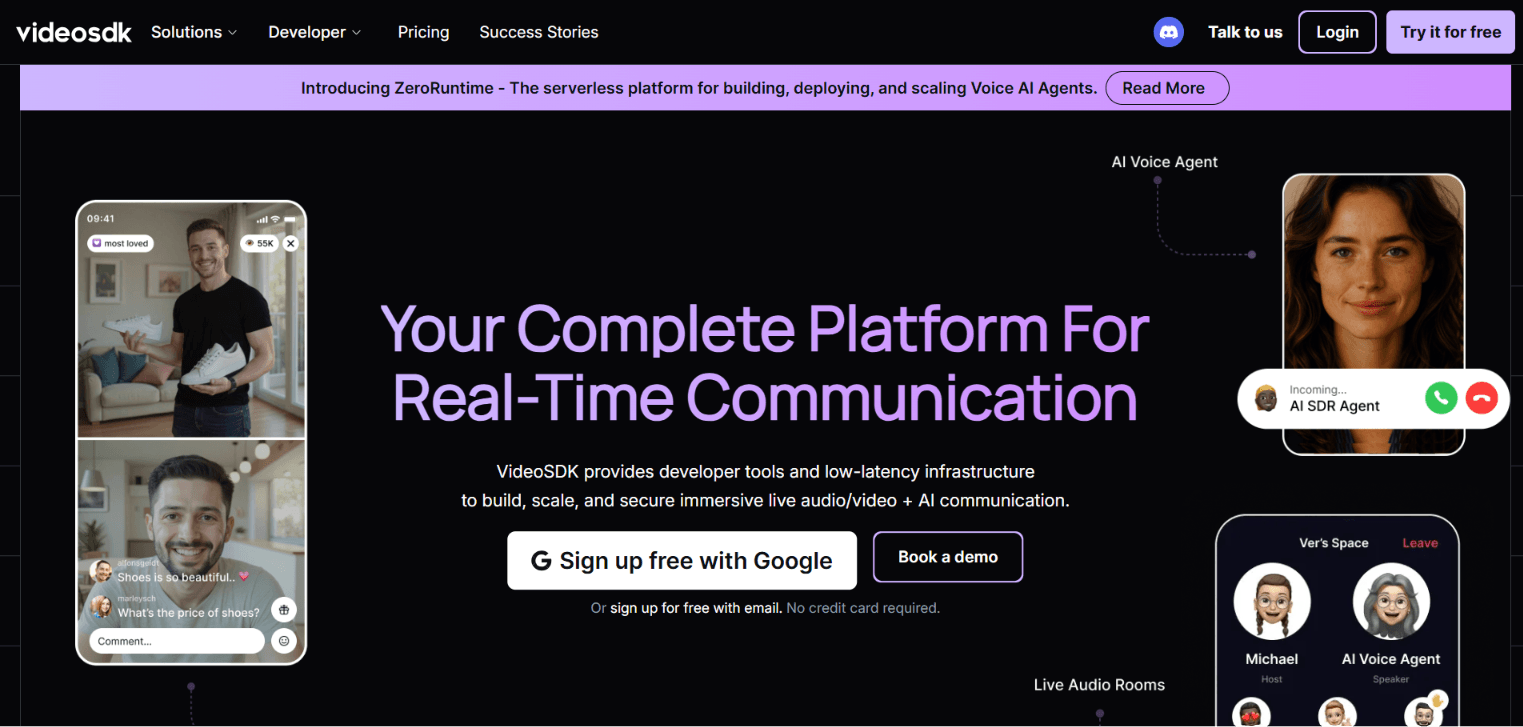
VideoSDK is a real-time infrastructure platform with video calling SDKs on more platforms than any other provider on this list. It uses a rooms-based architecture: participants join a room over WebRTC, and the SDK exposes their streams through hooks and methods like useMeeting and useParticipant.
Why it ranks first: SDKs for React, JavaScript, React Native, Android, iOS, Flutter, Unity, C++, IoT, and Python cover practically any product roadmap, and the Prebuilt UI Kit ships a working call interface with near-zero custom UI code. Recording, real-time transcription, network-adaptive streaming, noise suppression, chat, polls, and whiteboard are included in the SDK rather than sold as separate add-ons. The same SDK surface also handles interactive live streaming through changeMode(), so a calling app can add sub-second streaming without a second vendor.
Integration starts from the React SDK quickstart, which walks from install to a live room in a few minutes. Authentication uses a meeting token generated server-side with your API key and secret; most abandoned integrations trace back to skipping that step, so budget ten minutes for a small token endpoint before touching the frontend.
Pricing: video at $0.004 per participant-minute, audio-only at $0.001, cloud recording at $0.015, RTMP output at $0.03, with $20 free to start.
Best for: teams shipping on multiple platforms at once, products that need calling plus interactive live streaming, and developers who want a prebuilt UI option alongside full custom control.
Honest trade-off: feature rollout isn't perfectly synchronized across all 10+ SDKs; newer capabilities typically land on React, JavaScript, and Flutter before Unity, C++, and IoT, so check the feature matrix in the docs for your platform before committing.
Schedule a Demo with Our Live Video Expert!
Discover how VideoSDK can help you build a cutting-edge real-time video app.
2. Agora
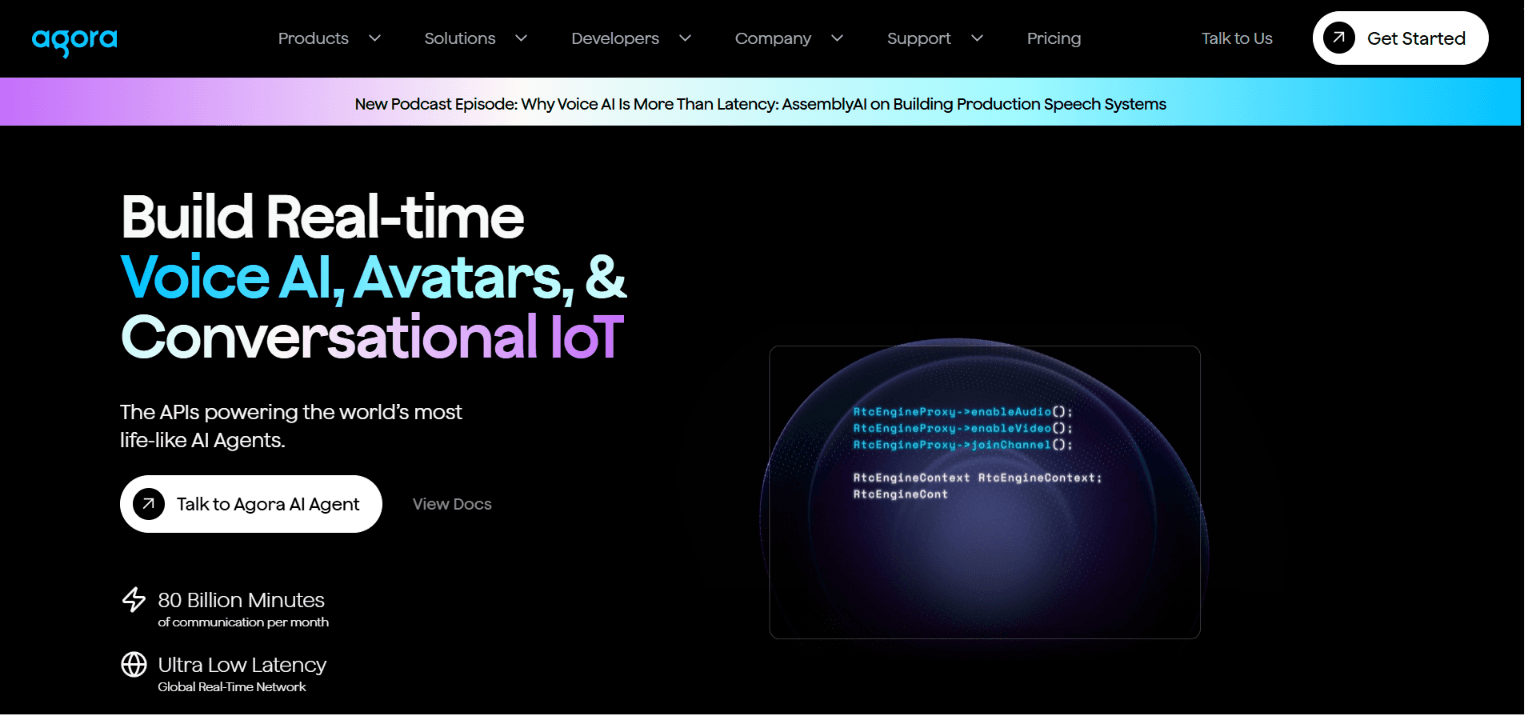
Agora runs its own Software-Defined Real-Time Network (SD-RTN) and is the scale benchmark for real-time media, carrying billions of minutes monthly across 200+ regions.
Why it is on the list: ultra-low latency at a very large scale, strong mobile SDKs, and a deep extension ecosystem (noise suppression, whiteboard, real-time speech-to-text).
Pricing: tiered by resolution, around $0.99 per 1,000 audio participant-minutes, $3.99 per 1,000 HD video minutes, and $8.99 per 1,000 Full HD minutes, with add-ons billed separately.
Best for: massive live events and social apps where concurrent scale is the dominant requirement.
Compared with VideoSDK: Agora wins on broadcast scale; VideoSDK wins on SDK breadth, bundled features, and pricing simplicity. See the full Agora alternatives breakdown.
3. Twilio Video
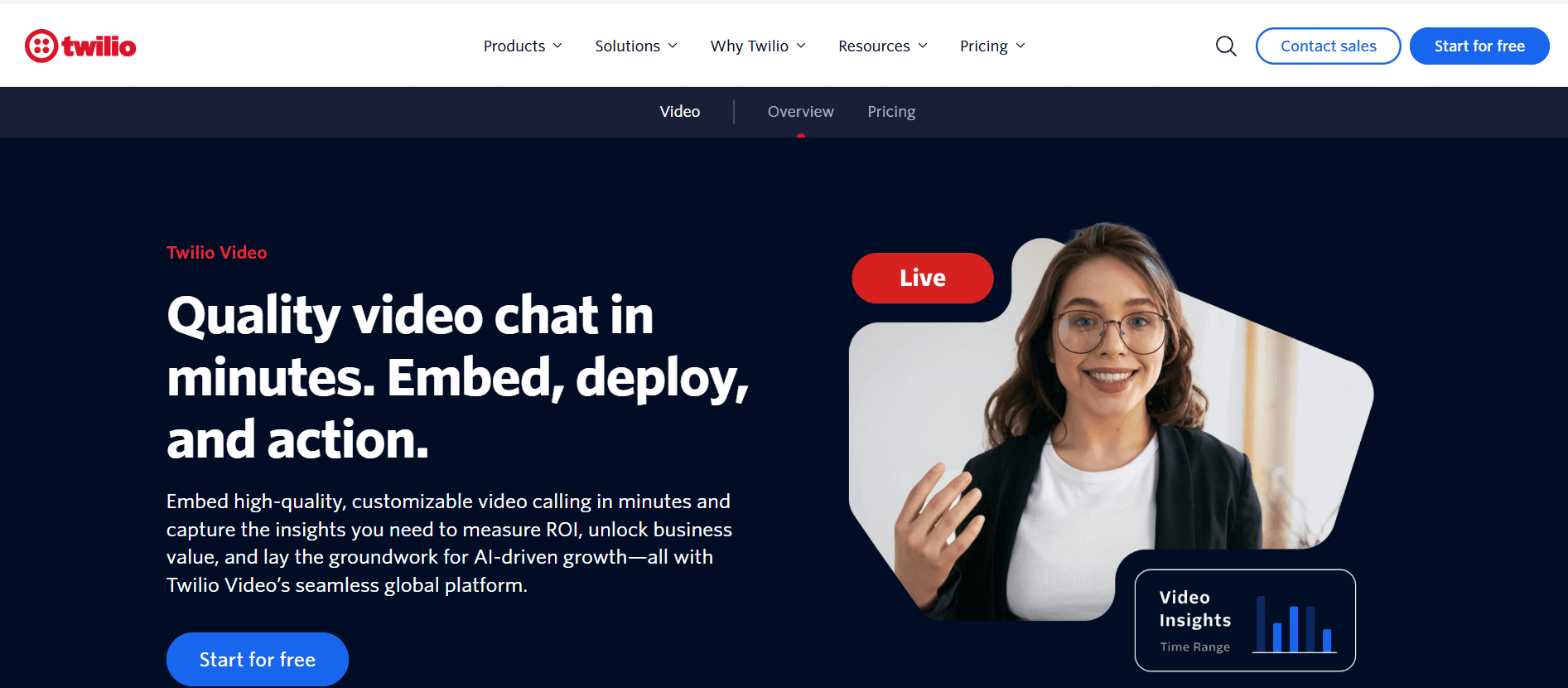
Twilio Video is the video product inside Twilio's larger communications platform, best known for SMS and voice APIs. Twilio announced an end-of-life for the product in 2023, then reversed the decision; its changelog now states Video "will remain a standalone product." That history is worth weighing when you bet a roadmap on it.
Why it is on the list: reliable rooms API, fine-grained track control, and natural fit for products already using Twilio for messaging or telephony.
Pricing: group rooms from roughly $4 per 1,000 participant-minutes, with recording ($0.004/min), composition ($0.01/min), and storage billed separately.
Best for: teams already invested in the Twilio ecosystem that want one vendor and one bill.
Compared with VideoSDK: Twilio offers no prebuilt UI and video sits alongside many competing product priorities; VideoSDK is video-first with a UI kit included. See Twilio Video alternatives.
4. Daily.co
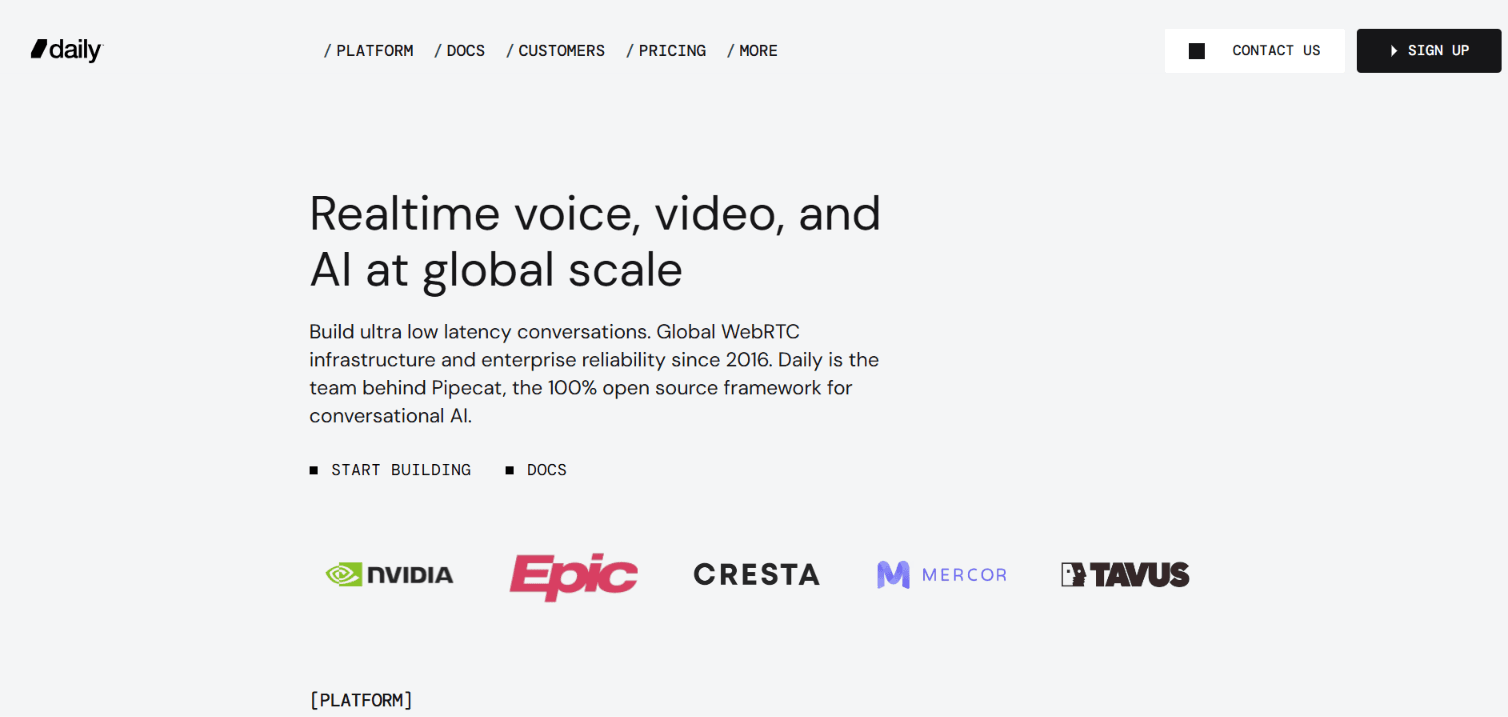
Daily.co is built around integration speed: prebuilt call UI, a clean REST API, and one of the friendliest onboarding paths in the category.
Why it is on the list: developers routinely go from signup to a working web call in under an hour, and the free tier of 10,000 participant-minutes per month is generous for prototyping.
Pricing: pay-as-you-go from roughly $0.004 per participant-minute after the free tier, with paid support plans sold separately.
Best for: web-first products that want the fastest possible embed with sensible defaults.
Compared with VideoSDK: Daily's recent focus has shifted heavily toward AI voice (its team maintains the open-source Pipecat framework), while its mobile SDK surface is narrower than VideoSDK's ten-platform coverage.
5. LiveKit
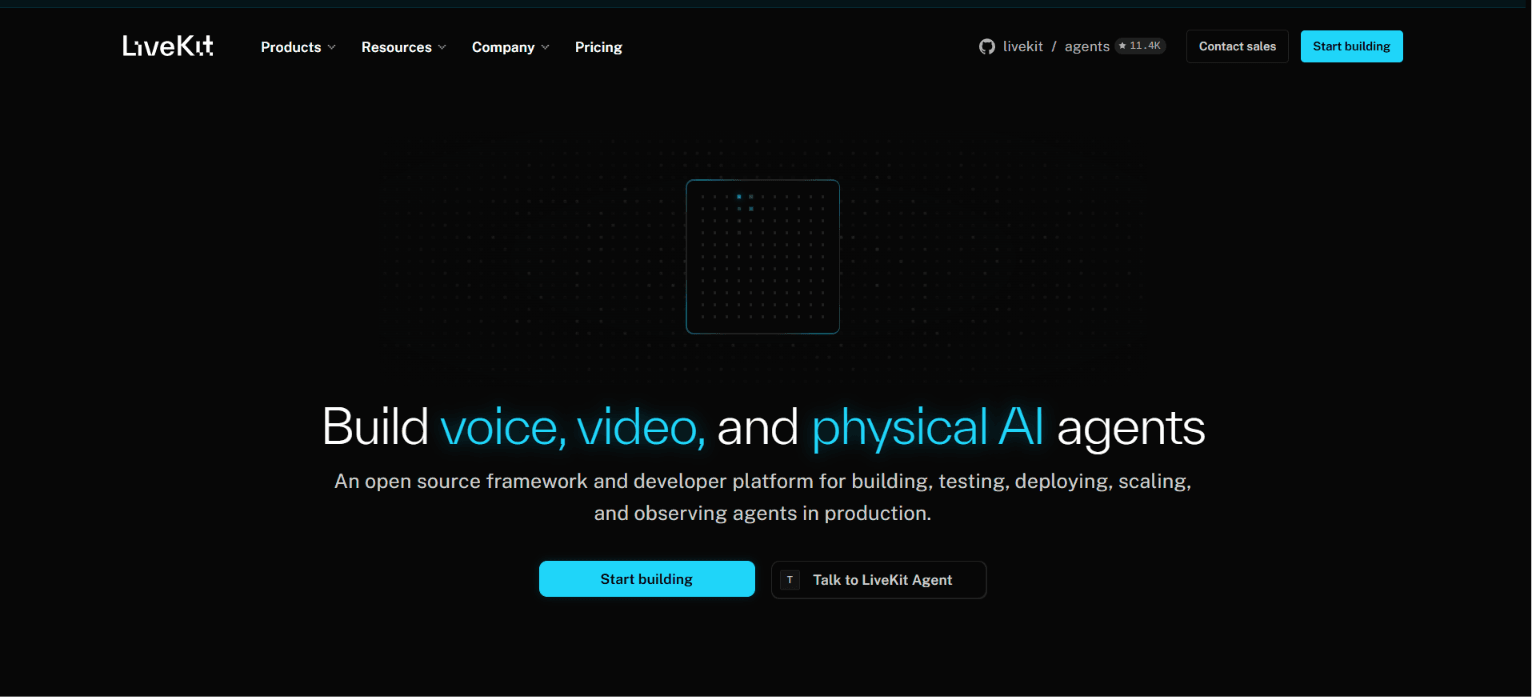
LiveKit is the leading open-source option: an Apache-2.0 licensed WebRTC SFU you can self-host, plus a managed LiveKit Cloud if you would rather not run servers. The LiveKit GitHub repository is among the most active in the RTC space.
Why it is on the list: full infrastructure control, no vendor lock-in for self-hosters, and strong momentum in AI agent use cases.
Pricing: self-hosting is free minus your infrastructure and ops cost; LiveKit Cloud bills on usage with a free starter tier.
Best for: teams with infrastructure expertise that need data residency control or want to avoid per-minute vendor billing at scale.
Compared with VideoSDK: LiveKit trades managed convenience for control. Expect to own TURN configuration, scaling, and upgrades yourself when self-hosting; VideoSDK ships those as managed defaults.
6. Zoom Video SDK
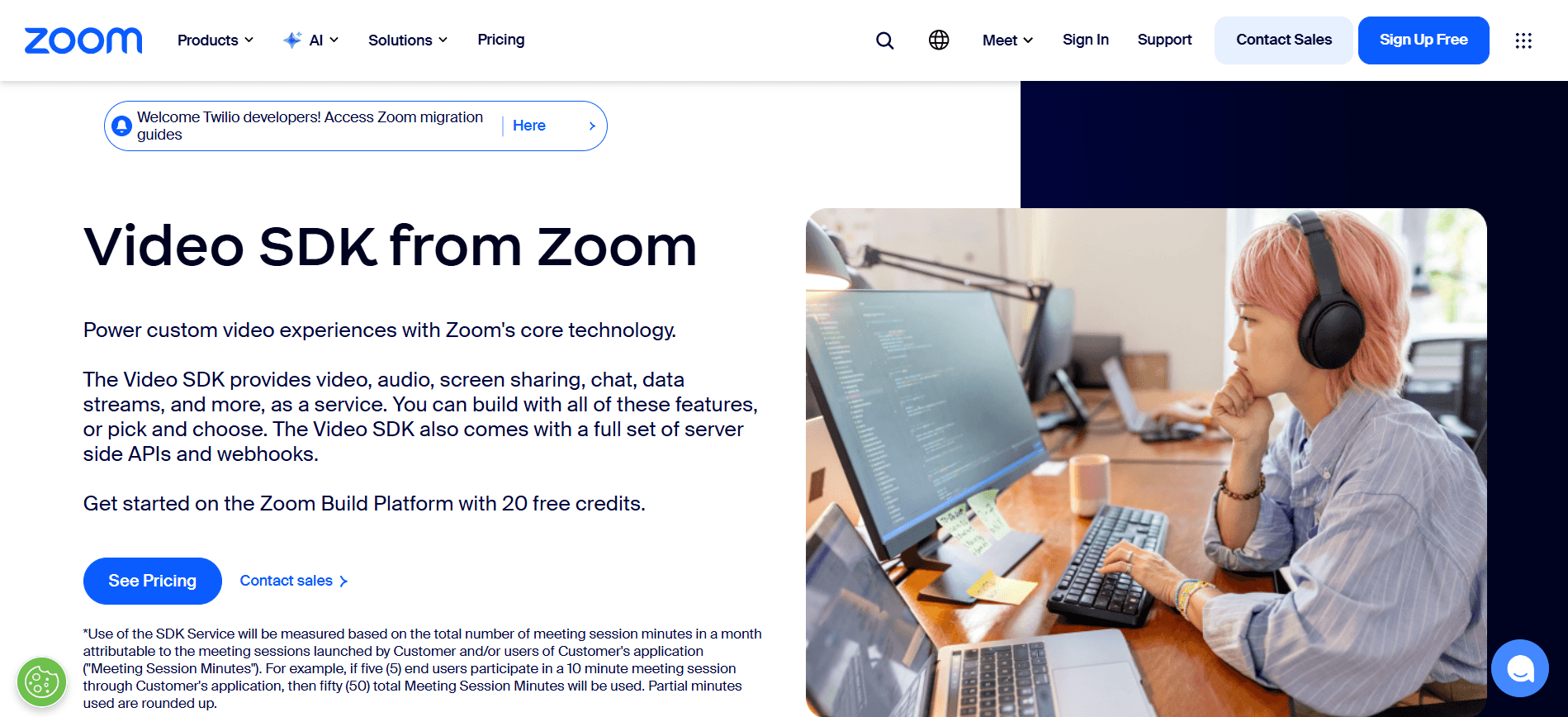
Zoom Video SDK gives you Zoom's media infrastructure without Zoom's interface, supporting sessions up to 1,000 participants with raw stream access for custom experiences.
Why it is on the list: proven reliability at scale and instant credibility with stakeholders who already trust the Zoom brand.
Pricing: sold as the Zoom Build Platform credit subscription ($100/month for 100 credits, ~$0.0035 effective per participant-minute), with a 20-credit free monthly allowance and no true pay-as-you-go tier.
Best for: large-session products and teams whose buyers ask "is it as reliable as Zoom?"
Compared with VideoSDK: the Video SDK is fully headless, so you build every pixel of UI; VideoSDK offers both headless SDKs and a prebuilt kit. See Zoom Video SDK alternatives.
7. Vonage Video API
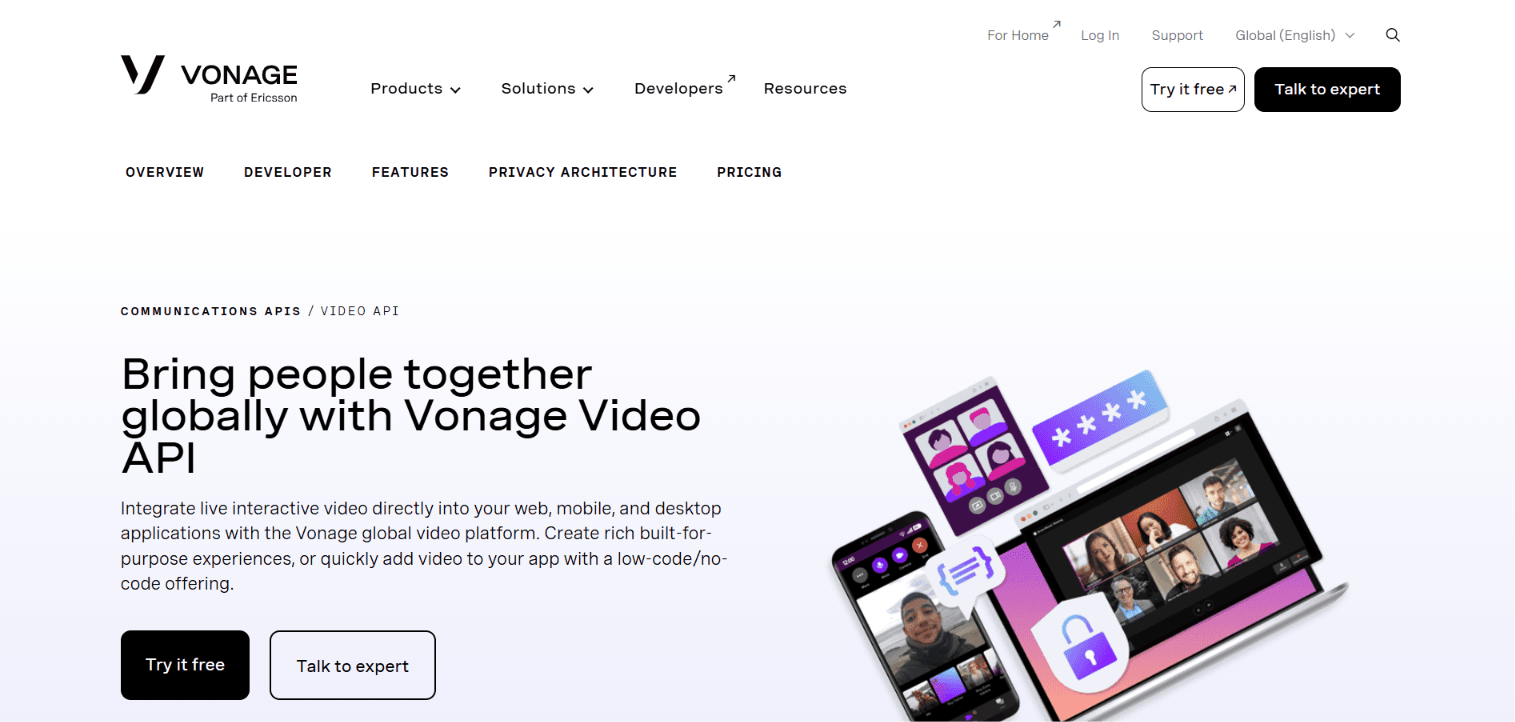
Vonage Video (formerly OpenTok/TokBox, now owned by Ericsson) is the enterprise veteran, with SIP interconnect, broadcast output to HLS and RTMP, and support for very large interactive sessions.
Why it is on the list: enterprise-grade compliance options and telecom integration depth few rivals match.
Pricing: usage-based at $0.0041 per participant-minute with a 100,000-minute free trial for new accounts; recording from $0.013 per archive-minute, HLS from $0.00155 per viewer-minute, and enterprise add-ons (HIPAA, regional media zones, E2E encryption) sold as monthly subscriptions from $550.
Best for: enterprises that need video to interoperate with existing telecom infrastructure.
Compared with VideoSDK: Vonage carries legacy architecture from years of acquisitions, which developers feel in integration complexity; VideoSDK's newer SDK surface is leaner. See Vonage alternatives.
8. 100ms
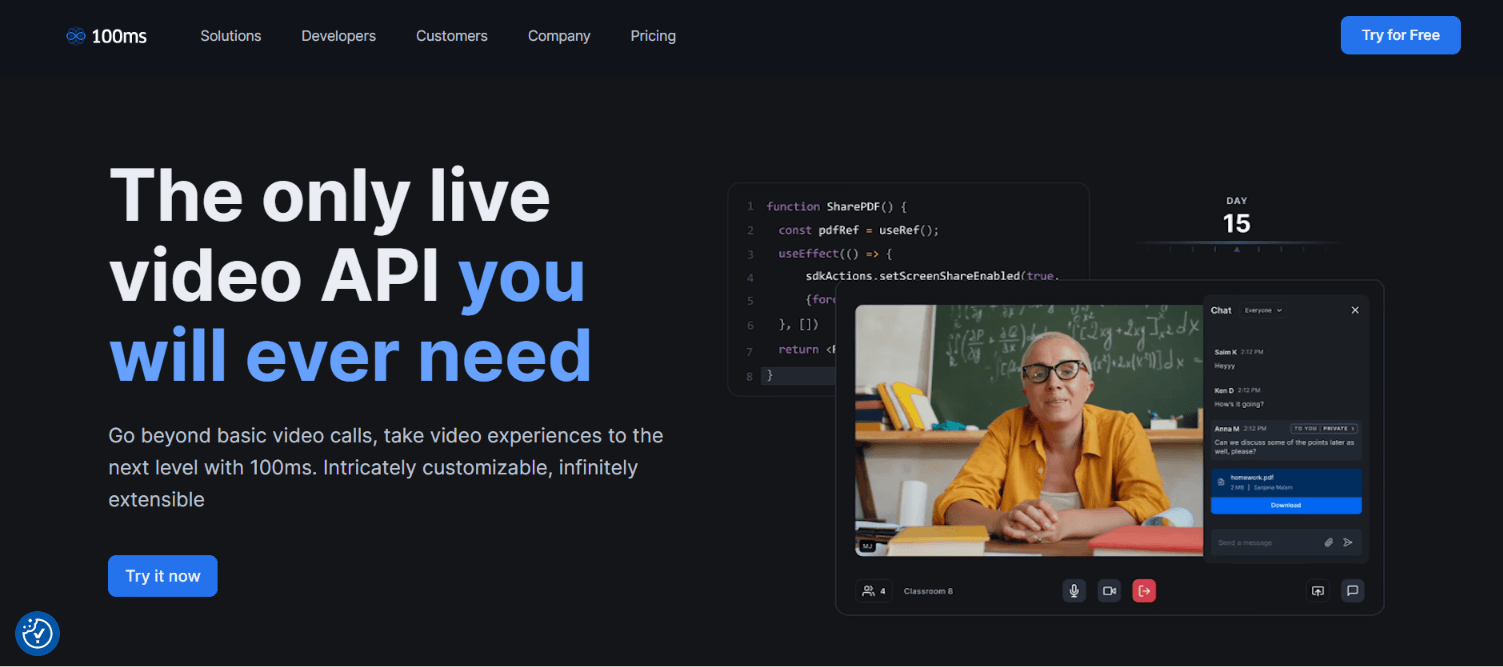
100ms takes a template-driven approach: you configure roles and layouts in a dashboard, then the SDK renders them, which shortens time-to-first-call for standard layouts.
Why it is on the list: polished dashboards, solid mobile SDKs, and built-in live streaming and recording aimed at social and creator apps.
Pricing: 10,000 free monthly minutes, then conferencing from roughly $0.004 per participant-minute.
Best for: mobile-first social, audio room, and creator products that fit its template model.
Compared with VideoSDK: the template approach speeds up standard layouts but constrains unusual ones; VideoSDK's custom tracks and layout APIs leave more room for nonstandard UIs.
9. Amazon Chime SDK
Amazon Chime SDK is AWS's building-block approach to real-time media, priced per attendee-minute and wired into the AWS ecosystem (Kinesis, Transcribe, EventBridge).
Why it is on the list: if your stack, billing, and compliance posture already live in AWS, Chime SDK keeps media there too.
Pricing: pay-per-use from roughly $0.0017 per attendee-minute with no monthly commitment.
Best for: AWS-committed engineering organizations comfortable assembling primitives.
Compared with VideoSDK: Chime SDK offers no prebuilt UI and its documentation follows AWS's service-reference style, so expect more assembly than any other option here. See Amazon Chime SDK alternatives.
10. Whereby Embedded
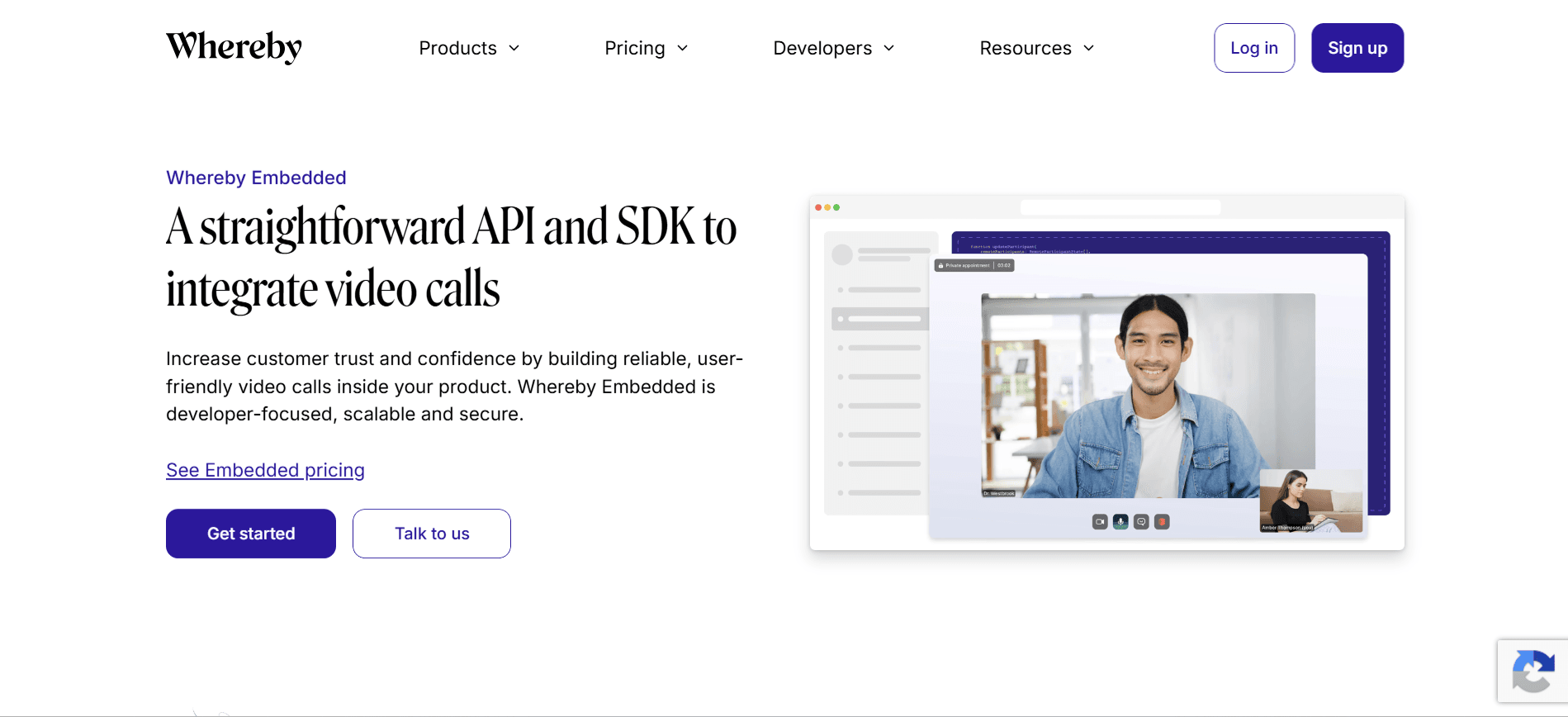
Whereby Embedded is the fastest no-code path on this list: drop an iframe into your page and you have a branded, GDPR-compliant call running from European infrastructure.
Why it is on the list: genuine minutes-to-live embedding, EU hosting, and HIPAA-capable plans that make it a recurring telehealth pick.
Pricing: from $9.99 per month, including 2,000 participant minutes, with overage around $0.004 per minute and recording billed per minute.
Best for: small telehealth and e-learning teams that value speed and privacy posture over deep customization.
Compared with VideoSDK: Whereby's customization ceiling arrives quickly (limited UI control, participant caps); VideoSDK's Prebuilt UI Kit offers a similar zero-code start with a full SDK underneath when you outgrow it.
Video Calling API Comparison Table
| Platform | Starting video price | Free tier | SDK coverage | Best for |
|---|---|---|---|---|
| VideoSDK | $0.004/participant-min | $20 signup credit | 10+ platforms incl. Unity, IoT | Multi-platform apps + live streaming |
| Agora | ~$3.99/1,000 HD min | 10,000 min/mo | Web, mobile, desktop, game engines | Massive-scale live events |
| Twilio Video | ~$4/1,000 min | Trial credit | Web, iOS, Android | Existing Twilio customers |
| Daily.co | ~$0.004/participant-min | 10,000 min/mo | Web-first, mobile | Fastest web embeds |
| LiveKit | Free (self-host) / Cloud usage | Cloud starter tier | Web, mobile, server SDKs | Open-source control |
| Zoom Video SDK | ~$0.0035/participant-min | $20 credits/mo | Web, mobile, desktop | Large sessions, brand trust |
| Vonage Video | ~$0.0041/participant-min | 100,000 min trial | Web, mobile | Enterprise + SIP interconnect |
| 100ms | ~$0.004/participant-min | 10,000 min/mo | Web, mobile | Template-driven social apps |
| Amazon Chime SDK | ~$0.0017/attendee-min | Pay-per-use | Web, mobile (JS-centric) | AWS-native teams |
| Whereby Embedded | $9.99/mo + overage | 2,000 min on plan | iframe + web SDK | No-code telehealth embeds |
The most important row to read carefully is your own participant model: a $0.0017 attendee-minute on Chime can still cost more than $0.004 on VideoSDK once you add recording, egress, and the engineering time its missing UI layer demands. Headline rates only become comparable after you model recording, streaming output, and storage for one month of your real traffic.
Which Video Calling API Should You Pick?
- Shipping on several platforms at once, or needing to call plus interactive live streaming: VideoSDK
- Broadcasting to hundreds of thousands of concurrent viewers: Agora
- Already running SMS and voice on Twilio: Twilio Video
- Want a working web call embedded before lunch: Daily.co or VideoSDK Prebuilt UI Kit
- Must self-host for data residency or cost control at huge scale: LiveKit
- Buyers demand the Zoom brand or 1,000-person sessions: Zoom Video SDK
- Enterprise telecom interop with SIP: Vonage
- Mobile-first social or audio rooms on standard layouts: 100ms
- Everything else in your company already runs on AWS: Amazon Chime SDK
- Small telehealth team, no frontend engineers: Whereby Embedded
How Do You Test a Video Calling API Before Production?
Test a video calling API by proving it survives bad networks, not by confirming it works on office Wi-Fi. Localhost demos hide exactly the failures that kill production launches.
Run this checklist against your top two candidates before signing anything:
- Implement the core loop on every target platform. Join, leave, mute, screen share, and record on real devices, not just simulators.
- Throttle to 3G and inject 20–30% packet loss. Measure time-to-first-frame, audio continuity, and whether adaptive bitrate actually kicks in.
- Kill the network mid-call. The SDK should reconnect automatically and fire events your UI can react to. Silent hangs here become your worst support tickets.
- Test behind a corporate firewall. This exercises TURN relay fallback, the classic "works at home, fails at the client's office" failure. Production also requires HTTPS everywhere for camera and mic permissions.
- Model one real month of cost. Multiply projected participant-minutes by rates for calling, recording, streaming output, and storage, then compare vendors on that number instead of headline rates.
- Load test at twice projected peak concurrent sessions and confirm compliance paperwork (BAA, DPA) exists for your industry.
Teams that run this checklist typically disqualify at least one shortlisted vendor, which is far cheaper than discovering the gap after integration.
Migrating between video calling API providers
Three VideoSDK customers have published what moved them, and all three cite integration speed or support rather than price.
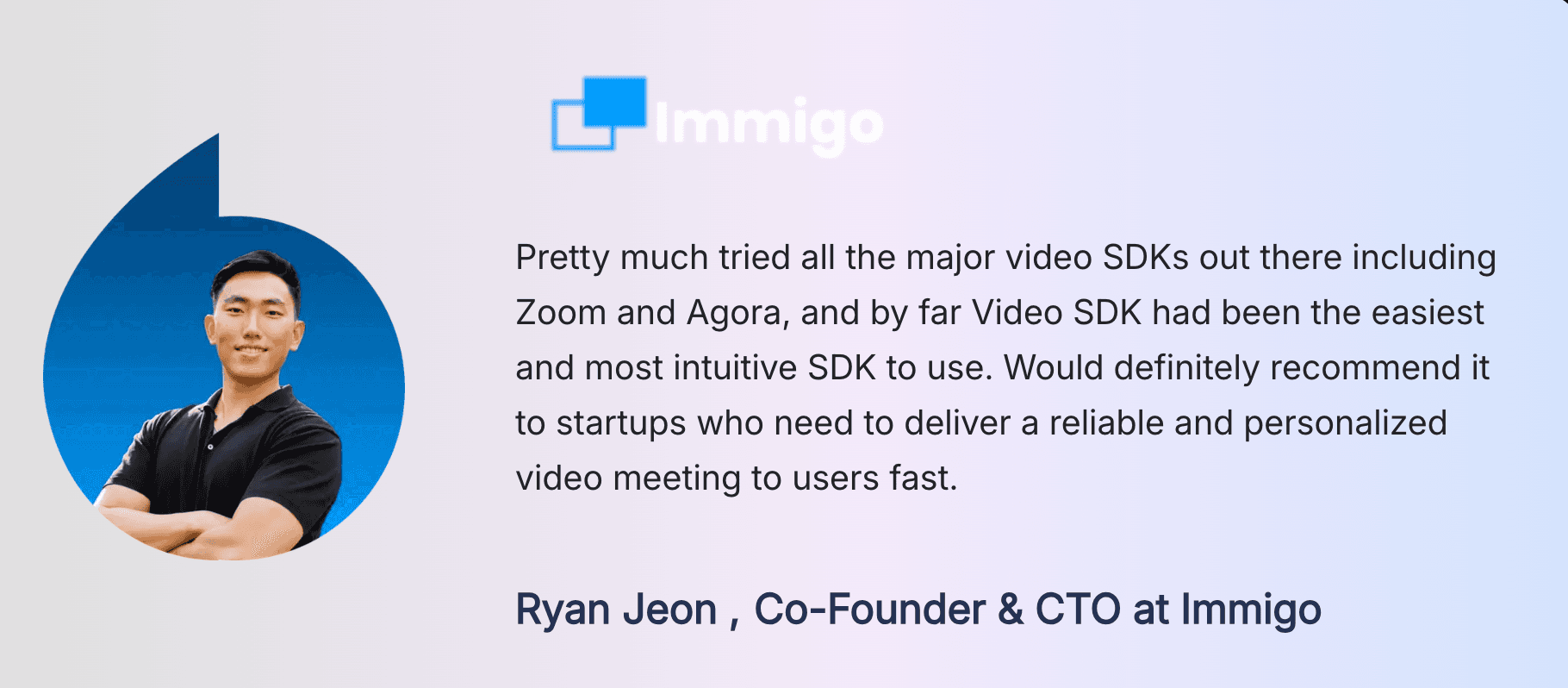
Immigo, a US-based English learning platform, evaluated the field before choosing. Immigo went live in under a week and now runs sessions across more than 120 countries
If you are weighing the same two providers, the trade-offs are set out in Zoom Video SDK alternatives and Agora alternatives.
Talk Your Heart Out, a Singapore-based therapy platform, moved from Twilio to VideoSDK.

For the wider field, see Twilio Video alternatives.
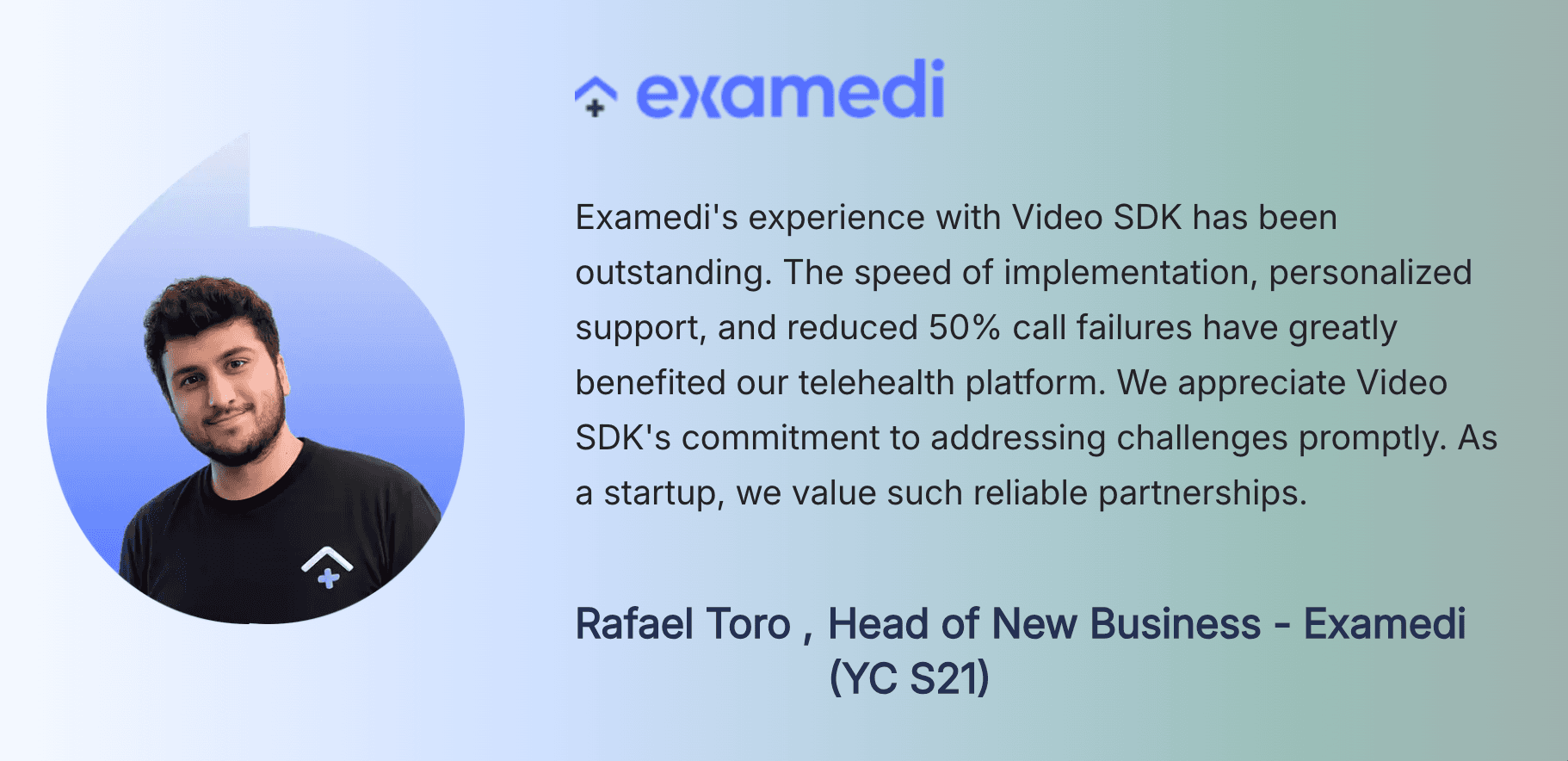
Examedi, a Y Combinator S21 healthcare-at-home marketplace in Latin America, moved its telehealth video after call failures on a previous provider. The Examedi case study reports a 50 percent reduction in call failures, a 4.8 out of 5 user experience rating, and more than 100,000 patients served.
Read all three as what they are: vendor-published testimonials on the vendor's own site, not independent benchmarks. The useful signal is the pattern. When HD rates sit within a hundredth of a cent of each other, teams move for support responsiveness and integration time, which is exactly what these three cite. Ask any vendor you shortlist for a reference customer in your own vertical.
Glossary
Room: a VideoSDK meeting space that participants join to exchange media streams, identified by a unique room ID created through the REST API.
SFU (Selective Forwarding Unit): a media server that receives each participant's stream once and forwards it to everyone else, which is how modern video calling APIs scale beyond peer-to-peer limits.
Meeting Token: a JWT that authenticates a participant's access to a VideoSDK room, always generated server-side from your API key and secret.
Prebuilt UI Kit: VideoSDK's drop-in call interface that embeds a complete video calling experience with a single component and no custom UI code.
Participant-minute: the standard billing unit for video calling APIs; one participant connected for one minute. A 4-person, 30-minute call is 120 participant-minutes.
Network-Adaptive Streaming: automatic bitrate and resolution adjustment based on real-time bandwidth detection, which keeps calls alive on 3G instead of freezing them.
Key Takeaways
- A video calling API replaces months of WebRTC infrastructure work with vendor-hosted media servers and client SDKs your app talks to directly.
- VideoSDK leads the 2026 field on SDK breadth (10+ platforms including Unity and IoT), a Prebuilt UI Kit, and bundled recording, transcription, and interactive live streaming.
- Headline per-minute rates mislead; recording, streaming output, storage, and support plans decide the real bill, so model one month of actual traffic before choosing.
- The right pick is conditional: Agora for broadcast scale, LiveKit for self-hosted control, Chime for AWS-native stacks, and VideoSDK for multi-platform products.
- Throttled-network and firewall testing before you commit catches the failures that office Wi-Fi demos hide.
Start Building with a Video Calling API
Every platform in this list can put two faces on a screen. They differ in what happens at scale, on bad networks, and on your invoice. Shortlist two, run the production testing checklist above, and let measured results pick your video calling API instead of a pricing page.
If multi-platform coverage and speed to first call matter most, start with the VideoSDK React quickstart or grab your keys with free credit at signup and have a working room today.
Frequently asked questions
What is the best video calling API?
The best video calling API depends on the constraint that binds you. VideoSDK leads on documented platform coverage, with 12 client SDKs including Unity and IoT. LiveKit is cheapest at $0.0005 per participant minute and is the only major option you can self-host alongside Jitsi. Amazon Chime SDK is cheapest among managed services at $0.0017.
How much does a video calling API cost?
Published HD rates cluster between $0.0035 and $0.0041 per participant minute as of September 2026. Amazon Chime SDK is lower at $0.0017 for any modality, and LiveKit is lower still at $0.0005. A 30-minute two-person HD call on VideoSDK costs $0.24 at $0.004 per participant minute.
Which video calling APIs can be self-hosted?
LiveKit and Jitsi are the two providers in this guide you can self-host, because both publish an open-source media server. Every other provider on the list is managed only. VideoSDK does not offer self-hosting, though private cloud and VPC deployment are available on its Enterprise plan.
What is the cheapest video calling API?
LiveKit publishes the lowest per-minute rate at $0.0005 per participant minute, and Amazon Chime SDK is the cheapest fully managed option at $0.0017 per attendee minute. Self-hosted Jitsi has no per-minute licence cost at all, but you pay for the servers, bandwidth, and the engineers who keep them running.
Do video calling APIs support HIPAA compliance?
Most do, at a price. Daily and 100ms both charge $500 per month for a HIPAA workspace with a signed BAA, LiveKit requires the $500 per month Scale plan, and Whereby charges $16.99 per month. VideoSDK prices HIPAA as a custom add-on. Twilio, Zoom, Vonage, Agora, and Amazon Chime SDK all sign a BAA on request.
What is the difference between a video calling API and WebRTC?
WebRTC is the browser and mobile standard for peer-to-peer media. A video calling API is a hosted service built on top of it that supplies the parts WebRTC leaves to you: a signaling server, TURN relays for restrictive networks, an SFU so calls scale past a handful of participants, recording, and streaming.
Is VideoSDK free to use?
VideoSDK gives every new account $20 in free credit at signup, which is roughly 5,000 HD participant minutes at $0.004. That credit is one time, not monthly. Agora, Daily, Zoom, and 100ms each give 10,000 free minutes every month instead, so for a long prototype their free tiers last longer.
Which video calling API is best for telehealth?
VideoSDK is the pick for telehealth in this guide, because HIPAA is a custom-priced add-on rather than a fixed $500 per month floor, and because two healthcare customers have published deployment results. Daily is the runner-up, with HIPAA and a BAA at $500 per month. Confirm the BAA covers recording and transcription before you send any PHI.